---
title: "How to create WhatsApp link to message customers in Singapore"
description: "Learn more on how to create a wa.link or short WhatsApp link for customers to start a conversation on WhatsApp and chat with your business in Singapore."
canonical: "https://sleekflow.io/en-sg/blog/whatsapp-link"
html_lang: "en-sg"
date_modified: "2026-04-13T06:28:08.452Z"
og_title: "WhatsApp Link for Your Business in Singapore"
og_description: "Learn more on how to create a wa.link or short WhatsApp link for customers to start a conversation on WhatsApp and chat with your business in Singapore."
og_image: "https://images.ctfassets.net/tu2uwzoyozk8/jv7U36Ukh9EPuG26vYfRg/37254a153c2feca5c6b003922293bf06/Website-Cover-SleekFlow.jpg?w=1200&q=90"
---
```json
{
"@context": "https://schema.org",
"@type": "BlogPosting",
"headline": "WhatsApp Link for Your Business in Singapore",
"description": "Learn more on how to create a wa.link or short WhatsApp link for customers to start a conversation on WhatsApp and chat with your business in Singapore.",
"url": "https://sleekflow.io/en-sg/blog/whatsapp-link",
"dateModified": "2026-04-13T06:28:08.452Z",
"image": "https://images.ctfassets.net/tu2uwzoyozk8/jv7U36Ukh9EPuG26vYfRg/37254a153c2feca5c6b003922293bf06/Website-Cover-SleekFlow.jpg?w=1200&q=90",
"breadcrumb": {
"@type": "BreadcrumbList",
"itemListElement": [
{
"@type": "ListItem",
"position": 1,
"name": "Home",
"item": "https://sleekflow.io/en-sg"
},
{
"@type": "ListItem",
"position": 2,
"name": "Blog",
"item": "https://sleekflow.io/en-sg/blog"
},
{
"@type": "ListItem",
"position": 3,
"name": "WhatsApp Link for Your Business in Singapore",
"item": "https://sleekflow.io/en-sg/blog/whatsapp-link"
}
]
}
}
```
# How to create WhatsApp link to message customers in Singapore
*Yu Huan — Assistant Content Manager*
## Summary
- WhatsApp Links (“Click-to-Chat”) let customers message your business instantly—no need to save phone numbers, reducing friction and boosting engagement.
- Businesses in Singapore (83.7% WhatsApp users) can use these links in websites, social media, or Google Business profiles to drive leads and conversions.
- Types include direct links, pre-filled message links, and broadcast-ready links for marketing campaigns.
- WhatsApp Links can also be shared as QR codes or CTAs to enhance accessibility.
- With SleekFlow, a Meta-verified BSP, you can scale further using automation, CRM integration, chatbots, broadcasts, and verified green tick branding.
With [4.56 million](https://blog.commissionfactory.com/affiliate-marketing/singapore-social-media-statistics#:~:text=In%20Singapore%2C%20the%20statistics%20tell,with%2098.7%20million%20total%20visits.) WhatsApp users in Singapore and 83.7% of their internet users active on this popular messaging app, businesses and governmental organisations are now all communicating with their audience on WhatsApp. Its convenience has led to a hypergrowth in usage and penetration rate in the country. It has offered Singaporeans the easiest and most convenient way to get in touch, and for businesses to communicate with customers for fostering long-lasting relationships.
However, when it comes to reaching out to new customers, many businesses still find it difficult to get customers to initiate a conversation on WhatsApp. It can be tedious and troublesome for these customers to save the business’s WhatsApp number in their contacts before sending out a message.
But fret not, there is a quick solution to this problem - a WhatsApp Link.
As long as you have an active WhatsApp account and a valid phone number, you can create a WhatsApp “click-to-chat” link and make it hassle-free for customers to start chatting with your brand. In this article, SleekFlow will explain what it is, why to use it, how to create one, and examples of the best results. Let’s look into it.
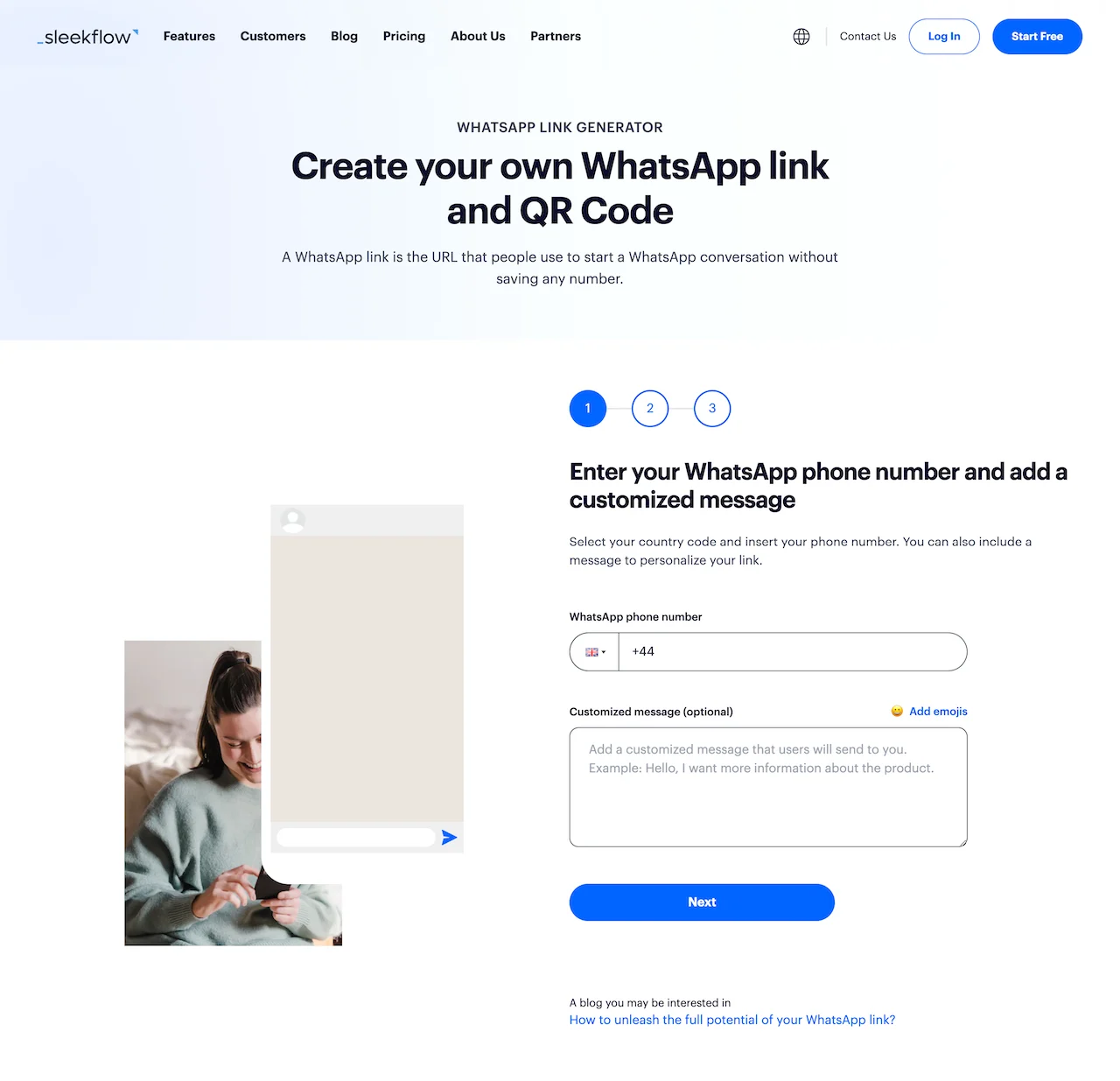
*Free tool: *[*WhatsApp link and QR code generator from SleekFlow*](/en-sg/whatsapp-link-generator)
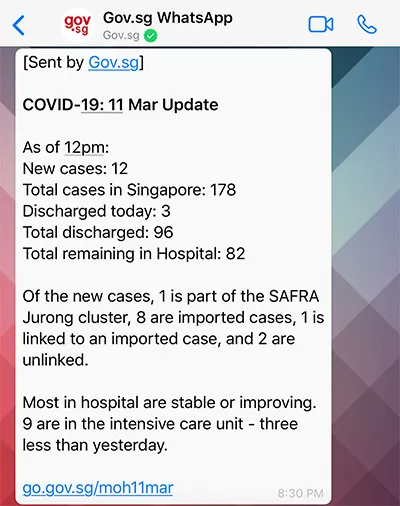
The *Singapore government using WhatsApp to send out important news to citizens.*
## What is a WhatsApp click-to-chat link?
**A WhatsApp link is a clickable URL that, when clicked, allows a user to directly start a WhatsApp conversation without saving the phone number**. These links can be shared via messages, email, social media, or other platforms, and they make it easy for users to connect with each other on WhatsApp without having to search for the person's contact information manually.
[How to create a link for your WhatsApp number](https://www.youtube.com/watch?v=Fit-FTSSiJY)
This WhatsApp “click to chat” link works on both mobile phones and websites, and you can embed these links in an image or across various platforms according to your own marketing needs.
## WhatsApp link formats
WhatsApp supports a few link formats, depending on whether you want to open a chat with a specific number or pre-fill a message.
### 1. Direct Link to your WhatsApp number
**Format**
- https://wa.me/
**Here's an example for what it'll look like in Singapore:**
- If your number is **+65 6123 4567**, your link is:
https://wa.me/6561234567
**Important formatting rules**
Use **international format** and remove **“+”**, spaces, brackets, dashes, and **leading 0s**.
**Format**
- https://wa.me/?text=
**Example**
- https://wa.me/6561234567?text=Hi%20I%27d%20like%20to%20know%20more%20about%20your%20WhatsApp%20Business%20API
### 2. Link with only a pre-filled message (no phone number)
This opens WhatsApp with a message ready to forward/share.
**Format**
- https://wa.me/?text=
*https://wa.me/?text=*
Assuming the phone number matches the example above, you can add the greeting message “Hello, I am interested in knowing more about your WhatsApp API service”.
Your link will be:
*https://wa.me/6564522442?text=Hello,+I+am+interested+in+knowing+more+about+your +WhatsApp+API+service*
## Benefits of using a WhatsApp Link for your business in Singapore
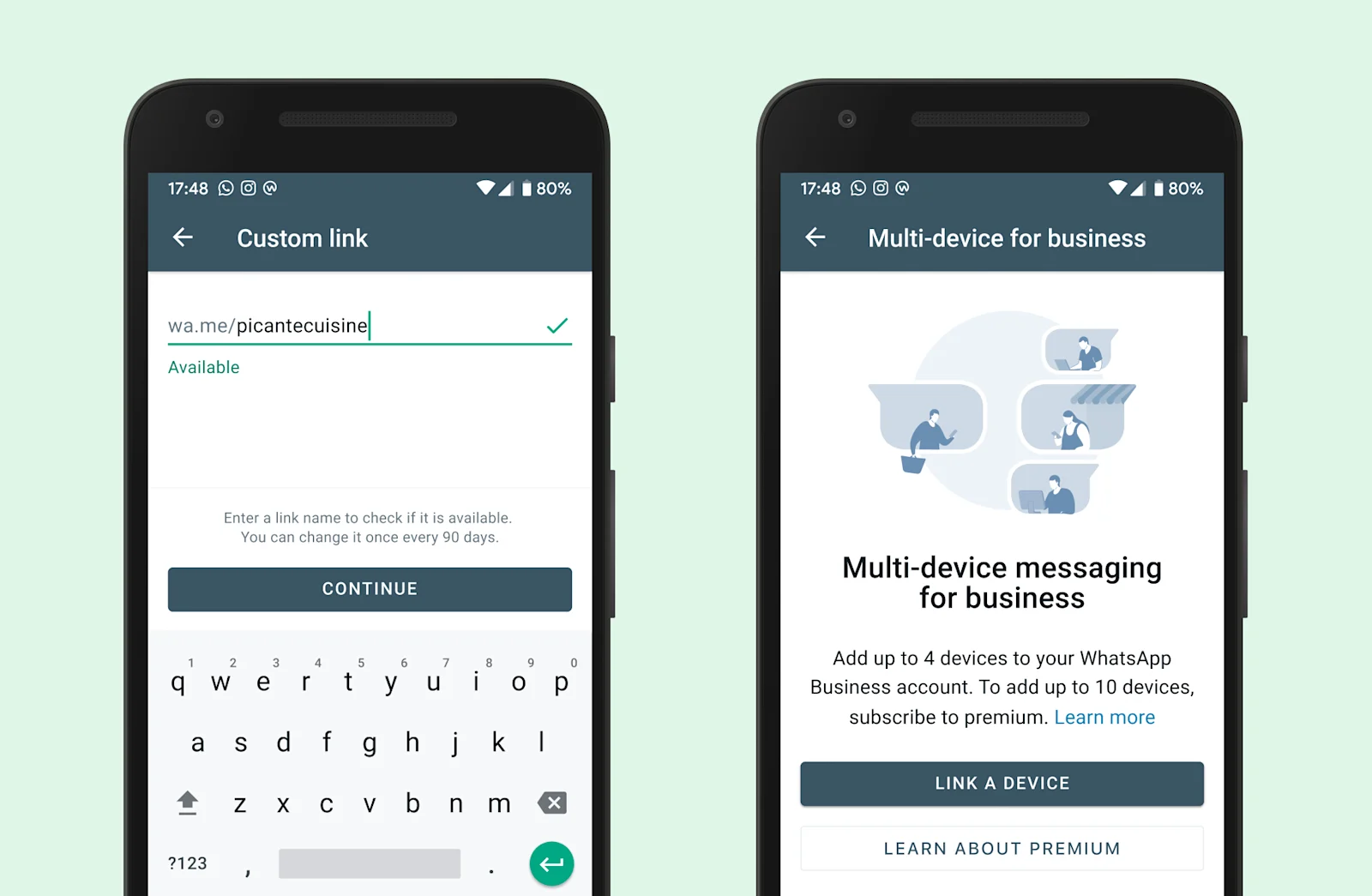
WhatsApp Link has the greatest advantage of allowing your customers to initiate a WhatsApp conversation with your brand. Since filling in a [lead form](https://wpforms.com/templates/) and writing an email is more troublesome and may lead to a longer cycle, WhatsApp Link to message enables your audience to send the first message to you within just one click, which can definitely [improve your lead creation and sales](https://www.continu.com/blog/sales-training-ideas), making it more accessible and conducive to building a loyal recurring customer base.
With prefilled messages set up for your WhatsApp Links, your customers don’t even have to type in the message to make an enquiry. Also, WhatsApp Links are extremely easy to distribute for marketing purposes. Other than link sharing, you can also generate a QR code or attach it to an image or even a GIF. They can appear anywhere from websites to banner ads, logos to emails, and even in your chatbot flow as the perfect CTA button.
*Need a WhatsApp Chatbot? Find out how to create one for your business in Singapore using *[*our blog guide*](/en-sg/blog/whatsapp-chatbot)*.*
## How to create a WhatsApp Link with a pre-filled message (URL encoding)
### **Option 1: Create a wa.me link manually (fastest)**
1. Start with: https://wa.me/
1. Add your SG number in international format (e.g., 65 + your number)
1. (Optional) Add ?text= with a URL-encoded message
If you’re not sure about encoding:
- Replace spaces with %20
- Replace line breaks with %0A
- Avoid emojis or special symbols unless properly encoded
### **Option 2: Create a short link in the WhatsApp Business app**
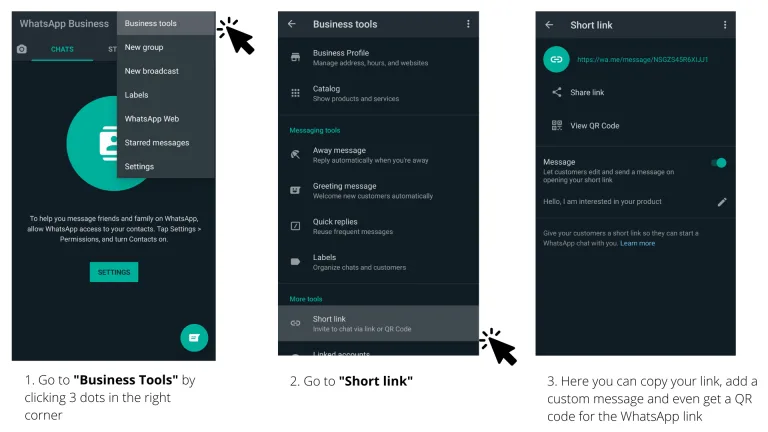
If you use the WhatsApp Business app, you can generate a short link and set a default message:
- **Settings → Business tools → Short link**
This typically produces a link format like:
- https://wa.me/message/
### **Option 3: Use SleekFlow’s WhatsApp link + QR code generator**
If your goal is speed + consistency (and you want both a link and QR code for campaigns/events), you can use [SleekFlow’s WhatsApp link generator](/en-sg/whatsapp-link-generator).
## How to share WhatsApp links
### **1. Websites**
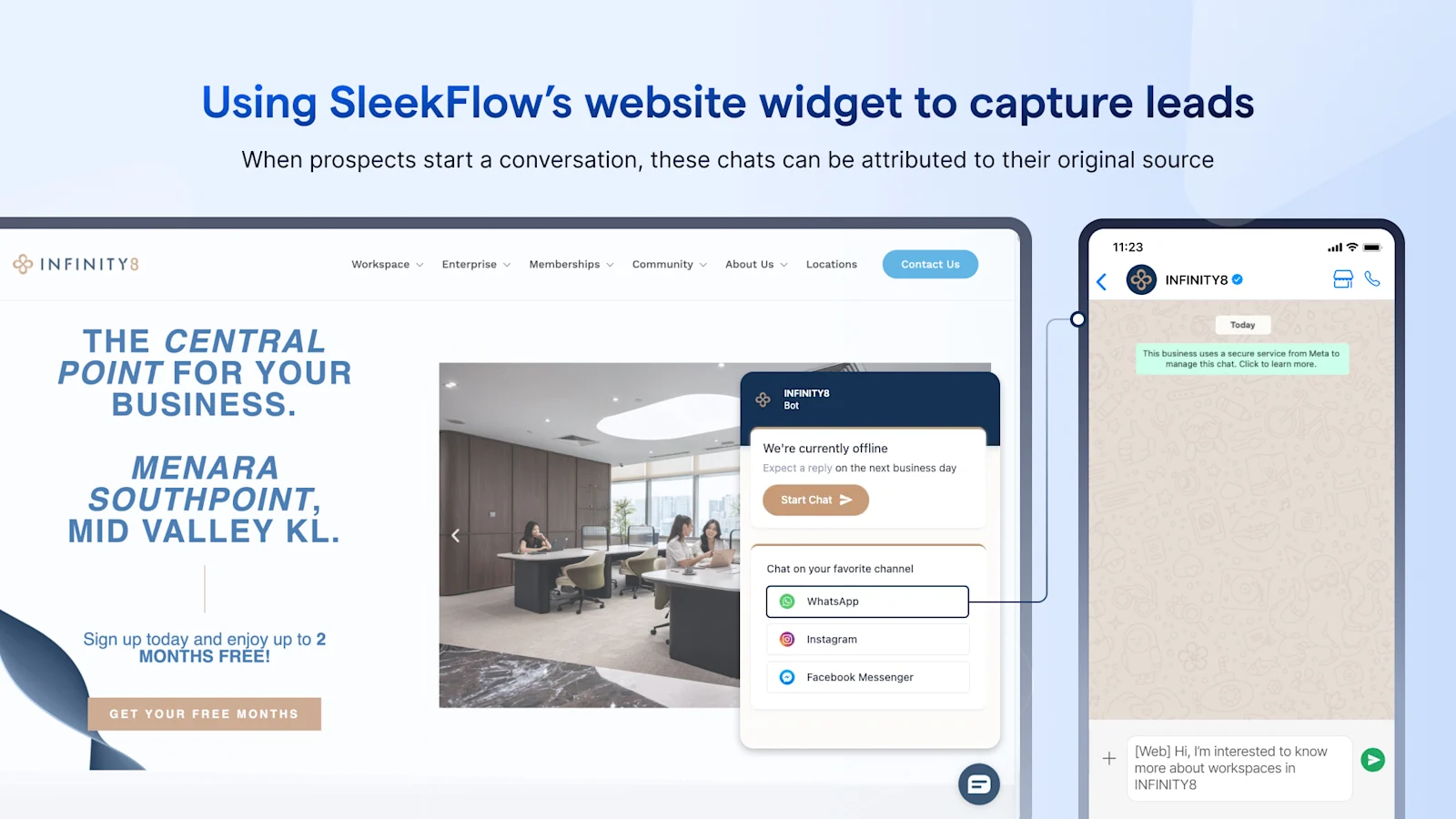
Best placements:
- Sticky “Chat on WhatsApp” button
- Product/service pages (“Ask about pricing”)
Checkout and order confirmation pages (“Need help?”)
- Contact page (replace long forms for simple enquiries)
Tip: Use **different pre-filled messages** per page so your team instantly knows what the customer is asking about (pricing vs. support vs. partnership).
### 2. Social media pages
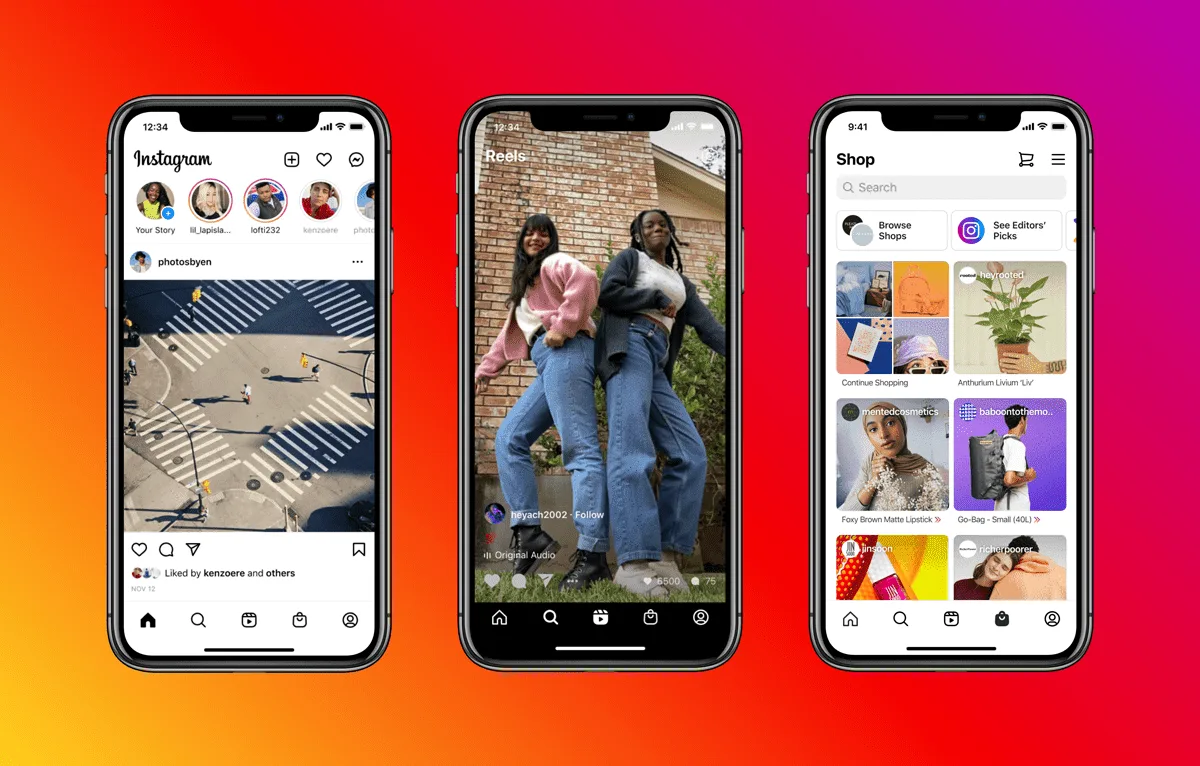
Instead of pasting a raw link everywhere, you can connect WhatsApp to your business profile so the CTA appears natively
- For Facebook: go to your Facebook page, click on **Add Button** > **WhatsApp** > **Set up WhatsApp number**
- For Instagram: go to your profile, tap **Edit profile **> **Contact options** > **WhatsApp Business phone number**
### 3. Social media posts and ads
Customer-initiated messages are always better than business-initiated messages if you want to save costs for your business. As you share content across various social media platforms or organise marketing campaigns with social ads, you can always attach your WhatsApp Link to the posts. Even a CTA in your Facebook or Instagram Story can help drive traffic to your WhatsApp Business chat. After that, you can track campaign reach, engagement, and click-through rate in Analytics to see how this WhatsApp Link is helping your business.
### 4. Google Business profiles
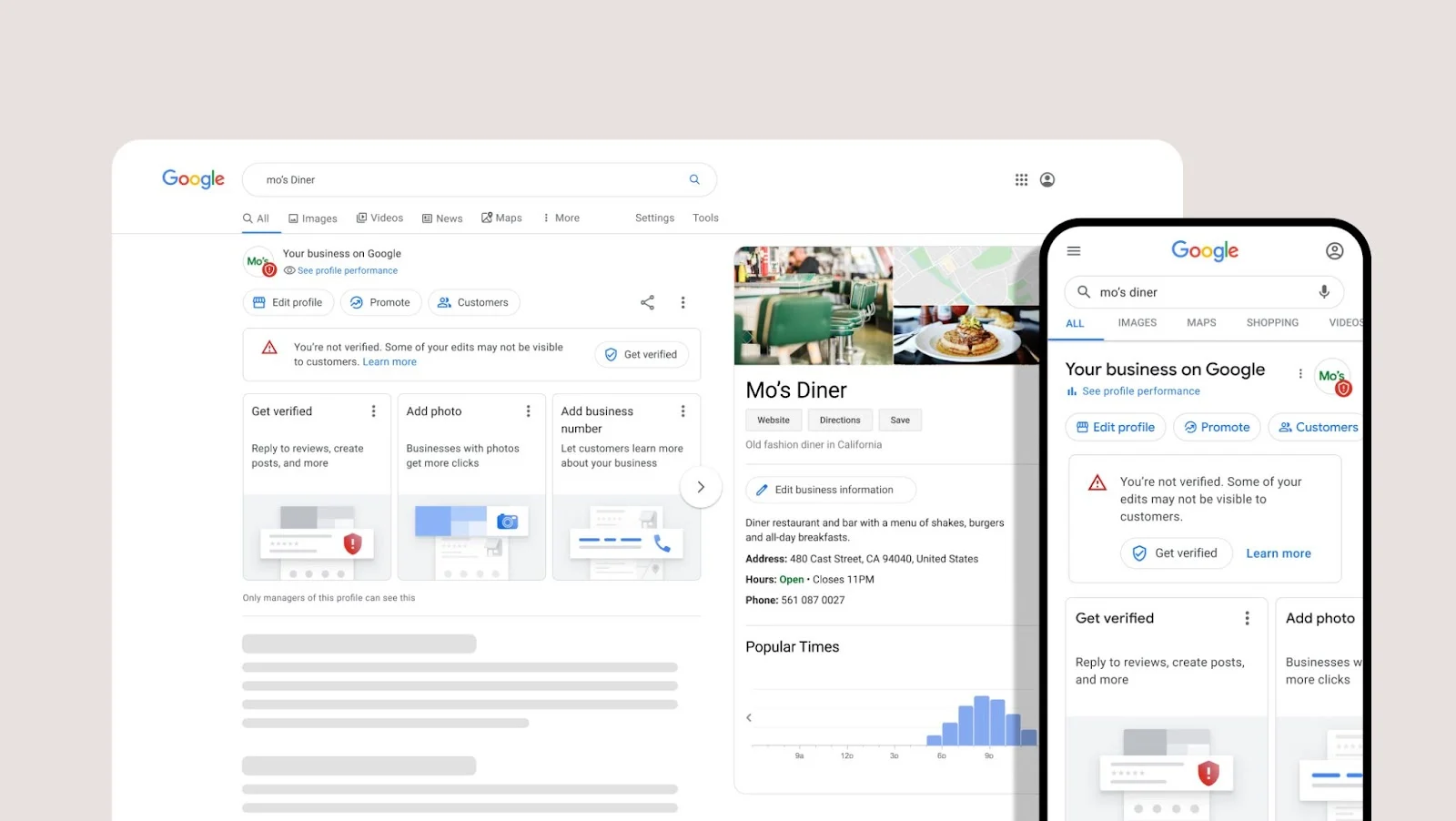
Google holds [95.69%](https://www.statista.com/statistics/954423/singapore-market-share-of-search-engines/) of the search engine market in Singapore. This means that having a Google Business Profile can only be beneficial for your business. While you can activate [Google Business Chat](/en-sg/blog/google-business-messages) for customers to talk to your team, including a WhatsApp link to message will definitely encourage more users to start a conversation with your brand. You can then improve online conversion through WhatsApp and even add this contact, which is also a high-potential lead, to your retargeting campaigns.
## **Troubleshooting: why your WhatsApp link isn’t working**
If your WhatsApp click-to-chat link (wa.me) doesn’t open correctly—or opens WhatsApp but not the right chat—these are the most common causes and fixes.
### **1) Your phone number format is wrong**
**Symptoms:** Link shows an error page, doesn’t open WhatsApp, or opens a blank screen.
**Fix:**
- Use **international format** only: countrycode + number
- For Singapore, that’s 65 + your 8-digit number
- Remove **+**, spaces, brackets, and dashes
✅ Correct: https://wa.me/6561234567
❌ Wrong: https://wa.me/+65 6123 4567
### **2) You included a leading “0”**
This happens a lot when copying numbers stored in local format.
**Fix:**
- Remove any leading 0s (use the international format instead)
✅ Correct: https://wa.me/6561234567
❌ Wrong: https://wa.me/65061234567
### **3) Your pre-filled message isn’t URL-encoded**
**Symptoms:** Link opens WhatsApp but the message is missing, broken, or only partially shows.
**Fix:**
- Replace spaces with %20
- Replace line breaks with %0A
- Avoid special characters unless encoded (e.g., &, ?, #)
✅ Example:
https://wa.me/6561234567?text=Hi%20I%27d%20like%20to%20check%20availability
### **4) You used the wrong format for your use case**
There are two common “text” formats:
- **Chat with a number + pre-filled message:
** https://wa.me/?text=
- **Pre-filled message only (no number):
** https://wa.me/?text=
**Fix:** Double-check you’re using the number-based format if you want customers to message your business directly.
### **5) It opens WhatsApp Web or a browser instead of the app**
**Symptoms:** On desktop, it opens WhatsApp Web; on mobile, it opens a browser prompt first.
**Why this happens:** It depends on the device, browser, and whether WhatsApp is installed/logged in.
**Fix:**
- Test on both **mobile + desktop**
- On mobile, ensure WhatsApp is installed and set as the default handler (where applicable)
- If you’re using in-app browsers (Instagram/Facebook), try opening the link in the system browser too
### **6) Your link is being “broken” by the platform you posted it on**
Some platforms modify links (especially ones containing ?text=), or they shorten them incorrectly.
**Fix:**
- Paste the link into a plain text editor first to confirm it’s unchanged
- If posting in places that strip parameters, use:
- a clean number-only link, or
- a short link (WhatsApp Business app short link), then add the message instructions in the post copy
### **7) The number isn’t on WhatsApp (or can’t receive messages)**
**Symptoms:** Link opens WhatsApp, but users can’t start a chat / see an error.
**Fix:**
- Confirm the number is registered on WhatsApp (Business app or WhatsApp Business Platform)
- Make sure the number is active and able to receive messages
## SleekFlow: unleash the full potential of WhatsApp Links and scale your business beyond Singapore
Using a [live chat widget](/en-sg/live-chat) on your e-commerce website is a great way to turn visitors into customers. This is because it encourages the website visitors, to talk to your team, giving your business an opportunity to increase the conversion rate. Since efficiency and convenience are essential parts of the customer experience your brand provides, allowing your customers to chat with your business on WhatsApp is a must.
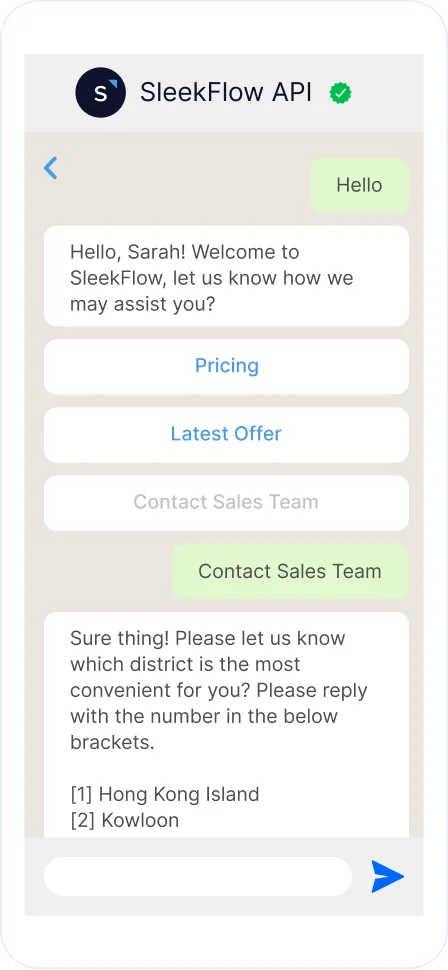
Moreover, the [WhatsApp Business Platform](/en-sg/blog/whatsapp-business-platform) offers a wide range of advanced features for you to sell better and reach out to more customers effectively:
- Green tick verification for brand authenticity
- Broadcast messages with interactive features such as chat buttons
- Personalised messages to build customer relationships
- Automated workflows and chatbot for FAQs
- Integrations for CRM or lead management
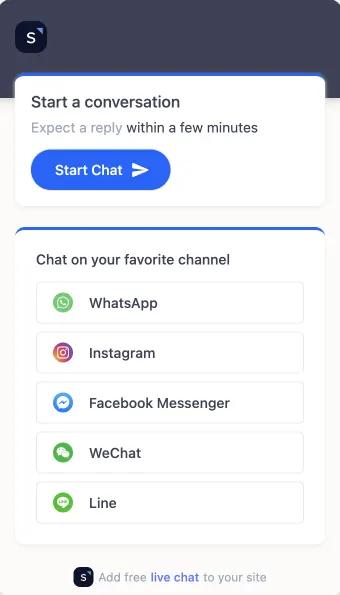
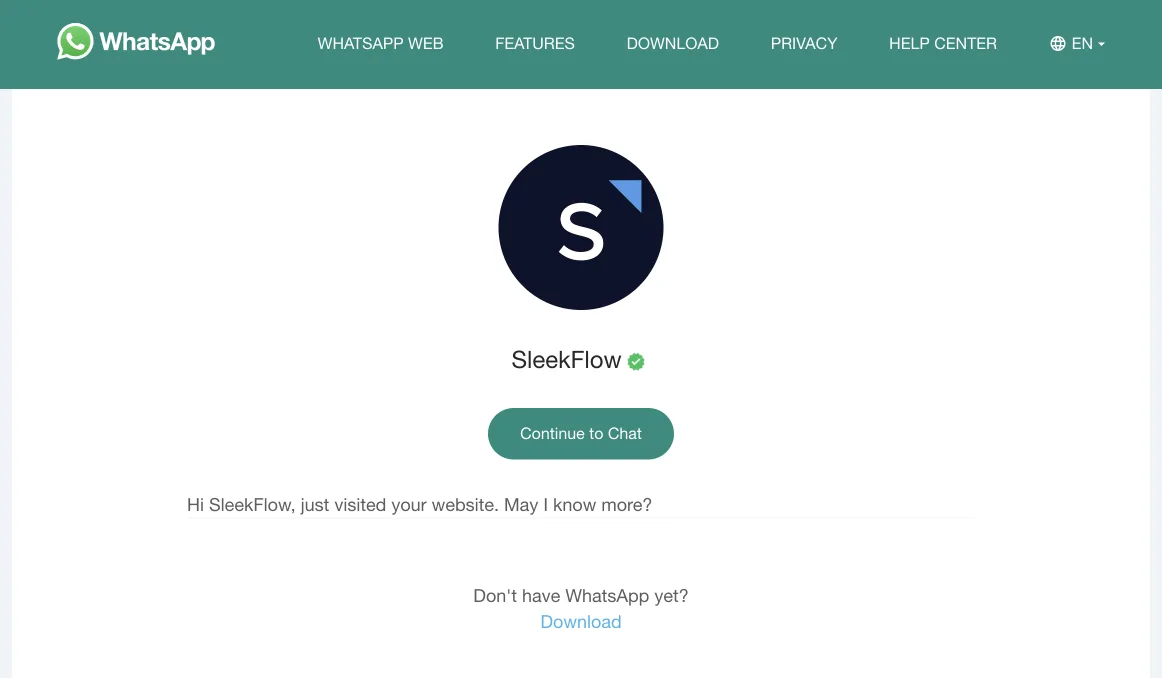
As a leading social commerce messaging platform and the [official WhatsApp Business Solution Provider (BSP)](/en-sg/blog/official-whatsapp-business-solution-provider) assigned by Meta, SleekFlow offers the best solution for your WhatsApp marketing strategy. In an omnichannel inbox consolidating WhatsApp, Facebook Messenger, Instagram DM, Telegram, WeChat, and more, you can upgrade your customer communications and allocate your manpower better.
## Want to outcompete your peers with SleekFlow's help?
Book your personalised demo with SleekFlow today and unlock the potential of seamless communication
[Book a Demo](https://sleekflow.io/book-a-demo)
[View Pricing](https://sleekflow.io/pricing)
### How do I get my WhatsApp Link?
You can get your WhatsApp Link on the free WhatsApp Business App on Settings > Business Tools > Short Link or use SleekFlow’s free WhatsApp Link Generator.
### How can I create a short URL for WhatsApp?
You can create a clean, short URL for WhatsApp in a few ways. If you use the WhatsApp Business app, you can generate a short link directly in your "Business Tools" settings. For custom wa.me links, you can shorten them further using a third-party tool like Bitly or Rebrandly. This makes them ideal for social media bios and other places where character space is limited.
### How can I share WhatsApp Link?
Other than the common link sharing through messaging, you can also attach it to your e-commerce website, ad banners, generate a QR code for your events, or use it as a CTA button for your chatbots.
### How do I put my WhatsApp Link on Instagram?
You can put your WhatsApp Link by clicking on the button Edit profile and add it to your bio or simply connect your WhatsApp Business phone number to the Instagram account.