How to set up and sell on a Facebook Shop (2026)


TL; DR: Quick Summary
- Meta moved Shops on Facebook and Instagram to website checkout in September 2025, so a Facebook Shop now sends buyers to your own site.
- Meta reported 3.60 billion people using its apps daily in June 2026, so a Shop still reaches a very large audience.
- A Facebook Shop needs physical products, a checkout URL on your own domain, and a business based in a country Meta supports.
- Create the Shop in Commerce Manager, connect a catalog, set a delivery profile and checkout URL, then publish after Meta's review.
- Shoppers who leave for your site can still message you on Messenger and Instagram, and the standard reply window is 24 hours.
A Facebook Shop puts your products in front of 3.6 billion people who open a Meta app every day. Since September 2025, every purchase finishes on your own website, so you manage orders, payments, delivery, and returns there.
Shoppers now decide to buy on Meta, then head to your site to finish. That changes how you build the Shop, staff it, and measure it.
What is Facebook Shops?
Facebook Shops is a Meta feature that lets you build an online storefront across Facebook and Instagram. People browse your collections and product pages, then complete the purchase on your own website. You create and manage the Shop in Commerce Manager.
Read more: Facebook Marketplace: the ultimate guide
What happened to Facebook Shops checkout?
Meta's Help Center says that as of September 2025, Shops on Facebook and Instagram use website checkout. Customers are directed to your own website to complete the purchase.
What stopped with it
Meta also discontinued post-purchase management in Commerce Manager. Orders, payments, delivery, and returns now sit with your website and your payment provider.
What it means for you
Your Shop is a display window. Its job is to move a ready-to-buy shopper to a product page you control.
Who can use Facebook Shops?
You can use a Facebook Shop if you sell physical products, run your own website with a working checkout, and your business is in a country Meta supports. Because checkout happens on your site, your own shipping zones and carriers apply.
You need:
A Facebook Business Page, or an Instagram business account if you only sell on Instagram. Both sit in a Meta Business portfolio where you have full control.
A website domain added in Settings under Brand safety, then Domains. Your product links must use it.
A checkout URL. Meta says you must add one for your Shop to be visible.
Physical products. Meta says Shops can't use catalogs of hotels, flights, destinations, vehicles, or home listings.
A business that meets Meta's commerce eligibility requirements.
Which countries does Meta support?
Meta's list names the US for the full experience. Canada, Brazil, Mexico, Australia, India, Japan, Korea, Singapore, Taiwan, Thailand, and 10 European countries are in open beta.
Indonesia and Ukraine have limited features and no Shops ads. Malaysia, Hong Kong, the Philippines, and the UAE aren't on the list, so confirm yours with Meta first.
E-commerce integrations and the checkout URL requirement
Platform integrations can keep your catalog in sync between your store and Meta.
Shopify's Facebook and Instagram sales channel automatically syncs your eligible products to your shop. BigCommerce and WooCommerce have their own Meta connections.
Is Facebook Shops free?
Yes, according to Shopify's guide (updated 28 May 2026), which says Meta takes no transaction fees. Meta's own pages we read don't state a price, so confirm in Commerce Manager. You pay for these instead:
Loyalty programs: use third-party tools
Run loyalty on your website, where the purchase happens. Meta says website checkout lets you use your own loyalty programs.
Smile.io and LoyaltyLion plug into Shopify, so points apply to any order, including ones that began as a Shop tap.
Yotpo Loyalty works with Shopify and BigCommerce and connects to Yotpo's review product.
A shopper who has messaged your Page can also be reached on Messenger. Meta's standard messaging window lasts 24 hours for most actions, and can run to 7 days after someone's first message from a click-to-message ad.
After the window closes, SleekFlow's Help Center says approved Utility templates can re-engage a contact.
Facebook Shops vs. Instagram Shops: what's the difference?
They're two surfaces for one Shop. Both send buyers to your website, and both are managed in Commerce Manager.
Build the catalog once, then focus on the surface your audience uses.
How to set up a Facebook Shop: 6 steps
To create a Facebook Shop, work through 6 tasks in Commerce Manager, in this order. You add a catalog, a delivery profile, and a checkout URL, then publish. Meta says its longest review time is 4 weeks, so start early.
Step 1: Open Commerce Manager and check your shop info
Go to Commerce Manager and look for "Set up your shop" at the top. If your shop info shows "Not completed", your commerce account is still in review.
Step 2: Optimize your catalog
If you run Shopify, BigCommerce, or WooCommerce, install its Meta sales channel or plugin and let it sync your products. You can connect only one catalog to a Shop, and you can't switch it later.
Step 3: Set up a delivery profile
Choose the countries and states you deliver to. Add at least one delivery speed, such as standard, expedited, or rush.
Step 4: Add your checkout URL
A checkout URL moves customers from your Shop to the checkout on your website. BigCommerce merchants add /checkout?action=buy&order_source=facebookshop to their storefront URL and should test at least two products.
Whatever your platform, test it yourself. Load two real products and a coupon code, then confirm the shopper lands on a page where they can pay.
Step 5: Optimize your shop
Meta offers three optional extras. You can personalize your home page layout, show ratings and reviews, and display offers it finds on your website and ads.
Step 6: Publish your shop
Click "Publish shop" when every task is complete. Then group products into a few clear collections, because Meta includes your whole catalog by default.
How SleekFlow connects your Facebook Shop to your sales team
Moving checkout to your website opened a conversation problem. Shoppers find you on Meta, then leave for your site, and in between they ask about stock, shipping, and sizing. Those questions can land in Messenger and Instagram DM, and every one you miss is a sale slipping away.
SleekFlow is an official Meta Business Partner and an official WhatsApp Business Solution Provider (BSP).
How SleekFlow closes that gap
SleekFlow covers it in 7 ways.
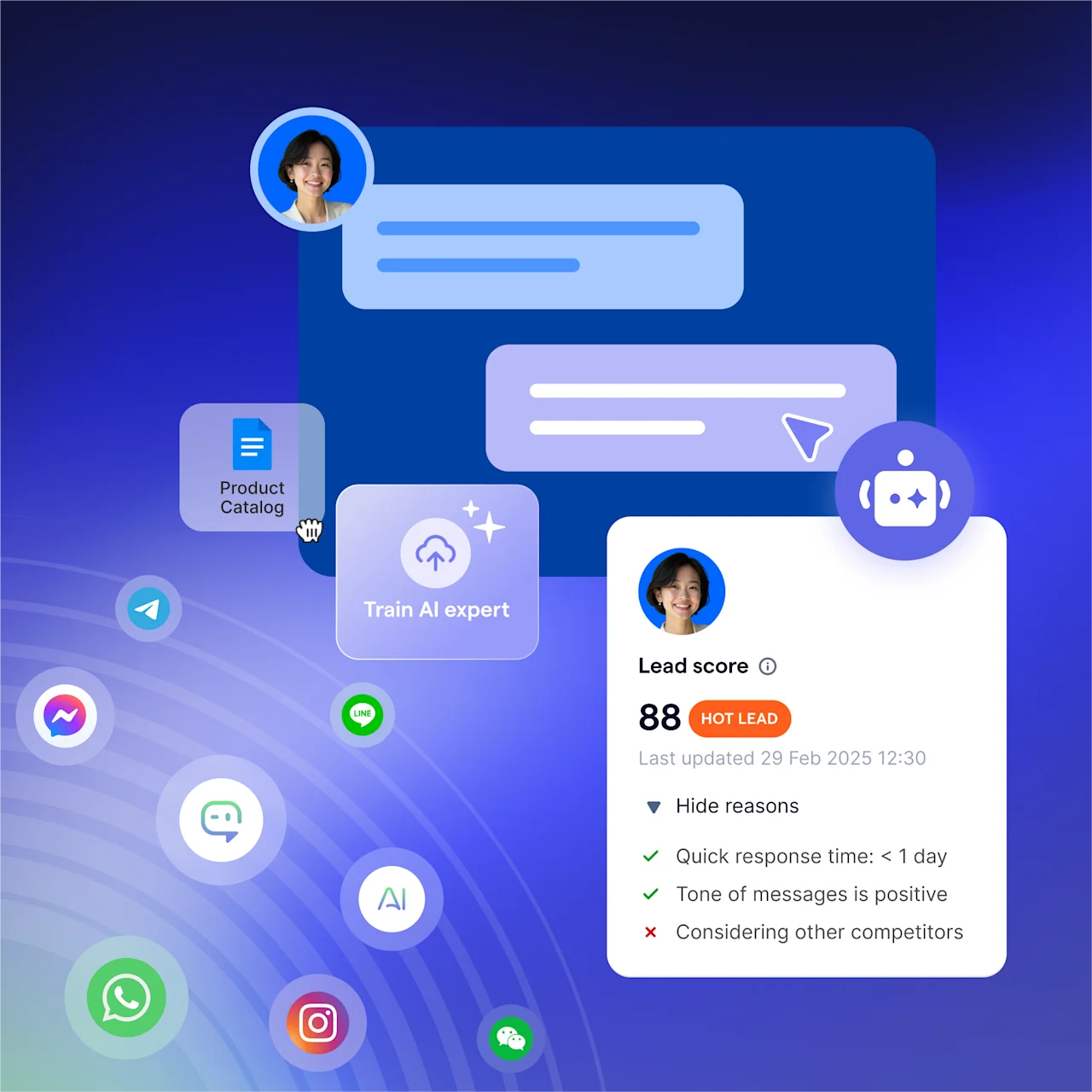
AI agents for common questions: AgentFlow AI agents answer common questions from a connected knowledge base and qualify leads. They also cover after-hours inquiries and hand off to your team.
Shopify data in the chat: the Shopify integration syncs customers, orders, and abandoned carts. Agents can send products and payment links from the inbox, using a Shopify checkout link or Stripe.
A shared inbox for Messenger and Instagram DM: Messenger and Instagram chats sit in one inbox next to WhatsApp, Telegram, LINE, Viber, WeChat (Service Accounts), TikTok, SMS, and email. Your team can assign and share conversations.
Flow Builder for follow-up: Flow Builder runs automated workflows. The Shopify integration adds pre-built flows for abandoned cart recovery, order updates, and post-delivery feedback.
CRM sync: contacts sync with Salesforce, and the HubSpot integration is in limited access, so ask SleekFlow to enable it.
Lead Ads and ad tracking: Facebook Lead Ads submissions sync into SleekFlow as contacts and can start a flow. For click-to-WhatsApp ads, SleekFlow can send conversion events back to Meta.
CX Intelligence: CX Intelligence analyzes your conversations for common topics and CSAT.
How Diet Your Way generated more leads with Click-to-WhatsApp ads
Diet Your Way is a personalized diet meal business in Malaysia that serves Klang Valley and runs fully online, with inquiries coming in on WhatsApp, Facebook, and Instagram. The team used the free WhatsApp Business app, which meant many manual, time-consuming tasks.
They published Click-to-WhatsApp ads on Facebook to reach potential customers. With SleekFlow, they handle WhatsApp, Facebook, and Instagram inquiries in one inbox, where the team shares access and groups contacts into lists for targeted campaigns.
2x efficiency
More than 1,000 contacts
Animes-Pro used AI to recognize customer intent and language
Animes-Pro has been part of Hong Kong's toy and anime trade for 28 years and now runs 14 retail branches. Its customers are collectors who want detailed information on product specs, release dates, and stock.
One staff member was responsible for 80 to 200 inquiries a day across WhatsApp, Facebook, and Instagram. Powered by AgentFlow, an AI layer now sits at the front of the queue, recognizes customer intent and language, and tags conversations.
After the AI sorts them, high-intent inquiries go to sales reps and complex product questions go to customer service.
Inquiry handling time cut by 30% to 50%
Online sales growth of at least 10% a year since the online store launched in 2018
Start for free!
Grow your revenue and turn chats into conversions with AI agents. Try SleekFlow for free.


