Facebook Messenger for business: the complete guide


TL; DR: Quick Summary
- Facebook Messenger works for both B2B and B2C. In one HubSpot experiment, lead generation cost 70% less than newsfeed ads and delivered higher signup rates.
- Messenger links and QR codes give customers an easy way to start a conversation, whether they find you on social media, in an email, on your website, or in print.
- Website Messenger widgets are a proven way to lift conversions, since Meta retired the old Customer Chat Plugin in May 2024.
- Click-to-Messenger ads take users straight from a Facebook or Instagram ad into a live chat, shortening the distance from ad to conversation.
- Automating comment replies with tools like SleekFlow turns public post interactions into private Messenger leads.
Facebook Messenger for business is the use of Meta's Messenger app to reach, support, and sell to customers, and roughly 1 billion people already use it to talk to the companies they buy from, in the same app they message friends. Meet them there and a chat can become a sale. Ignore it, and that's a billion conversations happening without you.
Being on the platform is no longer enough on its own. Juggling WhatsApp, Instagram, and Messenger by hand gets messy fast, so the businesses winning here pair Messenger with an AI agent that engages, qualifies, and converts every conversation around the clock, without overwhelming the team.
This guide covers what Messenger for business is, the messaging rules Meta actually enforces, the tactics that turn chats into customers, and how to set it all up.
What exactly is Facebook Messenger?
Facebook Messenger is the official messaging tool for Facebook, available as a mobile app for smartphone users and a web app for desktop users. It was one of the most downloaded mobile applications of the past decade.
Most people spend their time in the Chats view, messaging friends and, increasingly, businesses. A customer reaches your business on Messenger when they search for you on Messenger or find you through your Facebook Page.
Why should your brand care about Facebook Messenger for business?
As of October 2024, Facebook Messenger had approximately 569 million daily active users worldwide, with 394 million on Android and 175 million on iOS. That scale, paired with the personal nature of a one-to-one chat, is why businesses use Messenger to reach and retain customers.
Messaging also builds confidence. Many customers, particularly younger ones, say that being able to message a business makes them feel more comfortable buying from it. Messenger gives you a direct, personal line to your audience in a channel they already use every day.
The top benefits of using Facebook Messenger for business are:
Brand awareness
Customer satisfaction
Communication management
Customer empowerment
Higher return on investment
Facebook Messenger for B2B and B2C businesses
Messenger is often assumed to suit B2C only, but it works for B2B too. In a HubSpot experiment to generate leads for a webinar, the team ran Facebook lead form ads alongside Messenger-based ads to reach B2B prospects directly. They spent about 70% less per lead through messaging than through newsfeed ads, and received more signups through chats than through the ads.
B2B buyers are people too. Whether you are B2B or B2C, Messenger can be effective. By adding a Facebook Messenger chat widget to your website, you can generate more high-quality leads. Since Meta retired the old Customer Chat Plugin, multi-channel tools like SleekFlow Website Messenger are the practical way to add Messenger to your site.
Get started with Facebook Messenger for business
Setting up Messenger for your Page has two parts: turning on messaging and configuring automatic responses, then choosing the tactics that fit your marketing strategy.
Most of this now happens in Meta Business Suite (Meta's current management tool for Pages), not the old Page settings layout:
Set a Page username. Your username starts with the "@" symbol and is shared by your Facebook Page and Messenger. It appears below your Page name and in your Page URL, and it powers your m.me link.
Turn on messaging so the Message button appears and people can contact your Page privately.
Set up instant replies and a greeting in Meta Business Suite Inbox under Automations, so every new conversation gets an immediate response.
Show your response time and set a status so your Page looks responsive, which encourages people to message you.
Exact menu paths in Meta Business Suite change from time to time, so follow the current in-product labels rather than a fixed sequence of clicks.
Messaging rules: the 24-hour window and 7-day human agent support
Getting Messenger's rules right keeps your conversations flowing and your messages delivered. Everything centers on the 24-hour standard messaging window, which opens the moment a customer messages you. Each time they reply, the 24-hour clock resets. Within this window you can send both support and promotional messages, which is more leeway than WhatsApp allows.
Once the window closes, the rules tighten. For support that needs more time, a live agent can use the Human Agent tag, which extends the window to 7 days after the customer's last message. It is meant for genuine support, not promotions, and only human agents can use it. Bots cannot.
An important 2026 change: Meta deprecated Message Tags on Messenger (they stopped working globally in February 2026). Their non-promotional use cases moved to utility message templates, and the old Recurring Notifications were replaced by opt-in Marketing Messages, which Meta is rolling out by region. Here is how the current tools compare:
A few things to keep in mind for compliance:
Each time a customer replies, the window resets.
Once the window closes without a valid tool, Meta blocks further messages through standard channels.
Utility message templates are not for promotional content. You can't use them for product announcements, cart abandonment reminders, or blog notifications.
To send promotional messages outside the window, use opt-in Marketing Messages.
SleekFlow makes compliance easier by managing the tagging logic for you. It uses Meta's Human Agent tag to extend the standard 24-hour window to a full 7 days, and lets you send a private message within that period when a customer comments on your Page's post or story. That frees your agents to focus on the conversation instead of tracking messaging windows.
Top proven tactics for Facebook Messenger for business
You have set up your Messenger account, so it's time to put it to work. You can't message all your Page followers at once, because Facebook's anti-spam rules require customers to start the conversation by sending the first message. What you can do is make it easy and appealing for them to start one.
1. Use Messenger links
A Messenger link helps people begin a conversation with your Page. Use it in social profiles, email signatures, websites, and printed materials. The format is:
m.me/[username]
Clicking the Messenger link opens a direct chat with you.
2. Messenger QR codes
A Messenger QR code lets customers connect by scanning and chatting with you in their Messenger app. It's your Page profile picture in circular form, surrounded by a pattern of dots. Find it from the Messages area of your Page, and add it to posts, promotional materials, and even blog posts.
3. Add a website Messenger widget
Many websites use widgets that let visitors chat through Messenger or another channel. Since Meta retired the Customer Chat Plugin, tools like SleekFlow let you add Messenger (and other chat channels) to your site.
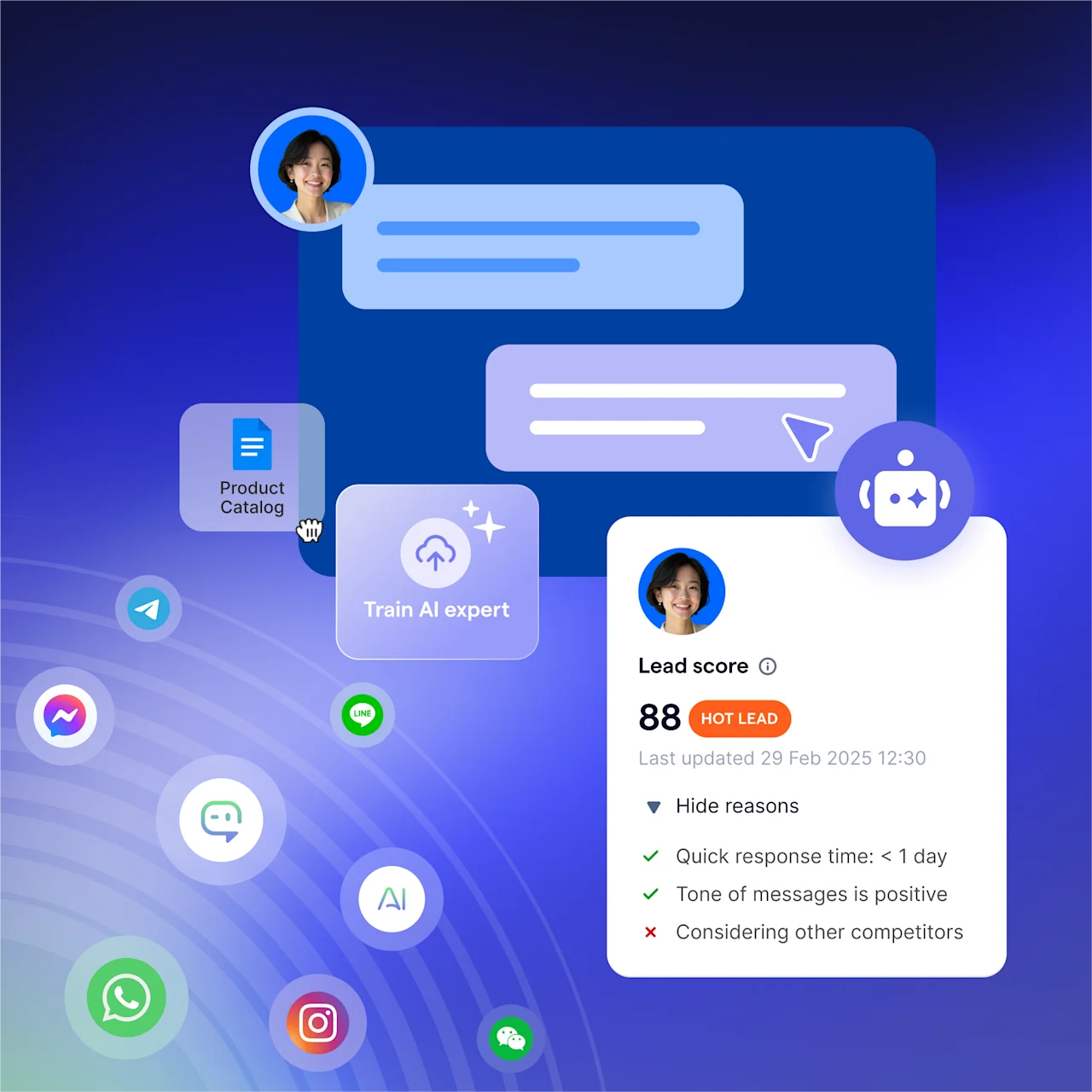
SleekFlow's AI Growth Widget takes this further. Instead of just sending visitors to Messenger, it engages them based on the pages they visit and how long they stay, using AI to create context-aware prompts at the right moment, just before someone might leave. After a visitor clicks, SleekFlow's AI agent takes over the chat to understand their needs and guide them to the next step.
4. Reply privately to comments
Even when someone comments rather than messages, you can still reach them. With SleekFlow, you can set up automated private messages for people who comment on your Facebook posts or Reels. When a user comments, SleekFlow's AI agent can join the conversation, answer questions, qualify them as a lead, and guide them toward a sale. Public engagement becomes a private Messenger contact.
The most engaging Facebook posts are usually quizzes, riddles, contests, and memes.
5. Click-to-Messenger and click-to-WhatsApp ads
Click-to-Messenger ads and click-to-WhatsApp ads start free entry point conversations with new audiences. Placed in Facebook and Instagram feeds, they direct people straight into a chat with your business on Messenger and WhatsApp, bypassing the landing page and streamlining the interaction.
6. Turn your Facebook clicks into Messenger ads
Facebook Messenger ads appear as a widget inside Messenger rather than in the Facebook feed. Once a visitor responds to your message after visiting your Messenger page, they can be added to your contact list, and you can retarget them with Facebook or Messenger ads. The key is setting up your autoresponder, which the instant replies above already cover.
7. Offer services via chatbots
Chatbots let you automate a wide range of interactions, from customer service to content delivery. A well-known example is Dutch airline KLM's use of Facebook Messenger, where customers get flight updates, change seat preferences, and receive boarding passes.
How KLM automated its customer support on Facebook Messenger
KLM, one of the world's oldest airlines, has a strong reputation for social media service. Before automation, a team of 200 agents handled over 10,000 customer questions weekly across 13 languages.
After adding a Send Message button to its Facebook Page, KLM saw a 40% rise in private customer messages, a volume too large for the human team alone. It trained an AI on 60,000 past interactions to propose answers to agents, a human-in-the-loop model that grew to automate responses to common questions. KLM also used Messenger to send booking confirmations, boarding passes, and flight updates.
The results KLM reported:
Customer interactions on Messenger increased by 40%.
The AI handled over 50% of social media inquiries.
15% of online boarding passes were sent via Messenger.
The Net Promoter Score on Messenger ran 5 points higher than target and led all other social channels.
8. Deploy AI agents that qualify leads and drive conversions
Basic chatbots answer questions. AI agents can move a deal forward. That is the difference with SleekFlow's AgentFlow for Facebook Messenger.
With an inbound AI agent on Messenger, your business can respond to every inquiry around the clock without human help. The agent qualifies leads by urgency, budget, and fit, then guides the conversation to the best next step: a booking link for buyers, a live agent for high-value prospects, or a nurture sequence for people who need more time.
Unlike rigid, rule-based bots that stumble on unexpected questions, AgentFlow understands context and handles surprises naturally. You train it on your procedures, product catalog, and brand knowledge, so replies sound like your business, not a generic script. It also learns from every interaction, and you can trace each reply back to the knowledge article and playbook step it used, giving your team visibility and control.
How São Caetano Assessoria Contábil boosted service capacity with AI
São Caetano Assessoria Contábil, a Brazilian accounting firm with over 40 years of experience serving more than 750 companies, worked in a time-sensitive environment where speed matters. Its previous platform was unstable, causing outages, slow responses, and poor visibility across teams.
São Caetano adopted SleekFlow, replacing its old bot with a 24/7 conversational AI agent named "Ana" to handle first interactions, qualify requests, and route them to the right department. The team used SleekFlow's collaborative inbox to centralize conversations. The whole system was live within a few days.
50% increase in service capacity without expanding the team
100% of conversations received an immediate response, even outside business hours
The system was fully operational within 2 to 3 days
Messenger automation playbook: lead qualification, routing, and handoff
When Messenger automation fails, it's usually a weak strategy, not the technology. Too many teams ask "What should my bot say?" when they should ask "What decision do we need to make?" A good playbook maps real conversations to specific outcomes before you write a single bot message. Here's one you can adapt.
Step 1: Audit your real conversations
Before you build anything, spend a week or two reviewing your actual Messenger conversations to understand what customers really ask for. Group the chats into categories:
Pre-sale questions: pricing, product availability, shipping costs.
Post-sale questions: order status, returns, exchanges.
Support issues: troubleshooting, warranty claims.
This shows you which automations will make a difference.
Step 2: Automate lead qualification
Automating lead qualification gives the quickest return. A bot can gather key information right away, freeing your agents from asking the same questions repeatedly.
Greet and set context the moment a conversation starts.
Ask qualifying questions with quick-reply buttons for things like budget and timeline.
Score the lead using their answers to prioritize people ready to buy.
Sync the details to your CRM so they are saved to the contact record.
Step 3: Route conversations intelligently
After qualifying a lead, get the conversation to the right person or workflow. Base your routing on:
Intent: sales inquiries go to sales, support tickets go to service.
Value: high-value leads go straight to senior agents.
Availability and language: assign chats based on who's online and what languages they speak.
Workload: use a round-robin system to distribute work evenly.
Step 4: Design a seamless human handoff
The switch from bot to human is a critical moment. To keep it smooth:
Pass the full conversation history to the agent. Customers hate repeating themselves.
Always include a clear "talk to a human" option.
Use the Human Agent tag, which gives agents up to 7 days to resolve complex problems.
Notify the agent immediately so the customer isn't left waiting.
Step 5: Re-engage customers compliantly
When you follow up after the chat has ended, use the right tool to stay compliant:
One-Time Notification: ask permission to send a single future message, like a back-in-stock alert (availability varies by region).
Utility message templates: use these for non-promotional updates, such as shipping notifications.
Opt-in Marketing Messages: get clear consent before sending promotional content.
Step 6: Keep messages human
Messenger is a personal, conversational channel, so automated messages should be short and natural. The goal is simple: solve the customer's problem instantly, or connect them to the right person who already has the context. With a platform like SleekFlow, your qualification flows, routing rules, and CRM syncs work together as one system.
Hit the road with SleekFlow and AgentFlow
Instant messaging is where customer conversations happen, and handling WhatsApp, Facebook Messenger, and WeChat separately gets hectic fast. That is what SleekFlow solves: one AI platform that turns your Facebook Messenger chats into business results.
SleekFlow is more than an inbox manager. It helps you get more out of Messenger and other channels:
Deploy AI agents that never clock out. SleekFlow's inbound AI agent talks to every new lead on Messenger around the clock, understands what they want, answers questions, and can close deals without a person stepping in.
Give your team an AI Copilot for the moments that matter. When a conversation needs a human touch, SleekFlow's AI Assistant helps agents find the best answers and product information instantly, and can guide them through tricky chats in real time.
Run broadcast campaigns that convert. Segment your audience by where they are in the sales cycle, send personalized Messenger messages, and set up automatic follow-ups based on how they reply.
Capture and attribute every ad-generated lead. When someone clicks your ad to message you, the conversation goes straight to a unified inbox, where your AI agent sees the ad context and starts the conversation while interest is highest.
Track performance with full visibility. Monitor how your AI agent is doing, check response times, and see customer satisfaction scores in one place.
AgentFlow goes beyond a standard bot. It's a team of AI agents that learn and improve from every conversation.
How Natural Signature revolutionized its customer engagement with SleekFlow
Natural Signature, Malaysia's pioneering unmanned furniture showroom, lets customers scan a QR code for a WhatsApp passcode to enter and browse without sales pressure, with each product linking to its own details and purchase options. That model scattered enquiries across WhatsApp, Facebook, and Instagram, managed on separate devices, and the free WhatsApp Business App's limits caused response delays.
Natural Signature unified its communications with SleekFlow, using the official WhatsApp Business API for trust and broadcasts, QR codes for showroom access and visitor tracking, automated workflows for the sales funnel, Facebook comment auto-replies for organic reach, and a shared inbox for team collaboration.
5x increase in WhatsApp contacts
98% increase in incoming enquiries
70% read rate for broadcast messages
80% surge in Facebook campaign engagement
Start for free!
Grow your revenue and turn chats into conversions with AI agents. Try SleekFlow for free.
Frequently Asked Questions
Is Messenger free for businesses?
What is the 24-hour messaging rule?
What is the Human Agent tag and 7-day window?
How do I generate an m.me link?
What replaced the Facebook Customer Chat Plugin?
How do click-to-Messenger ads work?
Recommended for you


