WhatsApp Business Migration: complete online guide


TL; DR: Quick Summary
- WhatsApp Business API migration moves your number from another provider to SleekFlow while retaining key assets like quality rating, approved templates, blue tick, display name, and messaging limits.
- Expect unavoidable losses: all chat history plus any low-quality, rejected, or pending templates must be recreated.
- Migration is only for existing WhatsApp Business API accounts and requires Meta Business admin access.
- Prep checklist: verified Business Portfolio, active number for SMS/call, exact display name, and temporarily disable 2-step verification.
- Steps run through SleekFlow + Meta authorization, number verification, then selecting the channel profile in SleekFlow.
- It’s quick with minimal downtime, and pricing depends on plan (paid add-on per number on higher tiers; free channels on Startup).
Thinking of migrating your WhatsApp Business API number to SleekFlow? Let's walk through what that means.
The migration process allows you to move an existing WhatsApp Business number from another provider to SleekFlow.
The good news is that you get to keep your most important commercial assets, including:
Account quality rating
Approved high-quality message templates
Official Business Account "blue tick"
Display name
Existing messaging limits
However, some technical losses are unavoidable. You will lose your entire chat history, along with any low-quality, rejected, or pending message templates.
These will need to be recreated after the migration.
It's important to note that this process is only for existing WhatsApp Business API accounts and must be started by someone with admin access to your Meta Business account.
Looking to change your personal WhatsApp to a Business account? That's a different process altogether. This option is great for small businesses and doesn't require complex API integrations.
How to migrate WhatsApp Business API number?
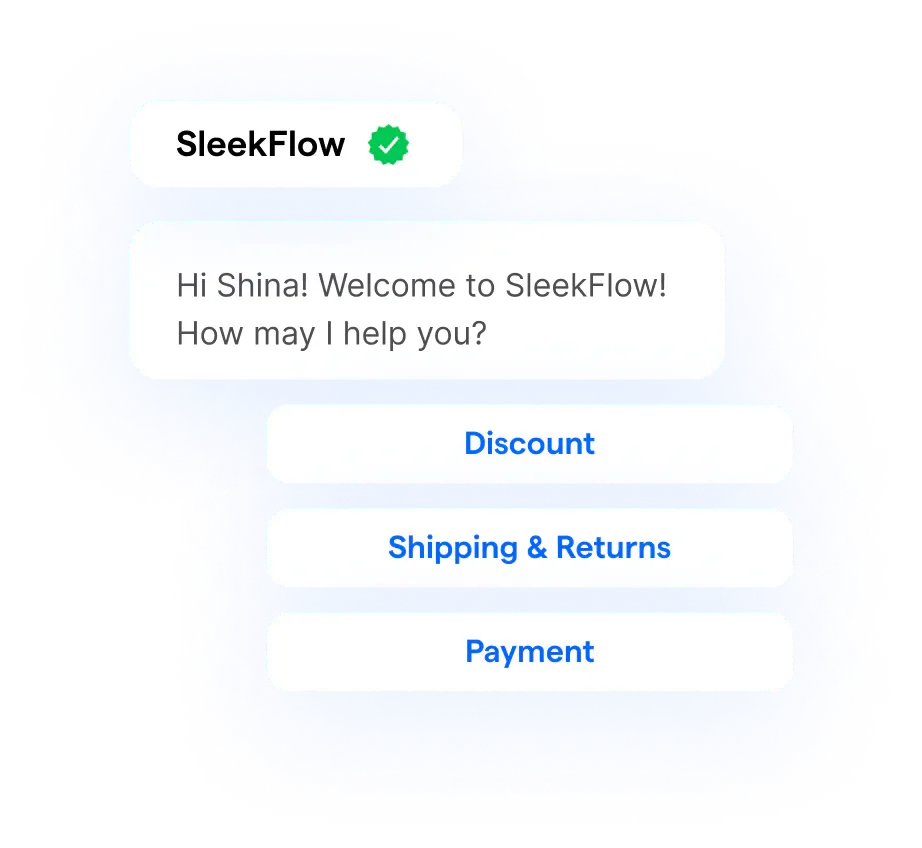
Ready to migrate your WhatsApp Business API number? Before you start, there are a few essential prep tasks you need to tick off to ensure everything goes smoothly.
Think of it as getting your house in order before the big move.
Complete your WhatsApp Business migration and move to the WhatsApp Cloud API to access advanced features such as chat buttons and powerful integrations such as in-chat payment links or e-commerce Shopify stores to draft orders in the chat.
Preparing WhatsApp Business Account for Migration
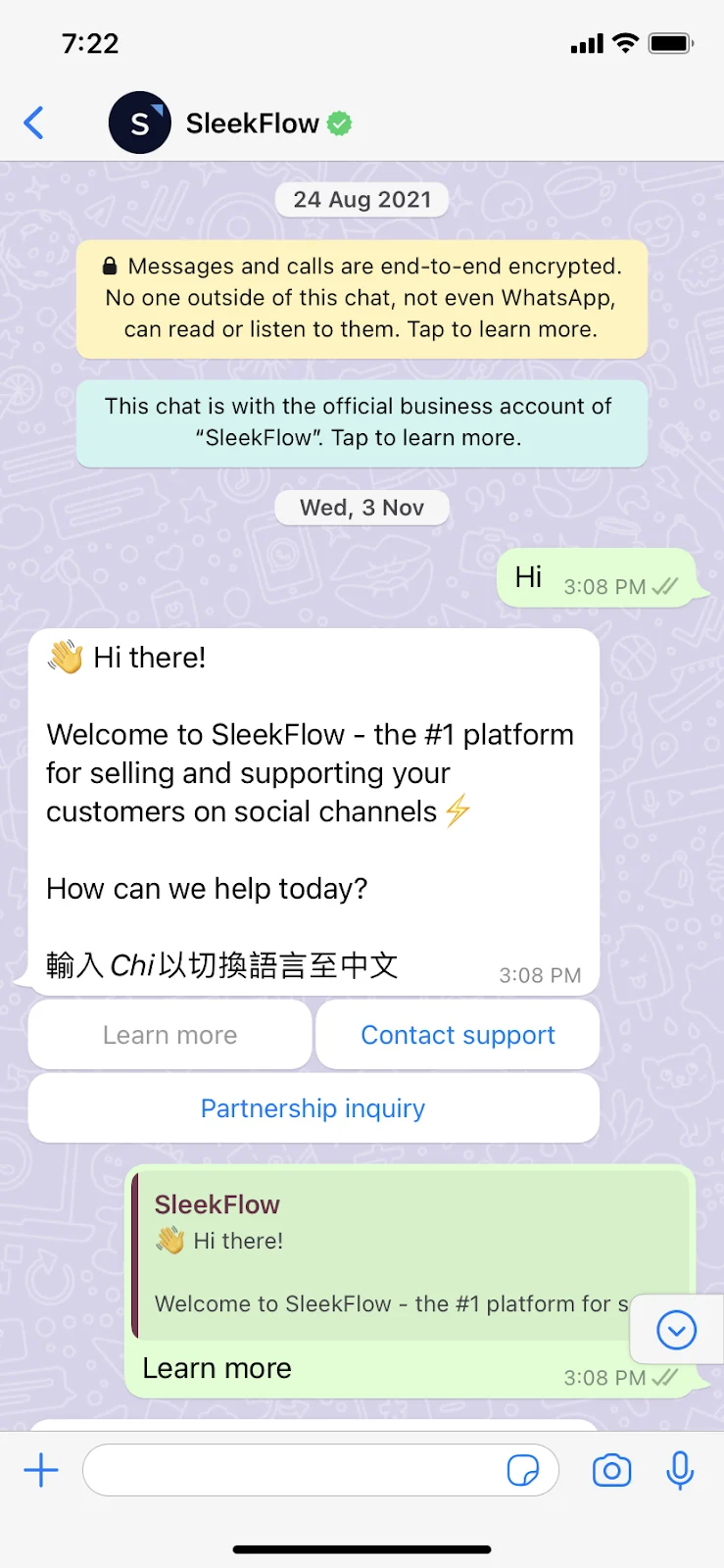
First, you'll need to focus on your Meta and WhatsApp accounts to make sure they're verified and ready for the transfer. Here’s a quick checklist:
Get Admin Access: Make sure you're using a personal Facebook account that has full admin rights to your company's Meta Business Portfolio (what we used to call Business Manager).
Confirm Your Business ID: Double-check that you have the correct Business Portfolio ID and that your business is fully verified within Meta.
Keep Your Number Active: The phone number you're migrating must be able to receive an SMS or a phone call for verification.
Match Your Display Name: Confirm your existing WhatsApp display name. You'll need to enter it exactly as it is later on, so no typos!
Disable Two-Step Verification: Temporarily turn off two-step verification in your WhatsApp Manager. This helps prevent any authentication issues during the migration.
WhatsApp Business API Migration Steps
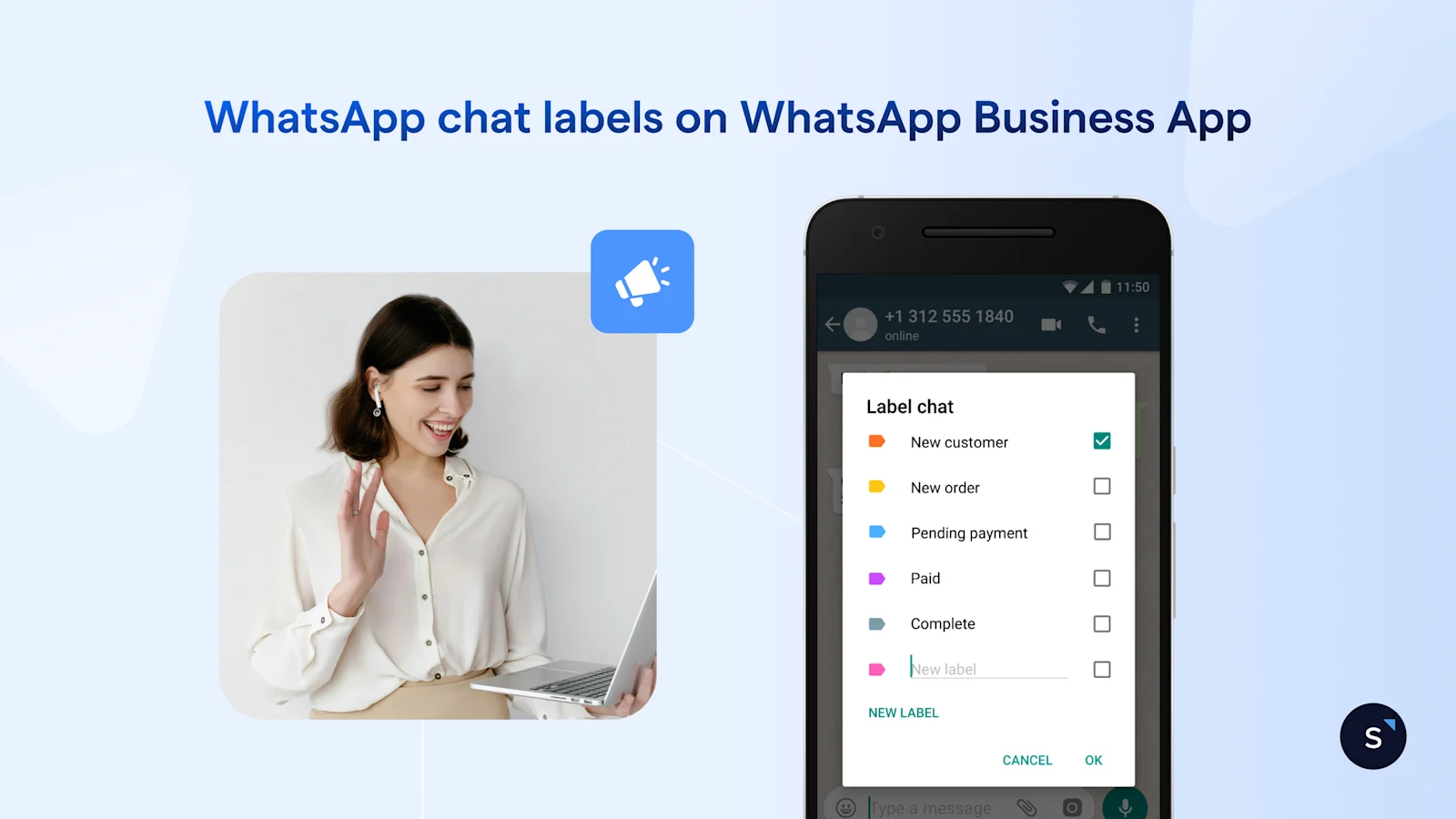
Once you’ve completed these checks, you're ready to start the migration journey within SleekFlow and Meta. The process is a guided sequence, so just follow the steps.
Start in SleekFlow: Log in to your SleekFlow account, head over to the Channels section, and find the WhatsApp Business API (Cloud API) channel settings.
Initiate the Migration: Select the option to "Migrate an existing WhatsApp Business API account" and click "Continue on Meta." This will take you to Meta's authorization window.
Log in to Meta: Sign in with the personal Facebook account that has those admin rights we talked about.
Confirm Your Accounts: Confirm the correct Business Portfolio and then either create or select a WhatsApp Business Account. You'll give it an internal name and set the time zone.
Approve Permissions: Review the permissions SleekFlow is requesting and approve them. This step officially links Meta, your business, and the SleekFlow platform.
Verifying WhatsApp Business Number for Migration
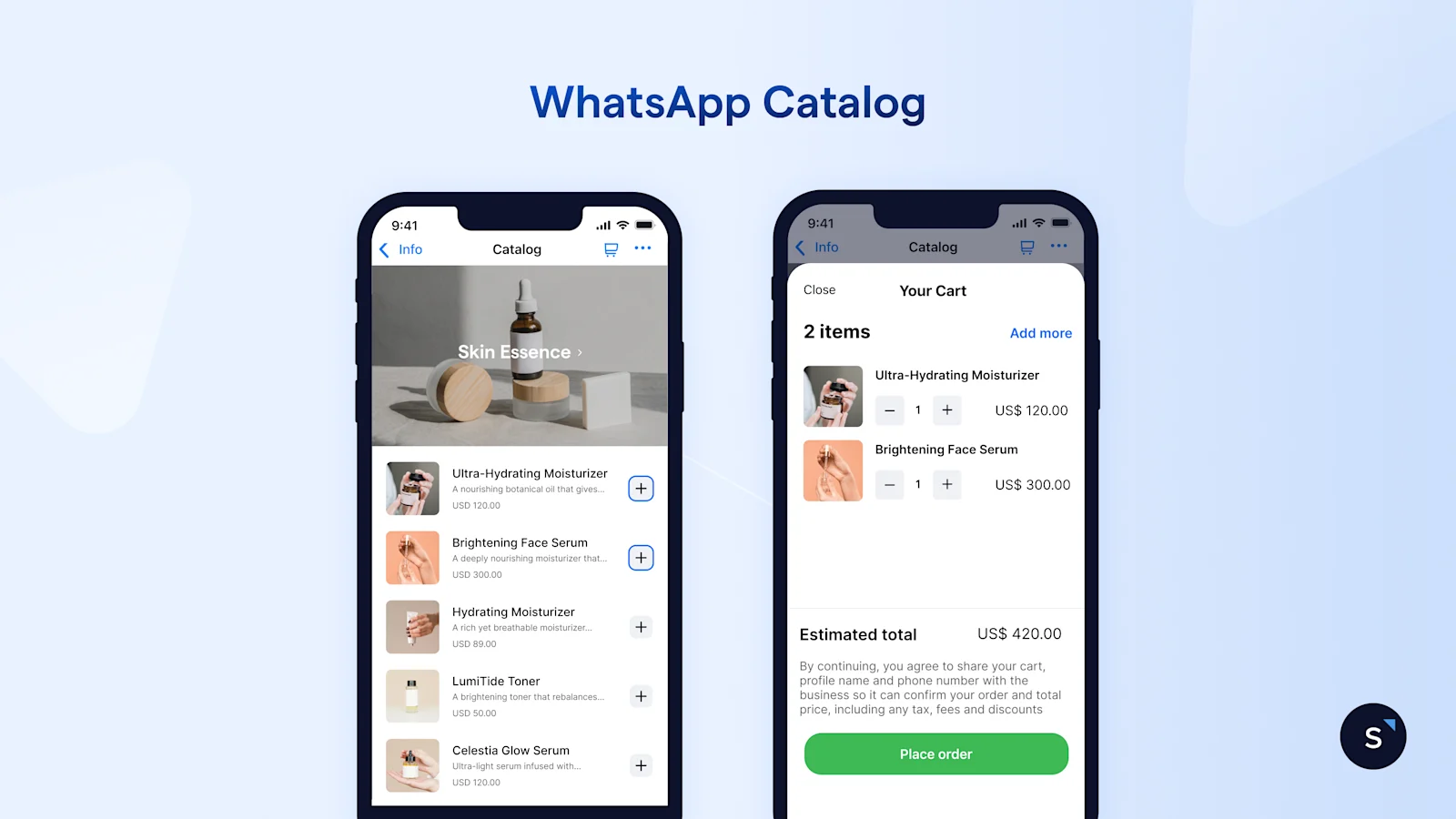
involves connecting your phone number and business profile.
Create or Link Your Profile: Back in the Meta flow, you'll either create a new WhatsApp Business Profile or link to your existing one. Remember to enter the display name exactly as it is.
Connect Your Number: Choose your business category, select the right country code, and enter the phone number you're migrating.
Verify Ownership: Meta will send a verification code via SMS or a call. Enter this code to prove you own the number.
Finalize and Return: Once verified, click "Finish" to head back to SleekFlow. Here, you'll choose your WhatsApp business profile, give it an internal "Channel name," and confirm.
And that’s it! Your number and profile are now fully migrated to the SleekFlow environment, ready to go.
How Long Does It Take?
Worried about downtime? Don't be. The whole process is designed to be quick and cause minimal disruption.
Application Time: It typically takes about 10–15 minutes to submit the application.
Downtime: You can expect a brief downtime of around 5–10 minutes while your number is reassigned from your previous provider to SleekFlow.
This allows you to plan your migration window effectively, ensuring you're back online in no time.
Migrating from the normal WhatsApp Messenger to WhatsApp Business API? Our professionals are here to help.
Aligning Migration with SleekFlow's Billing Model
So, what about the costs? The migration process is tied directly to SleekFlow’s billing model. Here’s how it works:
For Pro, Premium, or Enterprise plans: Connecting a WhatsApp Business API channel comes with a standard add-on fee of $15 USD per month for each number. You'll handle this payment through Stripe right after you confirm the purchase within the migration flow.
For Startup plan users: Good news! You can connect up to three WhatsApp channels without any extra charge.
Once the payment is sorted (if it applies to your plan), the platform will finalize the connection.
You'll then be taken to your updated WhatsApp settings page, where you can check the details and manage your newly migrated channel.
Begin Your WhatsApp Business Migration to SleekFlow
Migrating your WhatsApp Business API to SleekFlow is more than just a technical switch—it's a strategic move to supercharge your customer conversations.
With our powerful automation tools, omnichannel inbox, and detailed analytics, you can turn every chat into a growth opportunity.
Plus, with AgentFlow, you can build teams of specialized AI agents to qualify leads, recommend products, schedule meetings, or update your CRM automatically.
Why wait? Make the switch to SleekFlow today and unlock the full potential of WhatsApp for your business.
How Wear That’s Migration to SleekFlow Enabled Rich Media Features
Wear That, a Dubai-based women’s styling service, relied on manual onboarding processes and Intercom for client engagement but faced operational inefficiencies.
Manual processes fragmented data hindered audience segmentation, and previous vendors lacked support for rich media, limiting the ability to share critical video content.
By migrating to SleekFlow, Wear That utilized AI Smart Summary for seamless handovers, and implemented targeted, visually engaging broadcasts with improved segmentation.
A 21% increase in box order requests
Enhanced client experiences through automated, media-rich communication
Improved workflow efficiency for stylists
More effective and relevant outreach campaigns
Pearl Holiday Avoided Bans by Migrating to SleekFlow's Official API
Pearl Holiday Travel & Tour used the standard WhatsApp Business App to send mass event updates and marketing materials to its customers.
Broadcasting from unrecognized numbers led to frequent user reports, causing their WhatsApp accounts to be banned. This forced them to constantly acquire new numbers.
The agency migrated to SleekFlow’s WhatsApp API. This provided a platform for high-volume communication, allowing them to send bulk messages without risking account suspension.
Message read rates exceeded 70%
Reply rates hit 80%
Message delivery rates reached 90%
Generated 2,000 new leads without the constant threat of account termination.


