Facebook Messenger link: how to get, share, and track it


TL; DR: Quick Summary
- A Messenger link is a short m.me URL that opens a chat with your Facebook Page.
- Place these links in emails, social posts, ads, and on your website to give customers an easy way to reach you.
- Adding a ref parameter turns your Messenger link into a trackable, measurable acquisition channel.
- Set up auto-replies for common questions so customers get an immediate response, which matters when most expect a quick reply.
- To create one, add your Facebook Page username after https://m.me/.
- With SleekFlow, you manage Messenger, WhatsApp, and other chats in one inbox, with customer profiles and automation built in.
Your Messenger link is the shortest path between "I have a question" and a conversation with your business. It's a short m.me URL that drops customers straight into a chat with your Facebook Page, no searching, no forms. Add a tracking tag and it also tells you exactly which ad, post, or poster started the chat.
This guide covers what a Facebook Messenger link is, how to create one, how to add QR codes and tracking, where to share it, and how pairing it with AI agents turns every click into a business outcome.
What is a Messenger link?
A Messenger link (or m.me link) is a hyperlink made up of m.me/ followed by your Page username. When clicked, it opens a private chat with your business on Facebook Messenger. You can add these links to email signatures, social profiles, or website pages, and anyone who clicks lands directly in a conversation with your team.
How does a Messenger link work?
A Messenger link directs users into a chat with your business, and with SleekFlow's AgentFlow, that conversation doesn't have to wait for a human. The moment a customer clicks through, an AI agent can greet them, read their intent, and start guiding them toward the right outcome: a product recommendation, a booking, or a purchase. Instant messaging is personal and direct, and an AI agent that replies immediately makes every interaction feel that way.
Benefits of using Messenger links
Enhanced customer engagement
Messenger links give businesses a direct line to customers. With interactive features like product carousels and CTA buttons in the chat, directing leads to Messenger helps you respond faster and reduce friction.
How Pearl Holiday met customers on their preferred channel
Pearl Holiday Travel & Tour, a long-standing Malaysian travel agency, relied on newspaper ads, SMS broadcasts, and a website live chat that few new customers used. Its customers preferred WhatsApp, Instagram DM, and Facebook Messenger, and the SMS broadcasts suffered from poor open rates with no way to reply or track results.
Pearl Holiday shifted to the social messaging channels its customers already used, running WhatsApp broadcasts and QR-code lead capture through SleekFlow.
Nearly 2,000 new leads from a single 2023 in-house travel fair campaign
A 70 to 80% reply rate on that campaign to over 10,000 contacts
Improved customer service
Messenger links let you provide real-time service, improving response times and satisfaction. Set up auto-replies for FAQs and customers get an almost-immediate response instead of waiting on hold or emailing.
Increased conversion rates
Used well, Messenger links lift conversions. Attach them to Facebook ads, event posters, or landing pages, and you make it easy for customers to reach you and get an instant answer, so they're more likely to resolve their question and buy right away.
How to create a Messenger link
First, make sure Messenger is set up for your business, which it is if you have a Facebook Business Page. Then:
Find the username of your Facebook Page.
Add it to this format: https://m.me/yourusername
How to find your Facebook Page username
Your Messenger link uses your Page's username, the handle that comes after "facebook.com/" in your Page URL.
To find it:
Log in as an admin and go to your Facebook Page.
Look for the username directly under your Page's name. It starts with an @ symbol.
Or check the URL: if it's facebook.com/YourBusinessName, your username is "YourBusinessName."
If you don't have one:
Choose the option to create a username on your Page, usually under the Page name or in the About section.
Type the username you want; Facebook tells you if it's available.
Pick something short, memorable, and on-brand.
Once you save it, your link (m.me/yourusername) works immediately.
Choose carefully. If you change your username later, any existing Messenger links or QR codes stop working.
How to create a Messenger QR code
QR codes are ideal for physical items like packaging or business cards. There are two easy ways to make one:
Using Meta's tools:
Open your Facebook Page or your Meta Business Suite inbox.
Find the QR code option in your messaging settings.
Generate the code that connects to your Page.
Download the image file.
Using a QR code generator:
Copy your m.me link (m.me/yourusername).
Paste it into a QR code generator.
Generate and download the code.
Many tools let you add colors or a logo, but always test that it still scans.
How to add tracking with m.me ref parameters
This is where Messenger links get powerful for marketers. Add a ref parameter to track where conversations start, making Messenger a measurable acquisition channel. The format is:
m.me/yourusername?ref=YOUR_TRACKING_PARAMETER
The text after ref= is up to you. It passes into the conversation, so you (or your automation) can identify the source and tailor the response.
With a platform like SleekFlow, these tracked links show where every conversation came from in one place, and let you customize automated greetings based on the customer's entry point.
Best practices for using a Messenger link
Getting a customer to click is only half the job. Follow these to make the experience count:
Use clear, concise language in your conversations.
Respond to inquiries promptly.
Provide personalized recommendations and assistance.
Use chatbots to answer frequently asked questions automatically.
Monitor customer feedback to keep improving your messaging.
It all goes to waste if customers reach your Messenger and get no reply. 90% of customers say an "instant" reply is important for a customer service question, and 82% say the same for a sales or marketing question.
Ready to do more with Facebook? Start with how to promote your business using Facebook.
Messenger link rules businesses should know
Before you share your link, know Meta's rules so it actually works. If a link is broken, it's usually violating one of these:
Published Page: your Facebook Page must be published and publicly visible.
Enabled messaging: the setting that lets people message you privately has to be on.
Page username: the m.me/username format needs your Page to have a set username.
Username rules: it must be unique, meet the length requirement, and use only letters, numbers, and periods.
Audience restrictions: any age or country limits on your Page also apply to your chat link.
Your link works on all devices: it opens the Messenger app on mobile and the web version on desktop. Always test it from a logged-out browser and a phone before sharing.
Where to use and share your Messenger link
Your link works best where people can find it the moment they want to reach you. Reduce friction: place it anywhere a customer might have a question.
Digital placements
Email signatures. Every message your team sends becomes an invitation to chat.
Social profiles and bios. A single tappable link on Facebook, Instagram, or X turns followers into conversations.
Website contact and product pages. Put it near pricing or checkout, where customers hesitate.
Email newsletters. Add a CTA button for readers who'd rather chat than fill out a form.
Digital ads and landing pages. Turn ad curiosity into an immediate dialogue.
Order confirmation and shipping emails. Give customers an easy way to ask post-purchase questions.
Physical and offline placements (via QR code)
Product packaging and inserts for questions, reviews, or repeat orders.
In-store signage, posters, and table tents to connect foot traffic to your team.
Business cards and flyers to turn a handshake into an ongoing conversation.
Receipts and invoices as a simple channel for support or feedback.
Event booths and banners to capture fresh interest from attendees.
Messenger link troubleshooting
Even correctly built links sometimes fail. Working through these methodically resolves most issues:
That last point matters most. A working link that goes unanswered can do more harm than a broken one: if a customer reaches out and hears nothing, they probably won't try again. Prompt replies are as important to your link's success as the technical setup.
How to manage Messenger conversations at scale with SleekFlow
Getting the click is one thing; turning it into revenue depends on how you handle the conversation. At higher volumes, managing chats in a platform like SleekFlow instead of the native inbox makes a real difference:
Unified inbox: see Messenger chats next to WhatsApp, Instagram, and other channels, with customer profiles and history on one screen.
Routing and assignment: automatically send conversations to the right person or team by need, language, or workload, with no manual sorting.
Team collaboration: multiple agents work from one inbox, with clear assignments and internal notes to prevent duplicate or missed replies.
Flow Builder: build automated conversation flows based on user behavior to keep leads engaged after the click.
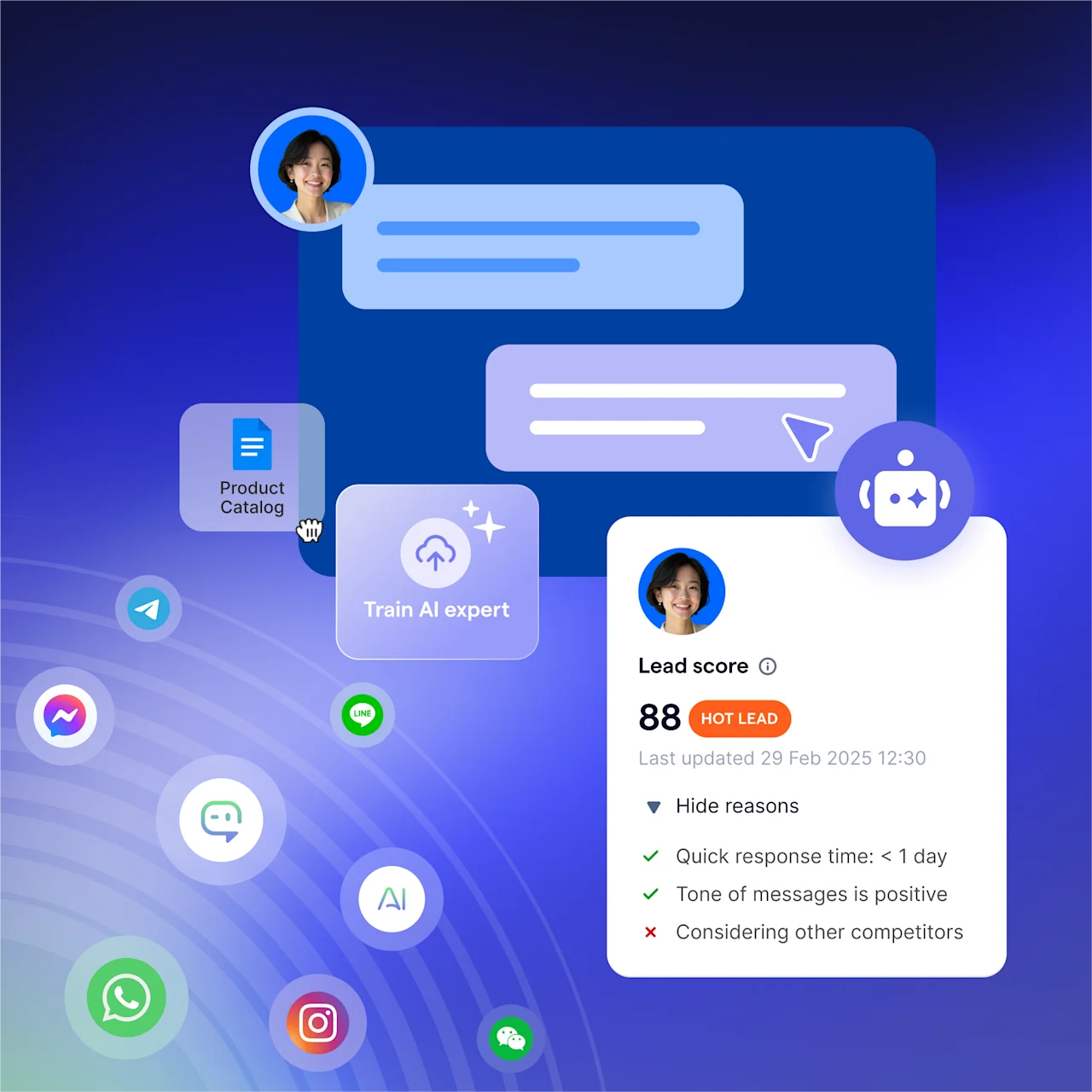
AgentFlow's inbound AI agent: greet and qualify leads on Messenger around the clock, answering product questions or confirming bookings.
AI Assistant: support your human agents in complex chats by suggesting replies and retrieving information instantly.
Broadcast campaigns: send personalized bulk messages on Messenger, segmented by purchase history or journey stage, with automated follow-ups.
Integrations with Shopify, Salesforce, HubSpot, and more: connect your AI agent to live product, order, and customer data for real-time context.
Customers get greeted right away, routed to the right person, and helped without friction. That's how a single click becomes a long-term relationship.
How Legacy Artisan grew qualified leads with SleekFlow
Legacy Artisan, a luxury watch retailer in Hong Kong, uses an online-to-offline model, engaging customers in digital consultations before in-store appointments. Its conversations were fragmented across WeChat, WhatsApp, and Messenger, making it hard for specialists to respond promptly, track history, and build the client profiles that luxury service depends on.
Legacy Artisan unified its channels in SleekFlow, using click-to-chat ads to route customers to WhatsApp or Messenger, where automated routing assigned each to the right specialist. Labeling customer preferences during chats built detailed profiles for targeted remarketing and event invitations.
A 52.3% increase in new customer inquiries quarter-on-quarter
A 68.4% increase in qualified leads
Start for free!
Grow your revenue and turn chats into conversions with AI agents. Try SleekFlow for free.


