Best online booking systems for service businesses: how to choose one (2026)


TL;DR: Quick Summary
- The right online booking system for a service business is the one whose billing model fits your staff, locations and client volume.
- Kantar research for Meta found 73.3% of consumers prefer messaging when contacting a business, so many bookings start in a chat.
- Online booking systems show live availability, take deposits and send reminders, so clients book and pay without a phone call.
- Text reminders, deposits and two-way calendar sync often sit on paid plans, so price the plan that includes them.
- A booking system works best when it's connected to the chats where clients ask, reschedule and confirm.
Author's note: This roundup reflects SleekFlow's assessment; product details are accurate as of publication and may change, so verify with each provider. Full note below.
Your calendar lives in one app, deposits in another, and the client who wants to move Thursday's appointment is messaging your personal phone.
An online booking system pulls the scheduling part into one place. Clients see real open slots, book, pay upfront if you ask them to, and get a reminder without anyone picking up the phone.
The harder part is picking one. Each platform bills in its own way, and the features that cut no-shows usually live on a paid plan.
Below are 7 online booking systems for service businesses, what each one bills you for, and how to match one to the way your clients already book.
What is an online booking system?
An online booking system is software that lets clients book, reschedule and pay for appointments themselves, from a booking page, your website, social profiles or a marketplace. It shows live availability for each staff member or room, sends confirmations and reminders, and keeps every appointment in one shared calendar your team can see.
Most service businesses use one for three jobs:
Taking bookings around the clock. Clients book at 11 PM without waiting for you to open.
Cutting no-shows. Automated reminders, deposits and cancellation fees make a missed slot less likely and less costly.
Keeping the team in sync. Staff calendars, services and locations sit in one place, so double bookings stop.
You'll also see these platforms called appointment scheduling software or booking management software. A meeting scheduler such as Calendly is built around calls and meetings, while salon and clinic platforms add staff rotas, resources and point-of-sale payments.
What to look for in an online booking system
The best online booking system for your business is the one that matches how clients find you, how you protect your time, and how the bill grows as you add staff or locations. Feature lists look alike across platforms, and these are the points that change your day-to-day.
How clients book. A booking page and website widget are standard. Some platforms add bookings from Google, Instagram, Facebook or a consumer marketplace.
Reminders and no-show protection. Text or WhatsApp reminders add to email, often on a paid plan. Deposits, card on file and cancellation fees protect the slot when someone doesn't turn up.
Payments. Processors and per-transaction fees differ by platform, and some fees apply even on free plans.
Staff, resources and locations. Plans cap calendars, providers or locations, so next year's headcount decides the tier you'll need.
Two-way calendar sync. Personal and work calendars should block time automatically, in both directions.
How the bill grows. Per location, per user, per booking or a share of new clients each reward a different kind of business.
Connections to your other systems. Your CRM, payment provider and messaging channels should share booking data.
Online booking systems compared at a glance
Prices are from each provider's US pricing page, checked October 2026. Payment processing, text message credits and add-ons are charged on top where noted below.
These options are listed in no particular order.
1. Square Appointments, best for single-location businesses already taking card payments
Square Appointments is the booking side of Square's payments platform, so bookings, card payments and in-person checkout run from one account. The free plan covers one location with unlimited staff calendars.
Online booking website, plus text and email reminders on every plan.
Prepayments on every plan, with cancellation fees and no-show charges from Plus.
Google Calendar sync, multiple locations, classes and waitlists from Plus.
Online card payments at 2.9% + 30¢ on all plans.
Pricing: Free for one location. Plus is US$29 a month per location and Premium is US$69, both billed monthly.
Trade-off: The free plan has no Google Calendar sync or cancellation fees, so a team that wants either one needs Plus.
2. Setmore, best for small teams that want a free start
Setmore gives up to four people a free booking page with a custom link and QR code. The Pro plan adds the features that cut no-shows.
Free plan for up to 4 users, with one email reminder per booking.
Pro adds text reminders, with 500 SMS credits a month per Pro team member.
Deposits, two-way calendar sync and video appointments on Pro.
Payments through Square, Stripe, PayPal or LawPay on both plans.
Pricing: Free for up to 4 users. Pro is US$5 a user a month, billed yearly, with unlimited users.
Trade-off: Text reminders and deposits are Pro features, and SMS availability varies by country.
3. SimplyBook.me, best for businesses that want many booking features in one platform
SimplyBook.me lets you switch on extra features, from client apps to point-of-sale, as your needs grow. Plans scale by bookings a month and the number of providers.
Free plan with a booking website, widget and admin app, plus bookings from your Facebook page.
Payments, deposits, tips and point-of-sale from Basic.
Refunds, payment links and accounting integrations on Premium.
Text and WhatsApp messages sold as credits, at US$8 per 100.
Pricing: Free for 50 bookings a month and one provider. Basic is US$11.90 a month billed yearly, for 100 bookings and up to 5 providers.
Trade-off: Booking caps rise by plan (100, 500 and 2,000 a month), so a busy month can push you up a tier.
4. Calendly, best for consultants, coaches and B2B services booking calls
Calendly is built for booking meetings and calls, with strong calendar connections and team routing. It suits services sold through a consultation more than walk-in appointments.
Free plan with one event type and one connected calendar.
Standard connects up to six calendars and takes payments through Stripe or PayPal.
Text reminders through Automations on paid plans, with SMS delivery to most countries.
Teams adds round-robin scheduling and routing forms that screen and route each booking.
Pricing: Free for one event type. Standard is US$10 a seat a month and Teams is US$16, both billed yearly.
Trade-off: Calendly's help pages say text reminders don't currently reach Singapore, Russia or Iran, so teams there rely on email reminders.
5. Fresha, best for salons, barbers and spas that want marketplace discovery
Fresha combines booking, payments and a consumer marketplace where clients search for beauty and wellness businesses near them. Plans are monthly subscriptions you can cancel at any time.
Bookings from your own link, Instagram and Facebook, plus the Fresha marketplace.
Upfront deposits, no-show protection and cancellation fees through Fresha payments.
100 automated texts or WhatsApp messages a month included, per team member on the Team plan.
Optional add-ons, such as an AI concierge and client loyalty.
Pricing: Independent is US$19.95 a month for one person. Team is US$14.95 per bookable team member a month. Both are billed monthly.
Trade-off: New clients who find you through the marketplace carry a one-time 20% commission (minimum US$6). Returning clients and bookings from your own links are free.
6. Acuity Scheduling, best for practitioners selling packages, memberships and intake-led sessions
Acuity Scheduling, part of Squarespace, suits therapists, coaches and wellness practitioners who need intake forms and prepaid sessions. Plans scale by the number of calendars.
Custom intake forms and payments or deposits through Stripe, Square, PayPal or Venmo on every plan.
Two-way sync with Google, Outlook, iCloud and Office 365 calendars.
Text reminders, packages, memberships and waitlists from Standard.
Multiple time zones, an AI booking assistant and a HIPAA BAA on Premium.
Pricing: Starter is US$16 a month for one calendar, billed yearly. Standard is US$27 for up to 6 calendars, and Premium is US$55 for up to 36.
Trade-off: There's no free plan, and text reminders start on Standard, with availability that varies by country.
7. Zoho Bookings, best for teams already working in Zoho CRM
Zoho Bookings syncs appointments into Zoho CRM on every plan, so bookings land next to your leads and deals. The free plan covers one user with two-way calendar sync.
Two-way sync with Zoho, Google and Microsoft 365 calendars, even on the free plan.
Email workflows from Basic, and syncing to any standard Zoho CRM module.
Text reminders, online payments and WhatsApp notifications on Premium.
Resource bookings on Premium, with resources sold separately.
Pricing: Free for one user. Basic is US$6 a user a month and Premium is US$9, both billed yearly.
Trade-off: Text reminders, payments and WhatsApp notifications are all Premium features.
How to choose the right online booking system
The right choice depends first on the kind of business you run and how your clients like to book, then on which plan carries the no-show features you need. Here's how the platforms above line up by business type.
If you handle health or other sensitive client data, ask each provider how it meets the privacy rules in your market, and confirm the setup with your own legal adviser.
Price the plan you'll actually use
The free or starter plan is rarely the one a busy team stays on. The real cost is the plan with text reminders, deposits and calendar sync, plus payment processing and any message credits.
Take a five-person salon with one location. Setmore Pro comes to US$25 a month billed yearly, Square Appointments Plus to US$29 a month, and Fresha Team to US$74.75 a month before message and marketplace fees.
Why many bookings start in a chat
Clients often message before they book. In a 2025 Kantar study of 11,056 adults across 22 markets, commissioned by Meta, 73.3% of consumers said they prefer messaging when communicating with a business.
That shows up in the questions you get every day: is Saturday free, how long does a facial take, can I bring my daughter?
A booking page answers the first one. The others need a reply before the client commits.
The same goes after booking. Clients reply to reminders to reschedule, ask for directions, or tell you they're running late.
So the booking system holds the calendar, while many bookings are made, moved or saved in a chat. Our guide to WhatsApp bookings and appointments covers the setup on that channel.
How SleekFlow connects your booking system to client conversations
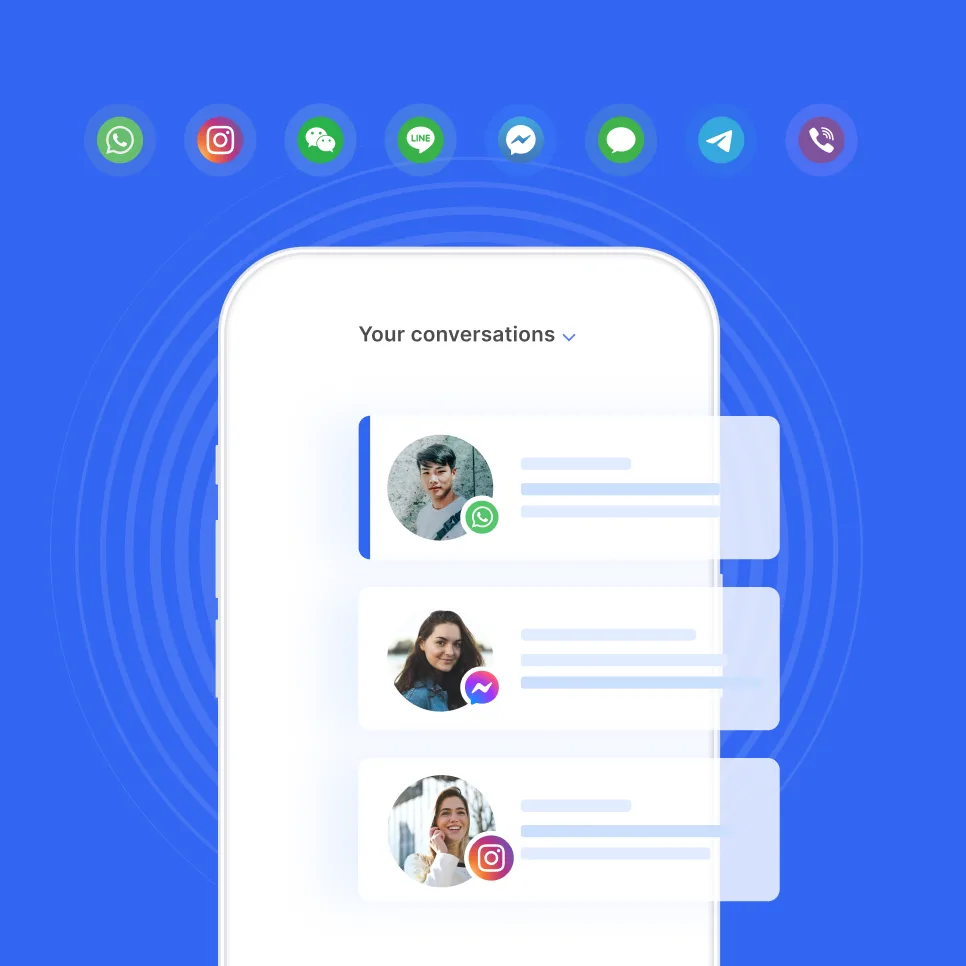
SleekFlow isn't a booking system. It's the conversation platform that sits alongside one, bringing WhatsApp, Instagram, Messenger, live chat and more into a shared inbox where AI agents and your team work together.
AI agents that book in the chat. AgentFlow's Inbound AI Agent captures what the client wants, checks availability, proposes times and confirms the appointment in the same conversation.
A link to your booking system. Through a custom API integration, an AI agent can search open times and create bookings in your booking system, where it offers an API.
Automations from booking events. Through Zapier, a new or rescheduled Calendly booking can trigger a WhatsApp message from SleekFlow.
Handoff to your team. The AI agent passes the chat to a person based on topic, sentiment or a finished task, with a summary so the client doesn't repeat themselves.
For the full workflow, from triage to reminders and handoff, see our guide to AI booking agents.
How OT&P Healthcare cut no-shows by 11%
OT&P Healthcare runs clinics across Hong Kong, and each clinic had its own WhatsApp account. Staff chased appointment reminders by hand, and sudden cancellations and no-shows were common.
OT&P brought every clinic's WhatsApp into one SleekFlow inbox and connected its in-house patient management system through a custom API integration. Personalized reminders now go out from that system on WhatsApp, and a Flow Builder workflow cut patient routing from seven steps to three.
Results, year on year:
11% fewer no-shows
10% fewer cancellations
Which online booking system is right for your service business?
For most service businesses, the right online booking system is the one that bills the way you grow and puts text reminders and deposits on a plan you can afford.
In our view, Fresha and Square Appointments suit salons and spas, Acuity Scheduling and SimplyBook.me suit clinics and practitioners, and Calendly suits consultants. Setmore and Zoho Bookings are the easiest free starts for a small team.
The booking system holds your calendar, but many bookings are still won or lost in the chat before and after. Connecting the two means fewer clients drift off between a question and a confirmed slot.
See how AgentFlow books appointments inside the conversation.
Want to outcompete your peers with SleekFlow's help?
Book your personalised demo with SleekFlow today and unlock the potential of seamless communication
Author's note: This roundup reflects SleekFlow's assessment and is for general information. Product details are accurate to the best of our knowledge at the time of publishing, drawn from each provider's public information, and change often, so verify the latest with each provider directly. Each provider's published pages were checked on 30 October 2026. We may update this article from time to time. Opinions are our own. Think we've got something wrong? Contact us and we will review and correct it promptly.


