


Supercharge Microsoft Outlook with AI agents
Outlook basic automations can't qualify leads, resolve tickets, or pull live data from your business tools. Add SleekFlow's AI agents to your Outlook inbox to route, reply, and resolve at scale, with every email action synced to your CRM or e-commerce platforms.

Trusted by 7,000+ businesses across industries


Table of contents


What AI agents do for your Outlook inbox
AI agents work inside Outlook like a teammate who never sleeps — qualifying leads, resolving tickets, and pulling the right data from the right business tool at the right moment. Here's what they handle end-to-end.
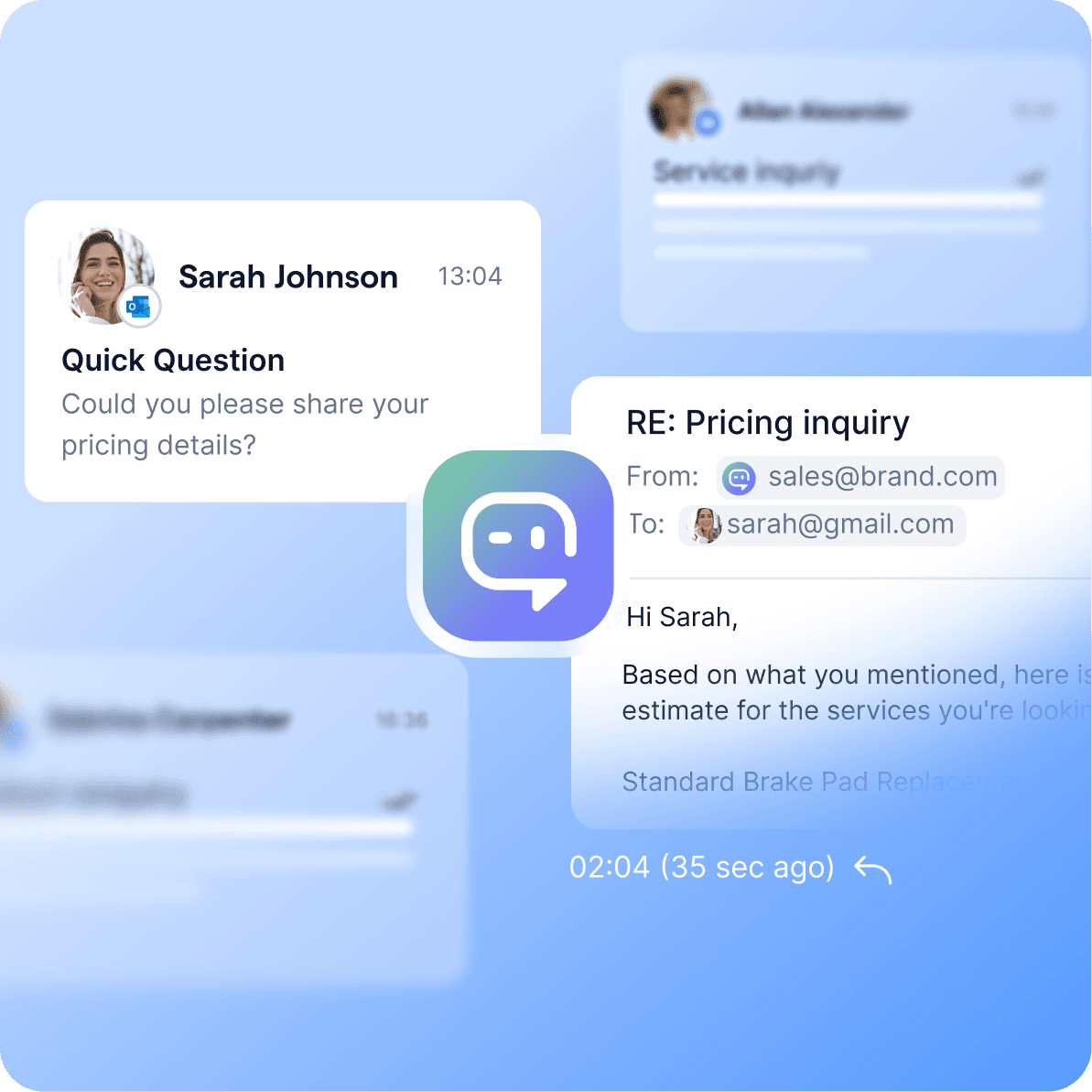
Reply to first-touch enquiries in seconds
AI agents understand intent and respond instantly to inbound emails at sales@company.com or support@company.com. Customers get a personalized first reply, not the "this is your ticket #4521" receipt no one wants.
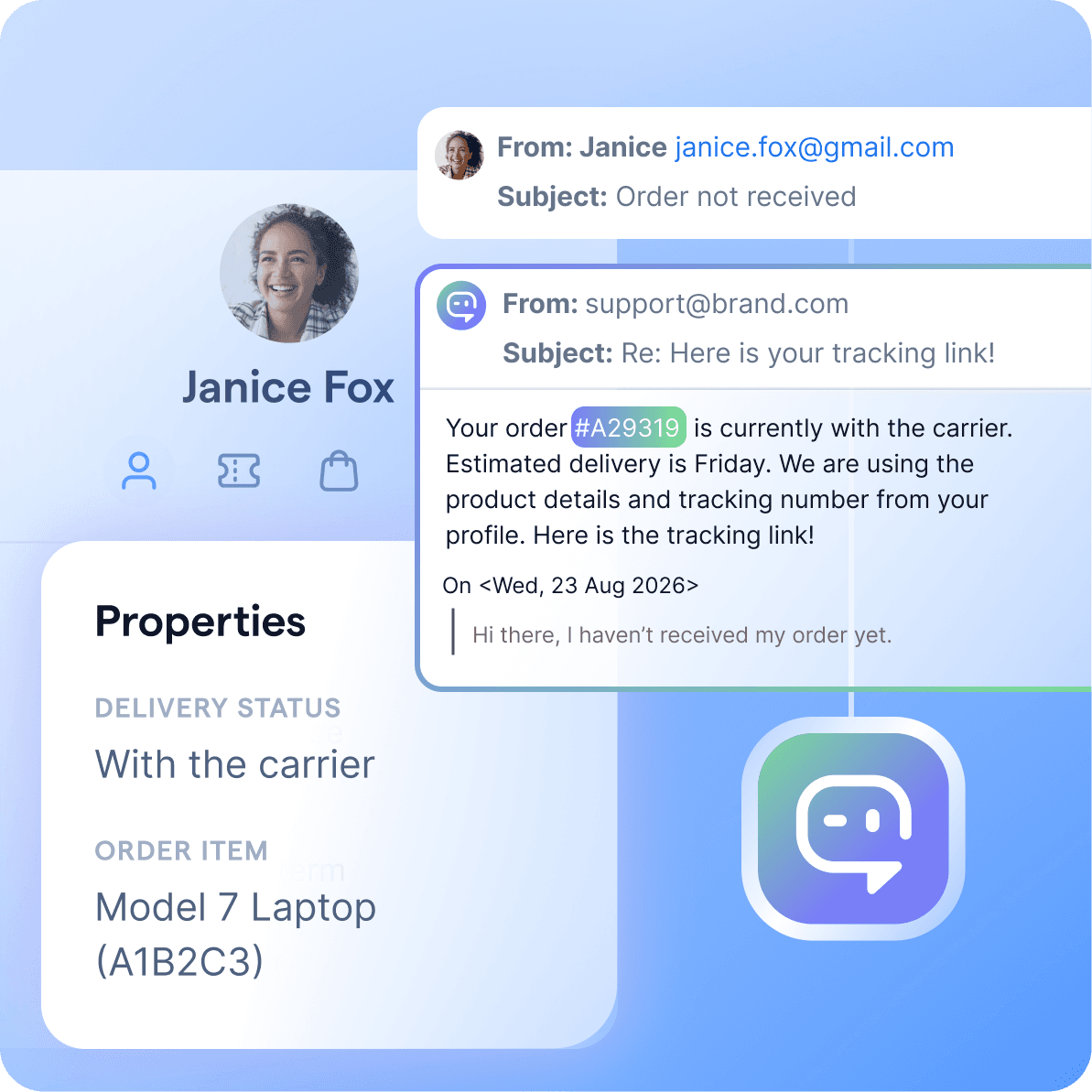
Resolve tickets without lifting a finger
AI agents look up orders, check delivery status, share return policies, and update CRM records inside the conversation. Most support tickets close without a human ever opening them.
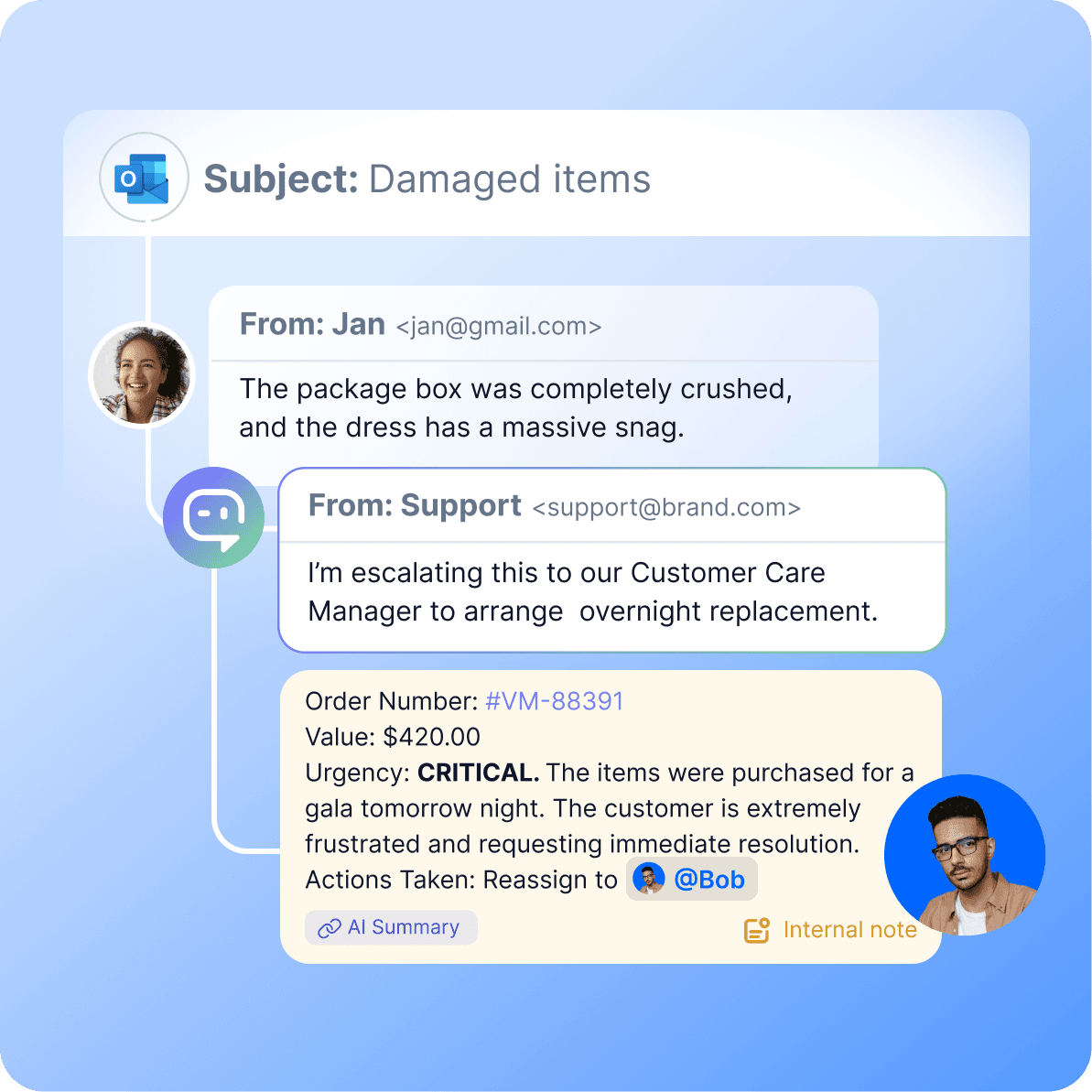
Hand off to humans with full context
When AI agents reach their guardrails, they route the email to the right team member with the full conversation history and a summary attached. No reset. No repeat questions.
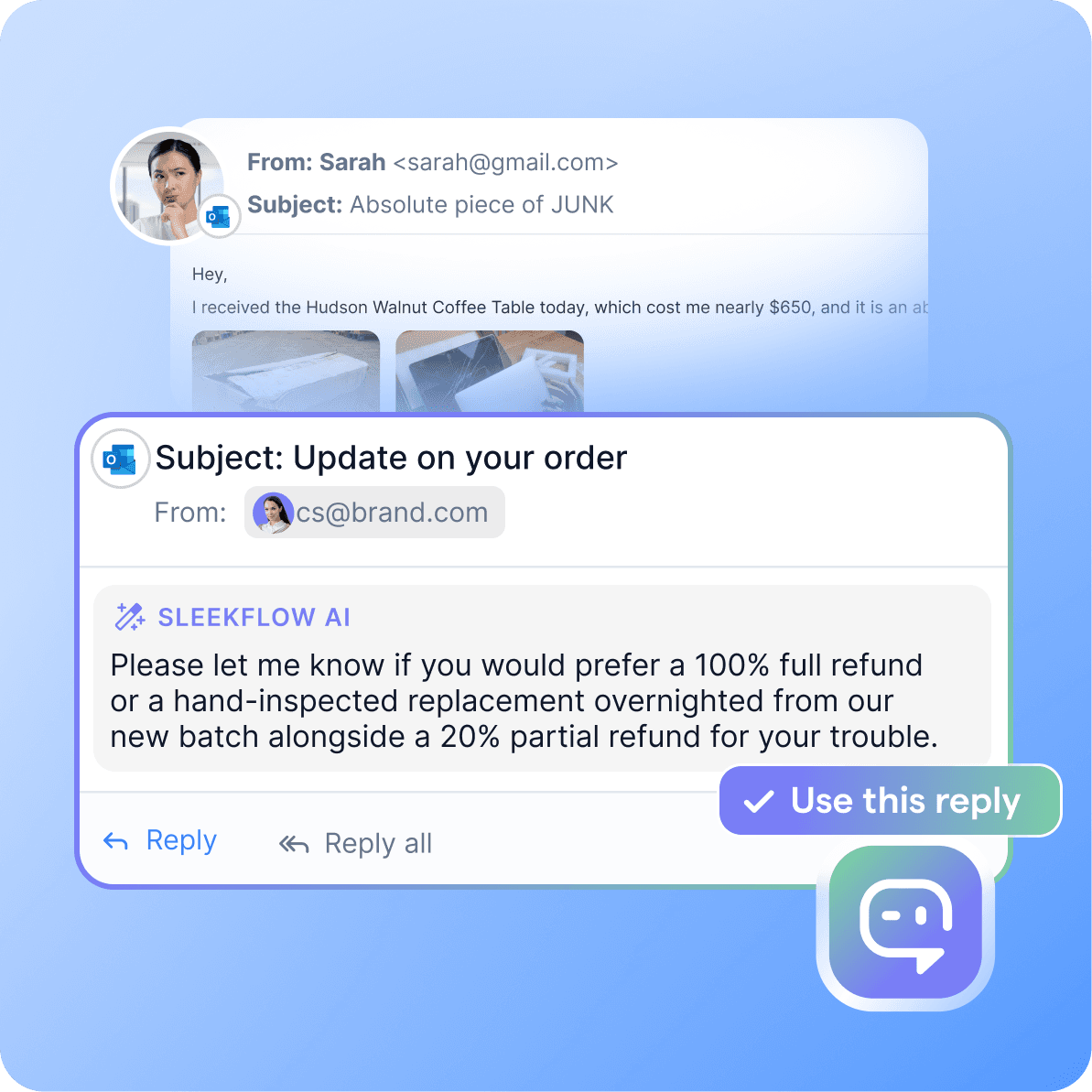
Draft replies for your human agents
For complex conversations, AI agents draft replies from your company's knowledge base, so your team can review and send them with one click. Agents move faster; quality stays consistent.
How Microsoft Outlook AI agents work on SleekFlow
With AgentFlow, you can build, test, and deploy AI agents to manage your end-to-end Outlook workflows, covering everything from lead qualification to post-sales support, working alongside your human team, only faster.
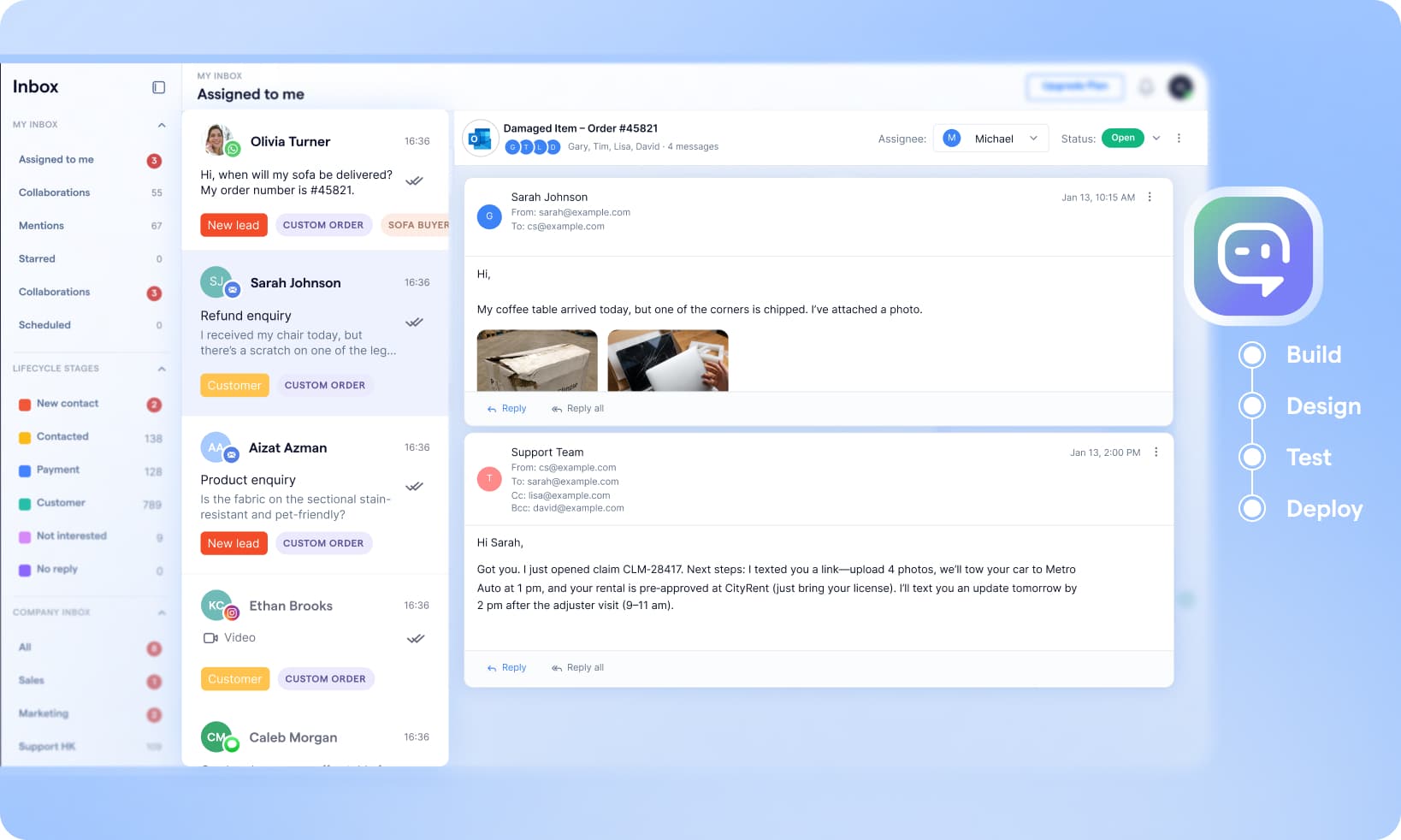
1. Build an AI knowledge base
Index your website, product docs, and purchase policies so AI agents can learn everything your team knows. Every reply sounds like it came from your experts.
2. Design AI agent playbooks
Map out how AI agents handle leads, tickets, and escalations. Set guardrails, define handoff rules, and decide when humans step in.
3. Test in a sandbox
Run real scenarios against your playbook before going live. Catch edge cases, refine tone, and tune responses with zero customer impact.
4. Deploy to Outlook
Connect AI agents to your Outlook account and have them start handling inbound emails immediately — assigning, replying to, and escalating messages.
Connect AI agents to the tools your team already uses
AI agents are only as useful as the data they can act on. SleekFlow connects them to your full business stack — so they don't just reply, they get things done.
Google Sheet integrations
Pull customer data, pricing tables, inventory lists, or lead lists directly from Google Sheets. AI agents reference the right row in real time and write updates back automatically.
E-commerce integrations
Pull live order, customer, and abandoned cart data from Shopify. Customers get order status and product recommendations without leaving the email thread.
Workflow integrations
Connect your calendar, helpdesk, ERP, and other internal systems through Zapier, Make, or direct API. If your team uses it, your AI agent can work with it.
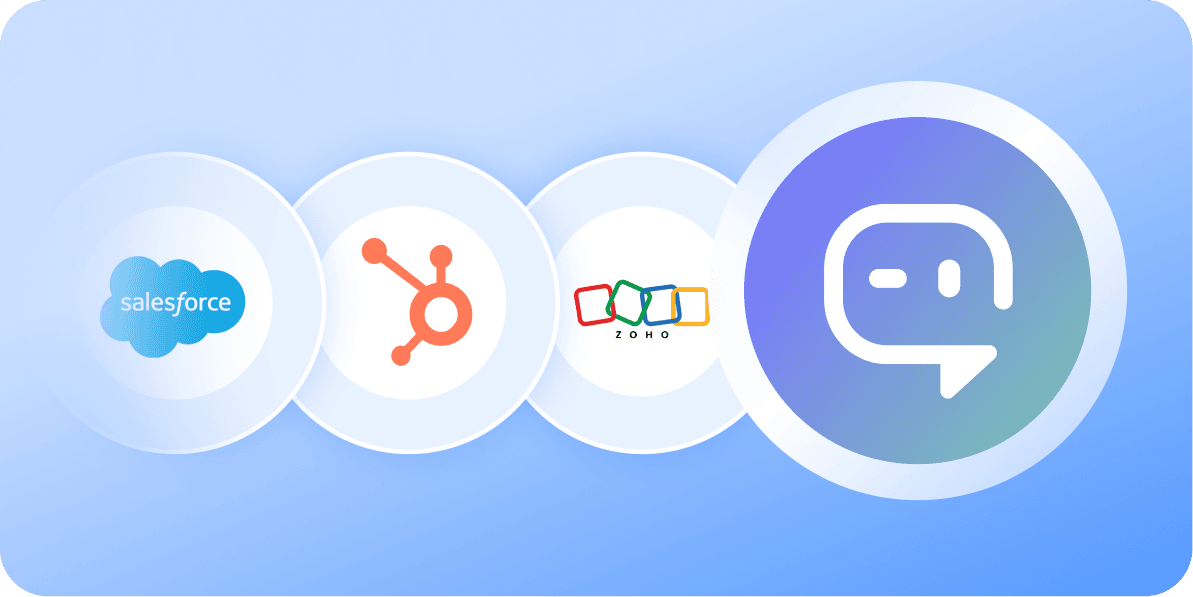
CRM integrations
Sync contacts, leads, and campaign history with Salesforce, HubSpot, and Zoho. AI agents see full customer records and update them after every conversation.