Chatbot automation: Enhance live chat support with AI


TL; DR: Quick Summary
- Chatbot automation uses AI and rule-based triggers to handle customer conversations automatically—answering FAQs, capturing leads, routing queries, and escalating to human agents when needed.
- A well-configured bot can deflect 35–50% of support volume and respond in under a second, 24/7.
- The strongest use cases: FAQ deflection, proactive lead capture, order tracking, booking automation, multilingual coverage, and intelligent escalation.
- Automation works best as a human + bot model — bots handle volume, agents handle nuance.
- Before deploying: audit your top query types, define escalation rules, and connect your CRM.
- Key metrics to track: bot resolution rate, escalation rate, CSAT, and containment rate.
Your customers expect instant answers—day or night, on whatever channel they choose. But scaling a human support team to meet that demand is expensive and unsustainable. That's where chatbot automation changes the game. By combining AI, natural language processing, and rule-based triggers, automated live chat lets businesses handle more conversations at lower cost, without sacrificing the quality customers expect.
What is chatbot automation?
At a practical level, chatbot automation involves using rules, AI, or both to mimic common conversations and automate actions such as answering questions, collecting details, or routing cases. The stronger version of automated live chat goes beyond canned replies. It connects responses to your knowledge base, workflows, and agent handoff, so the conversation keeps moving rather than ending with “Please contact support.”
An automated live chat agent should be able to greet visitors, detect intent, ask qualifying questions, suggest next steps, and escalate when the conversation becomes complex or high intent.
SleekFlow’s live chat is not just a basic chat box; it proactively engages website visitors, collects their information pre-chat, and automates responses.
How live chat automation works
A modern automated live chat setup usually follows five steps:
It detects a trigger, such as time on page, page type, referral source, or an incoming message.
It sends live chat automated messages to greet the visitor, ask one or two qualifying questions, or offer common help topics.
It uses AI or a knowledge base to consistently answer routine questions.
It syncs the conversation with contact data and routes the chat to the right team or queue.
It continues the journey in the most useful channel, whether that is website chat, a human agent, or a follow-up channel like WhatsApp.
6 Proven use cases for live chat automation
1. FAQ deflection and instant self-service
The most immediate win from automated live chat software: resolving repetitive queries—returns, shipping, account access, pricing in seconds, around the clock. SleekFlow's Flow Builder lets non-technical teams design and deploy these workflows visually, without engineering support.
2. Proactive lead capture
Rule-based triggers send live chat automated messages at precisely the right moment—when a visitor lingers on a pricing page, starts to exit, or meets a lead score threshold. This turns passive traffic into a qualified pipeline without any manual effort from your sales team.
3. Order tracking and transactional queries
Connect your chatbot to your e-commerce platform, and customers can check order status, modify a delivery address, or initiate a return, all through chat, all without an agent. SleekFlow's native Shopify integration automatically syncs orders and customer data, so the bot always has the latest transaction information.
4. Appointment and booking automation
For service businesses, chat automation handles the full booking flow—availability check, slot confirmation, reminder dispatch, removing an entire administrative layer from support and sales teams.
5. Multilingual and after-hours coverage
AI bots can handle customer requests in multiple languages and operate continuously without shift rotations. This ability ensures that customers can receive support at any time, helping to address queries promptly and reduce the risk of customer churn, especially when human agents are unavailable.
6. Intelligent escalation to human agents
Effective live chat automation isn't about removing humans; it's about deploying them better. SleekFlow's AgentFlow goes beyond simple rule-based handoffs: the AI qualifies intent, detects sentiment, and routes conversations to the right team with full context already attached. Customers never repeat themselves. Agents start informed.
How to enhance live chat with AI automation
Successfully deploying chatbot automation on live chat requires more than switching on a bot. Here's the framework that separates teams that see real ROI from those that don't.
Step 1: Audit your conversation volume
Pull 90 days of support tickets and identify your top 15–20 query types by volume. These are your automation candidates. Rank them by frequency × simplicity—high on both means automate first.
Step 2: Define clear escalation rules
Before any bot goes live, define exactly when it hands off to a human: negative sentiment, billing disputes, three failed resolution attempts, or any explicit request for a person. Clear escalation logic protects CSAT and prevents the most common chatbot complaint—feeling trapped.
Step 3: Integrate with your tech stack
Your automated live chat software must connect to your CRM, helpdesk, and commerce platform. Without integration, bots are blind to customer history, and agents lose context on escalation. See how SleekFlow integrates with your existing tools.
Step 4: Personalise with CRM data
Use customer data to make live chat automated messages feel human—use the customer's name, reference their last order, and surface relevant offers. Personalised bot messages consistently outperform generic ones on engagement and conversion.
Step 5: Track KPIs and optimise continuously
Live chat automation is not a set-and-forget deployment. Monitor these metrics from day one:
Is chatbot automation right for your business?
Not every team is ready to automate live chat from day one. Use this readiness checklist to gauge where you stand:
✅ Strong signals you're ready:
You receive the same questions repeatedly (order status, returns, pricing, FAQs)
Your support team spends time on queries that don't require real judgment
You receive meaningful chat volume outside business hours
Your response times exceed customer expectations (industry benchmark: < 1 minute)
You want to scale support without proportional headcount growth
You operate across multiple channels (website, WhatsApp, Instagram) and struggle to keep up
⚠️ Signs to refine your approach first:
Your query types are highly varied, nuanced, or require human judgment
You don't yet have a clear taxonomy of your most common support queries
Your CRM data is incomplete—personalisation will fall flat without reliable customer records
You haven't defined escalation rules—deploying without them risks customer frustration
What to look for in automated live chat software
SleekFlow's AI omnichannel platform combines chatbot automation, CRM, and live chat in a single workspace—so your team can enhance live chat with AI automation across WhatsApp, Instagram, and web chat without stitching together multiple tools.
Chatbot automation across industries: Results from SleekFlow customers
Automotive: AL EMAD Car Rentals — 200% more active conversations
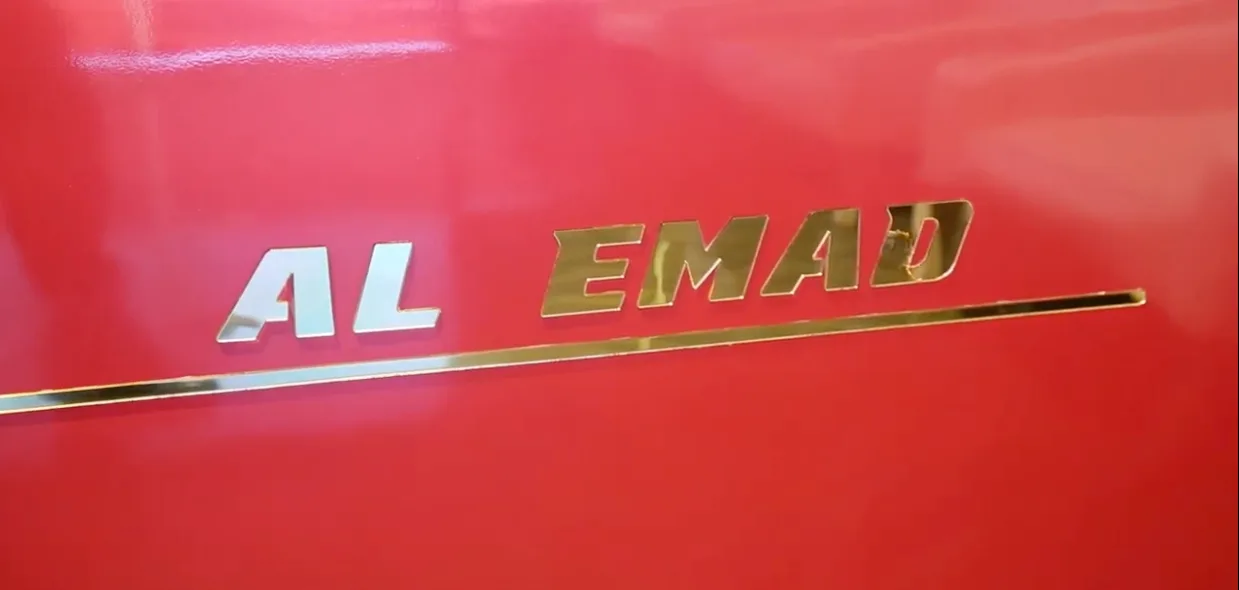
AL EMAD Car Rentals, a fast-growing vehicle hire provider in the UAE, was managing customer inquiries across WhatsApp and multiple social channels, but conversations were scattered, responses were delayed, and repetitive questions consumed agent time. After deploying SleekFlow's omnichannel automation, they unified all channels into a single inbox, automated answers to recurring queries, and achieved a 200% increase in active conversations—without adding headcount.
"SleekFlow brings all our inquiries into one platform and automates repeated questions. It saves us a lot of time and improves how we support our customers." — Afra Hussain, Customer Service, AL EMAD Car Rentals
Read the full AL EMAD case study.
Telecom: Singtel — Automating customer care at scale

Singtel deployed WhatsApp Business automation to move customer support away from phone queues and into automated messaging workflows. Customers now self-serve for account management, balance checks, and service queries — with WhatsApp automation handling the full interaction from first message to resolution, or to an agent handoff when needed. The deployment illustrates the core principle of effective chat automation: shift customers to their preferred channel, use automation to absorb repeatable volume, and reserve agents for conversations that genuinely need a human.
F&B: LUBUDS Group — 24/7 engagement across 40 outlets
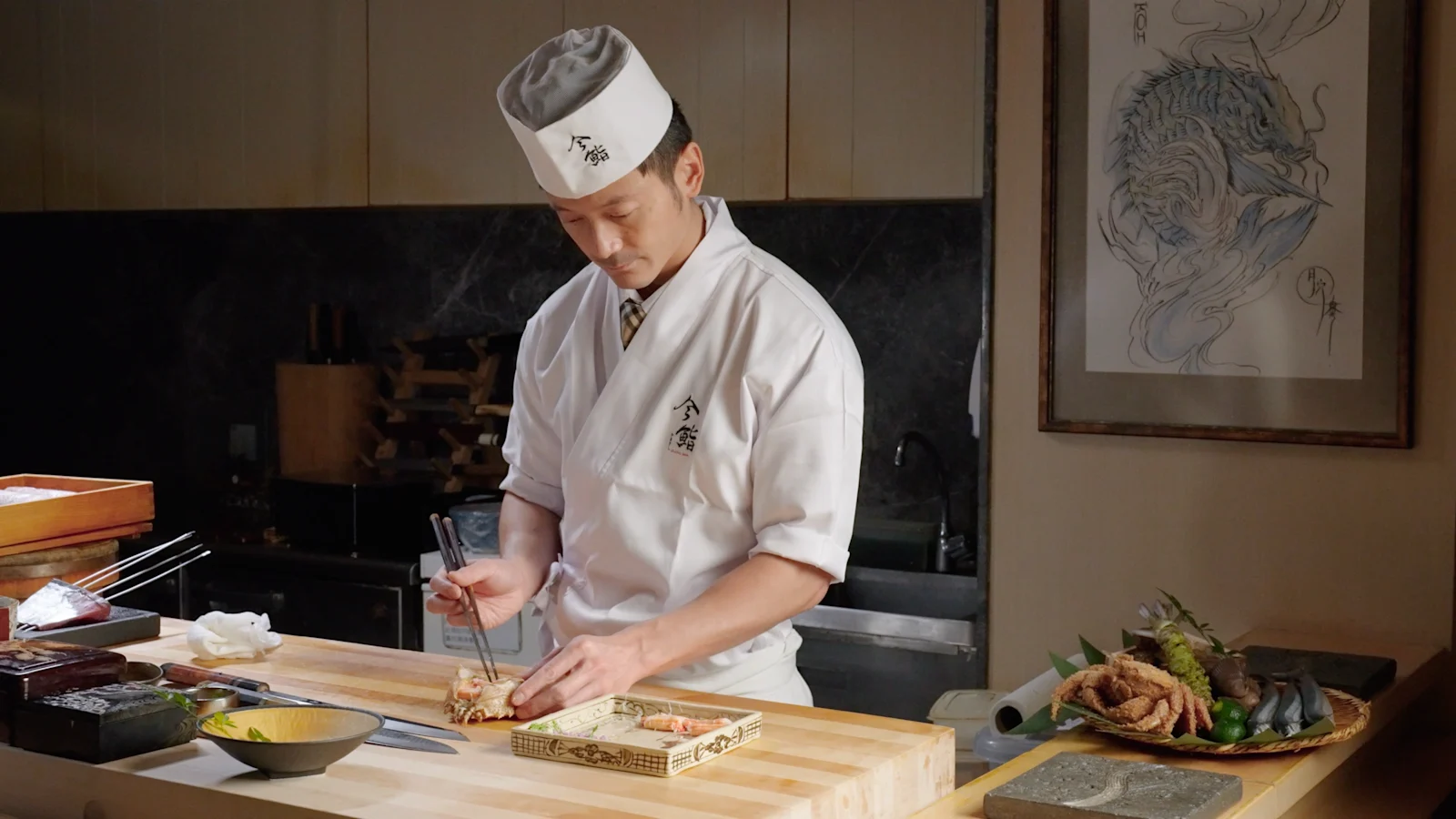
LUBUDS Group, a multi-brand restaurant operator running 40 outlets in Hong Kong, implemented a customised chatbot solution on WhatsApp to handle restaurant recommendations, table reservations, and loyalty programme queries around the clock. Using customer data segmentation, they send targeted promotions to the right segments—driving app downloads and repeat visits — while the bot handles the volume that would otherwise require a dedicated call team. The result: 24/7 customer engagement is maintained consistently across all 40 locations, with the human team focused entirely on the in-restaurant experience.
Read the LUBUDS Group case study.
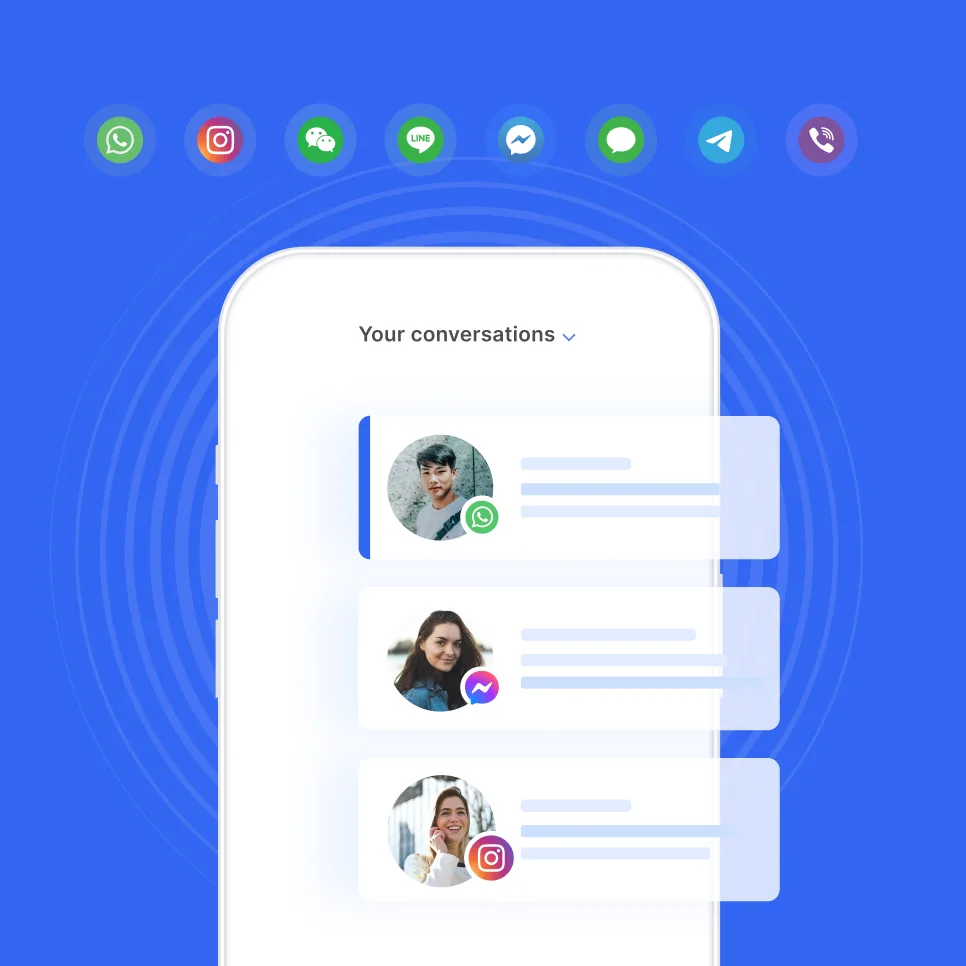
Ready to enhance live chat with AI automation?
SleekFlow brings chatbot automation, CRM, and omnichannel live chat into a single platform—so you can automate the repetitive, personalise the important, and let your team focus on the work that actually matters.


