WhatsApp Business API: a definitive guide for your business (2026)


TL; DR: Quick Summary
- WhatsApp Business API is the enterprise-grade version of WhatsApp for scalable customer messaging.
- Meta now commonly refers to it as the WhatsApp Business Platform.
- Cloud API is the standard setup for most businesses today.
- On-Premises API was sunset on October 23, 2025.
- Businesses must collect valid opt-in consent before sending business messages on WhatsApp.
- Pricing is based on the number of delivered messages, the recipient market, and the message category.
Customers already use WhatsApp to message friends, family, and businesses every day. For growing companies, that creates a clear opportunity: meet customers on a channel they already trust, then turn those conversations into sales, support, and retention outcomes. Meta positions the WhatsApp Business Platform as a scalable way for businesses to run customer communication across the full journey, from lead generation to post-purchase service.
This guide is reviewed against current Meta documentation, including pricing, policy, onboarding, and product updates. That matters because this is a legally sensitive topic: outdated guidance on opt-ins, templates, pricing, or deprecated infrastructure can create compliance and operational risk.
What is WhatsApp Business API?
WhatsApp Business API is the infrastructure that allows businesses to use WhatsApp at scale. Unlike the free WhatsApp Business App, which is designed for smaller teams and simpler workflows, the API is built for companies that need automation, multiple agents, CRM integrations, reporting, and cross-departmental governance. Meta describes the platform as a business messaging solution for sales, support, marketing, and service journeys.
In practical terms, the WhatsApp Business API lets businesses:
manage chats across multiple team members
automate lead qualification and routing
send approved template messages
connect WhatsApp with CRM, ecommerce, or support systems
build structured customer journeys with interactive message formats
What can businesses do with WhatsApp Business API?
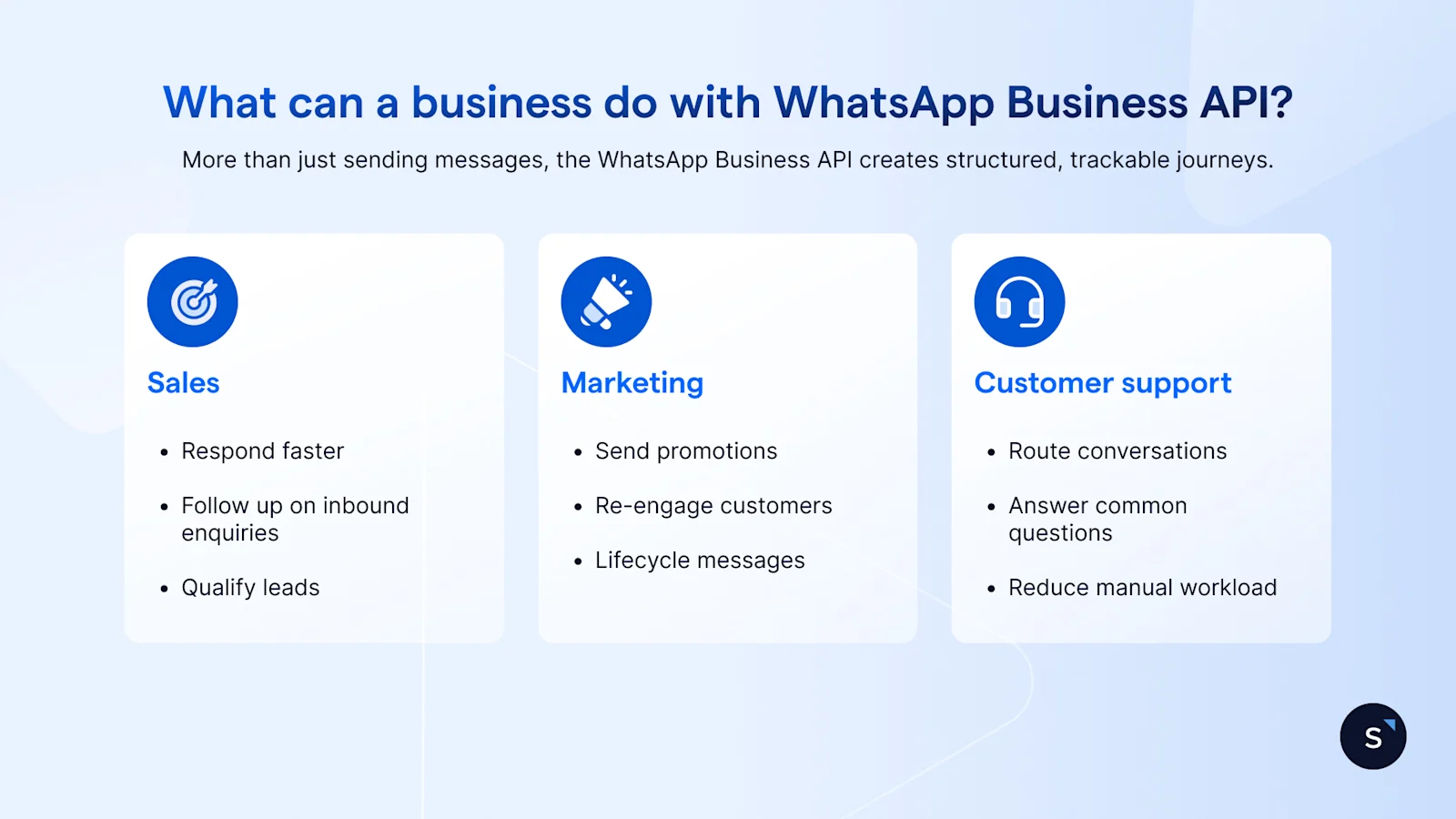
The value of WhatsApp Business API is not just sending messages. It is creating structured, trackable customer journeys.
For sales teams
Sales teams use WhatsApp to respond faster, qualify leads, follow up on inbound enquiries, and move buyers toward the next step without forcing them to switch channels. With the right setup, you can assign chats automatically, capture lead data, and trigger follow-up workflows from one shared inbox. Read our WhatsApp CRM guide to find out how that it works when CRM and messaging are connected.
For support teams
Support teams use WhatsApp automation to route conversations, answer common questions, and reduce manual workload. Meta’s business platform also supports richer message formats such as interactive lists and product-sharing experiences, which can make support journeys easier to complete.
For marketing teams
Marketing teams typically use approved templates to send updates, reminders, promotions, re-engagement campaigns, and lifecycle messages. If your business runs campaigns on WhatsApp, template governance and segmentation matter more than volume alone.
How WhatsApp pricing works
Pricing is one of the most misunderstood parts of WhatsApp Business API.
The simple version
Your total cost usually comes from three layers:
Meta message fees
BSP or software platform fees
optional onboarding, integration, or implementation costs
Meta’s pricing is based on delivered messages, not simply sent messages, and depends on the recipient’s market and message category. Current pricing documentation also notes free-message windows and rate-card updates by market.
What affects your cost
recipient country or region
message category
volume tiers where available
whether the message falls into a free service or entry-point window
the software or BSP layer you choose
Read our WhatsApp pricing guide for full details on how it works, and use our WhatsApp pricing calculator to calculate your messaging cost.
How to get started with WhatsApp Business API
Getting started is simpler when we break it into a few core decisions.
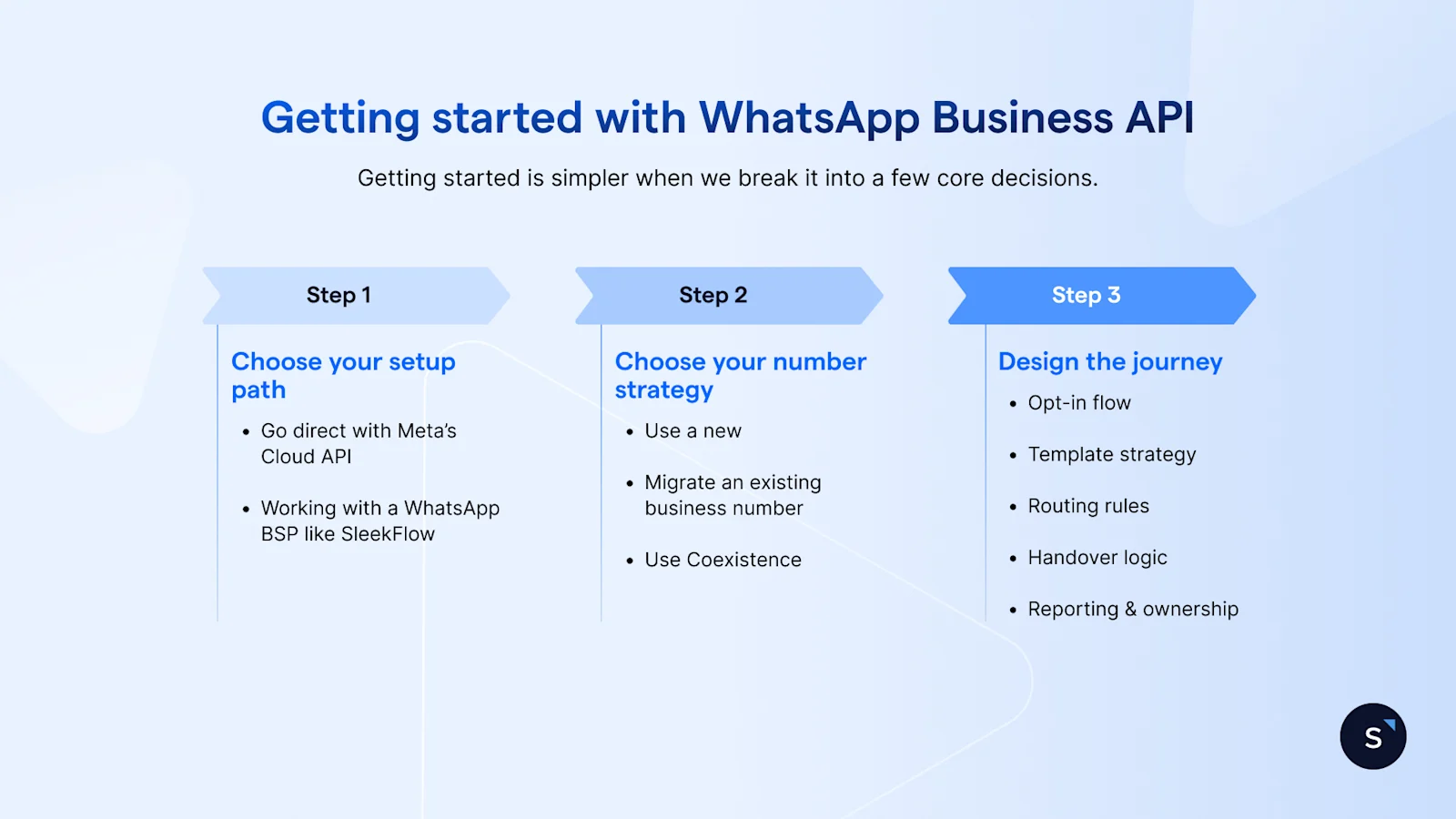
Choose your setup path
Most businesses choose between:
going direct with Meta’s Cloud API
Working with a WhatsApp BSP like SleekFlow that combines access with automation, integrations, analytics, and team collaboration
For many teams, the right choice is the one that reduces implementation complexity without limiting future scale.
Choose your number strategy
You can start with a new number, migrate an existing business number, or use Coexistence to keep using your WhatsApp Business App number while upgrading to the API experience.
Design the journey before launch
Before sending the first message, define:
your opt-in flow
template strategy
routing rules
handover logic between automation and agents
reporting and ownership
This is usually the difference between “we have WhatsApp” and “WhatsApp is generating measurable business results.”
Why businesses choose SleekFlow for WhatsApp Business API
At SleekFlow, we do not look at WhatsApp as a standalone channel. We look at it as part of a larger customer journey across lead capture, qualification, conversion, service, and retention.
That is why our approach to WhatsApp Business API combines shared inboxes, workflow automation, CRM connectivity, broadcasts, and AI-assisted conversation management in one place. Businesses can manage WhatsApp alongside channels such as Instagram, Facebook Messenger, live chat, and SMS, while keeping customer context unified across the journey.
Awfully Chocolate scales customer conversations on WhatsApp Business API
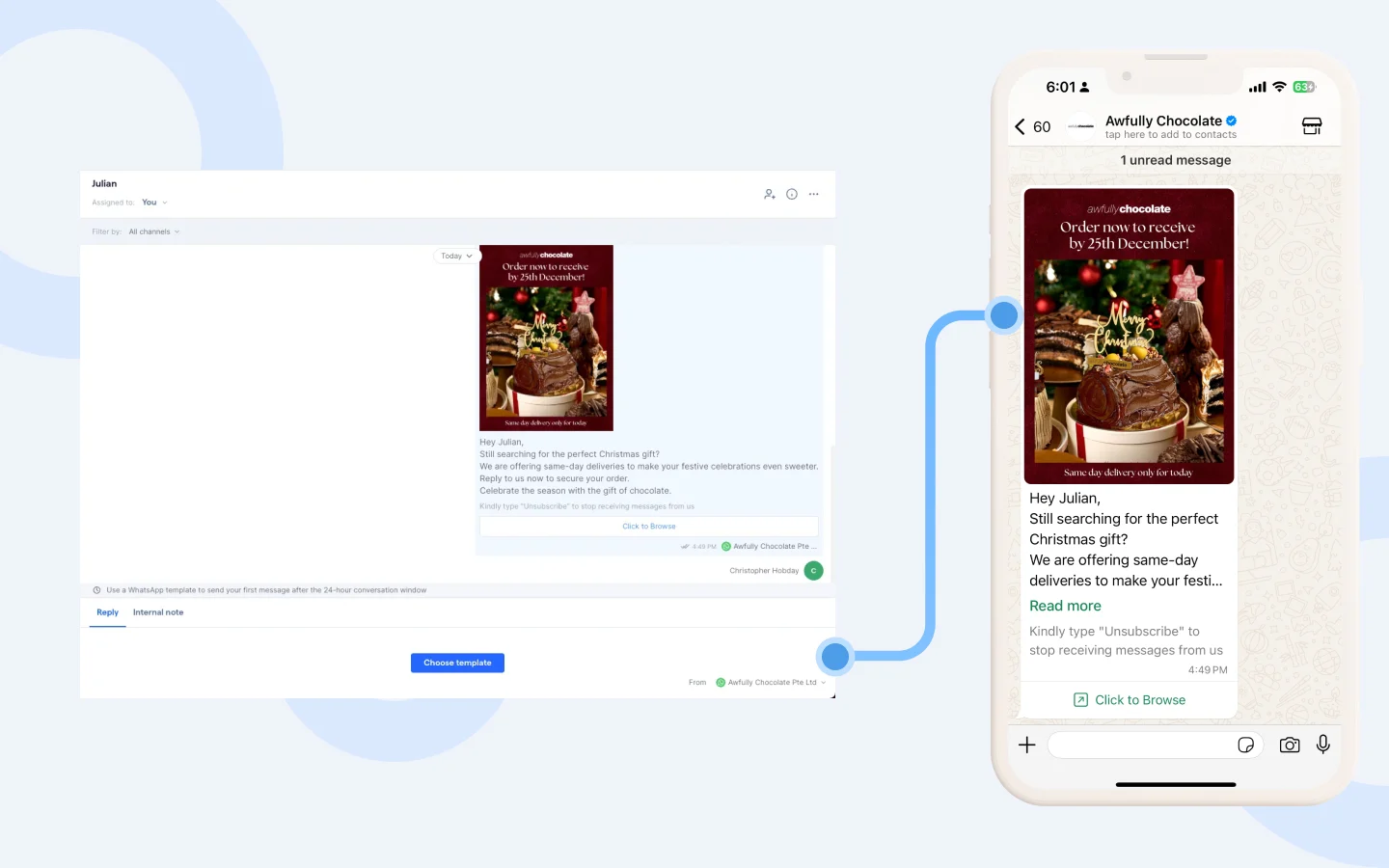
As a brand with multiple outlets across Singapore and China, the chocolatier needed a better way to manage rising customer enquiries across WhatsApp, Instagram, Facebook Messenger, and website chat. With SleekFlow, they brought these channels into one shared inbox, automated common FAQs such as store opening hours, order enquiries, and memberships, and connected its Shopify store so agents could view customer details, purchase history, and preferences in one place. This gave the team a more efficient way to handle high volumes of enquiries, especially during peak periods, while improving customer engagement across both support and marketing journeys.
Results:
2x faster response speed
2,000+ new enquiries monthly
90% read rate on WhatsApp
Start for free!
Grow your revenue and turn chats into conversions with AI agents. Try SleekFlow for free, forever.

