AI agents for education: how they support the student journey (2026)

TL;DR: Quick Summary
- AI agents for education answer, qualify, and route student inquiries on messaging channels so admissions staff focus on applicants ready to talk.
- Gartner predicted in Aug 2025 that 40% of enterprise apps would include task-specific AI agents by 2026.
- The agent works each stage of the journey, from first inquiry to course matching, follow-up, enrollment, and booked visits.
- Staff stay in control because replying from the inbox pauses the agent and keeps the full conversation history in view.
- Start with the questions your team answers most often, then set clear rules for when the agent hands over to a person.
Results come out, and within hours the admissions inbox is full. This is the moment AI agents for education are built for.
At Hong Kong Shue Yan University, the admissions office handles over 8,000 applications in a year, with questions spiking around the DSE results period. At Taylor's University in Malaysia, peak periods have pushed inquiries past 10,000 conversations. A small team can't answer every "what are the entry requirements?" message in minutes, on every channel, at 11 PM.
An AI agent can take the first reply, ask the right questions, and pass the conversation to a person when it matters. This guide goes stage by stage, from first message to enrollment, and shows where the agent helps and where your staff step in.
What are AI agents for education?
AI agents for education are software agents that hold real conversations with prospective students and parents on messaging channels. They answer questions from your approved course and admissions content, ask qualifying questions, and hand the conversation to a staff member when a set rule is met. Unlike a fixed menu bot, they understand free-text questions and keep context across the chat.
The agent sits at the front of your admissions funnel and handles repeated questions about fees, intakes, and requirements. Adoption is growing. Gartner predicted in Aug 2025 that 40% of enterprise apps would include task-specific AI agents by 2026. For a broader primer, see what AI agents are and how they work.
How do AI agents support each stage of the student journey?
An AI agent supports the student journey by taking the repetitive work at each stage: capturing inquiries, matching courses, qualifying applicants, following up, supporting enrollment, and booking appointments. Staff handle the judgment calls. The table below sums up who does what, and the sections after it go stage by stage.
Inquiry capture
Prospective students message from wherever they found you, often a social post or an ad. At Taylor's University, inquiries arrive through WhatsApp, Facebook, Instagram, TikTok, and other digital channels. The agent replies on the same channel within seconds, so the student doesn't wait until the office opens. It can ask for the details your team needs, such as program of interest and preferred intake.
Course matching
Course matching is where students ask the most questions, such as entry requirements and intake dates. The agent answers from the knowledge sources you add, such as program pages, fee schedules, and FAQs. Keep that content current before each intake.
Admissions qualification
Not every inquiry is ready for a counselor. SleekFlow's AgentFlow can qualify leads before handing them off, so sales and admissions staff focus on stronger prospects. Set the questions that matter to your process, such as academic results, intended start date, or funding, and the routing rule for each answer.
Application follow-up
Many applications stall halfway. Flow Builder can trigger messages on a schedule, and the custom object date and time trigger can start a flow from a date on a record, such as an application deadline. It runs a daily check, so it suits fixed points like "the day before the deadline" rather than reminders a set number of minutes ahead.
Enrollment support
After an offer, students ask about documents, fees, orientation, and accommodation. The agent can answer these from your approved content around the clock, while your team handles exceptions such as scholarship decisions or late documents. SleekFlow's education solution also lets you use custom objects to keep classes, invoices, and applications next to each chat.
Booking campus visits, consultations, and enrollment appointments
Campus tours, counseling sessions, and enrollment appointments are where interest turns into a decision. The agent can answer "how do I book a campus tour?" from your knowledge sources, including the link to your booking page. If you schedule with Calendly, SleekFlow's Calendly integration through Zapier can create or update the contact and send a confirmation when someone books or cancels. You can then schedule a reminder before the visit. For more on booking flows, read how to use WhatsApp for bookings and appointments.
Human escalation
Some conversations need a person, such as a complaint, a visa question, or a worried parent. In AgentFlow you set conditions for when the AI agent should enter, exit, or hand over to a human. Write those rules before launch and test them with real past questions.
How does SleekFlow keep WhatsApp, Instagram, and other channels in one inbox?
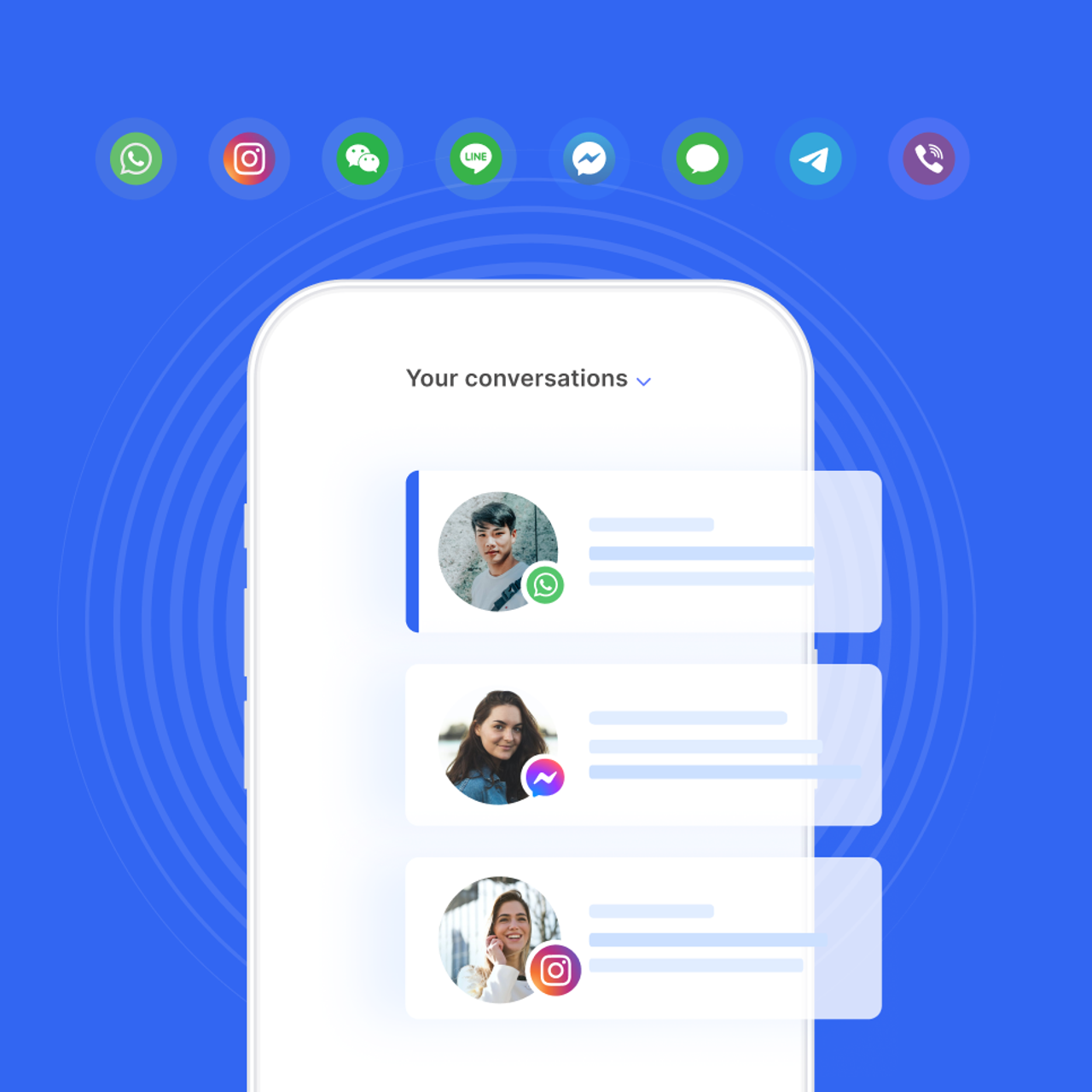
SleekFlow brings WhatsApp, Instagram DM, Facebook Messenger, WeChat, and other channels into one shared inbox, so every student conversation sits in one place with one contact record. The AI agent replies inside that inbox, and staff see each AI conversation as it happens and can step in at any point.
How staff stay in control
Control is built into the inbox. According to the Help Center, a staff reply from the inbox puts the AI agent on standby. Staff can also pause the agent, add context, and resume it. Internal notes don't take over the conversation, so a counselor can leave guidance for a colleague without interrupting the student.
Why one inbox matters for admissions
Taylor's University found that separate channels led to "lost context and missed opportunities" before it moved to one inbox with AgentFlow. With one view, a counselor sees what the student asked before and what the agent already answered.
What results have education teams seen with SleekFlow?
Universities and tutoring businesses use SleekFlow to answer students faster on the channels they prefer. The results below are quoted from each published customer story and reflect each customer's own setup, so yours will depend on your volume, content, and process.
- Taylor's University (Malaysia): Inquiries through SleekFlow's conversational channels reached an "11% Lead-to-Enrolment rate, compared to 2.7%" for the broader online lead base, and average first response time dropped from 1 hour and 20 minutes to 17 minutes year over year. The team uses AgentFlow to answer admissions questions and route conversations. Read the full case study.
- Hong Kong Shue Yan University: Reported a 2x open rate and a 5x higher reply rate on WhatsApp compared with email, plus a 90% decrease in response time. Read the HKSYU story.
- AfterSchool (Hong Kong): The online tutoring center reported a 17% shorter response time and a 30% decrease in manpower. Read the AfterSchool story.
- Universitas Mercu Buana (Indonesia): Used Flow Builder to design FAQ flows and route students, prospective students, and other contacts. Staff now "only need to focus on complex and specific inquiries." Read the Mercu Buana story.
- Tutor Circle (Hong Kong): The tutoring platform handles 1,000 daily inquiries and reported a 75% decrease in response time and a 60% increase in efficiency. Read the Tutor Circle story.
How do you set up an AI agent for admissions?
Setting up an admissions agent takes four steps, following the process in SleekFlow's Help Center.
- Add your knowledge sources. Upload program pages, fee schedules, intake dates, and admissions FAQs to the SleekFlow AI Knowledge Base.
- Set behavior and handover rules. Decide the tone, the qualifying questions, and the conditions that hand a chat to a counselor.
- Test before you go live. Run past student questions through the agent and fix any answer that's wrong or vague.
- Deploy on one channel, then expand. Start where most inquiries arrive, review the conversations weekly, and add channels once answers are reliable.
What should you check before choosing an AI agent for education?
Before you choose, check how the agent sources its answers, how staff take over, which channels it covers, and how it handles student data.
- Answers come from your own course and admissions content, which you can review and update.
- Staff can see every AI conversation and take over from the same inbox.
- The agent works on the channels your students use, not just one.
- Handover rules are clear, tested, and easy to change.
- You know how the platform stores and protects personal data, and your team has checked local data protection rules with counsel.
Put an AI agent on your admissions inbox
AI agents for education work best when they take the first reply and leave decisions to people. Start with your most common inquiry types, connect the channels students already use, and set clear rules for handover. To see how this works for schools and universities, explore SleekFlow for education and book a demo.
Want to outcompete your peers with SleekFlow's help?
Book your personalised demo with SleekFlow today and unlock the potential of seamless communication
Frequently asked questions
Will an AI agent replace admissions staff?
No. The agent handles repeated questions and first replies so counselors can spend more time with applicants. Staff can take over any conversation from the inbox.
Can an AI agent help with course registration?
Yes, for the conversation around it. The agent can answer program and intake questions, collect the details your team needs, and point students to your registration or booking page. Your registration system still processes the application.
Which channels can the AI agent work on?
SleekFlow's inbox brings together WhatsApp, Instagram DM, Facebook Messenger, WeChat, and other channels. Choose the channels for the agent when you set it up, starting with the busiest one.
How do appointment reminders work for campus visits?
You can store each booking as a record with a date and time, then use Flow Builder's date and time trigger to send a reminder. The trigger runs a daily check, so it works best for reminders the day before or the morning of a visit.


