Solution
AI for faster email replies and happier customers
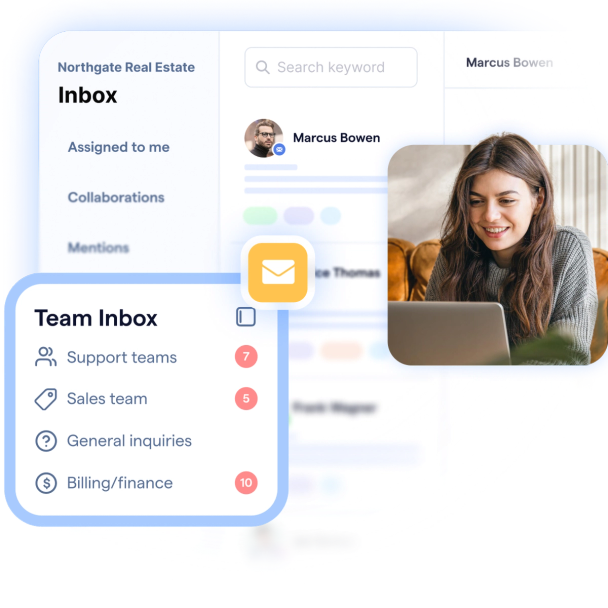
Shared addresses like support@ and sales@ get messy fast — no clear owner, scattered context, and a helpdesk that's siloed from the rest of your sales stack. Connect email to SleekFlow's omnichannel inbox so your team tracks every lead and ticket across all customer channels in one place.
Trusted by global B2C brands
Use Cases
Built for sales and support teams that move at AI speed
Features
AI email management, with every feature your team needs
All channels, one inbox
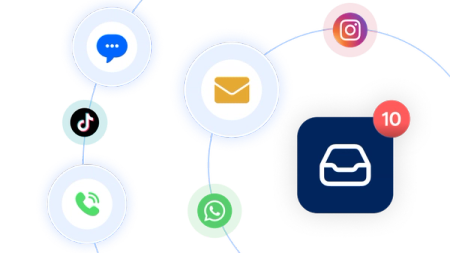
Email sits alongside chats and calls in one workspace, so agents can assign threads, loop in collaborators, and reply from any channel without switching tools.
Internal notes & mentions
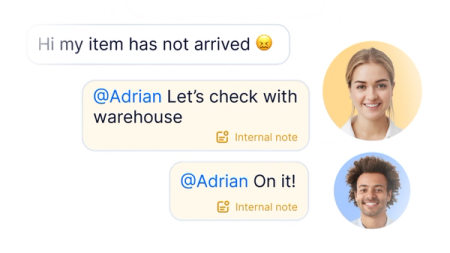
Discuss a thread with teammates inside the conversation without the customer seeing. No forwarding, no endless CC, no lost context.
Email CRM integration
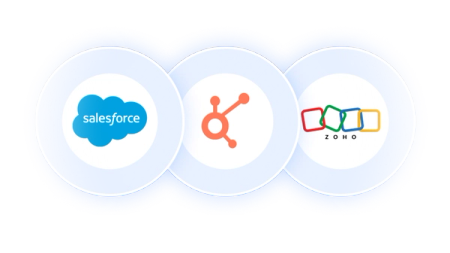
Sync Salesforce, HubSpot, and Zoho records to your mailbox so you always have the context, and automatically sync updates back to your source of truth.
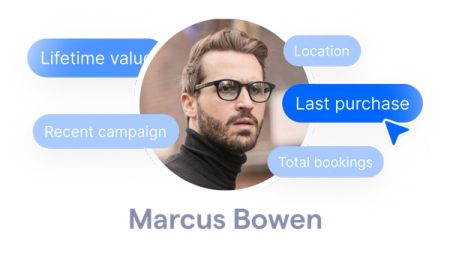
Custom contact fields
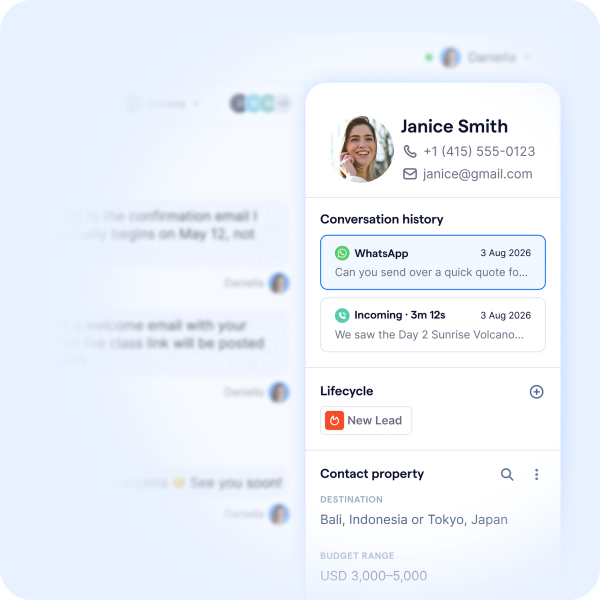
Every email, message, and call appears in a single timeline next to the contact's profile, so agents always know each customer's preferences and history.
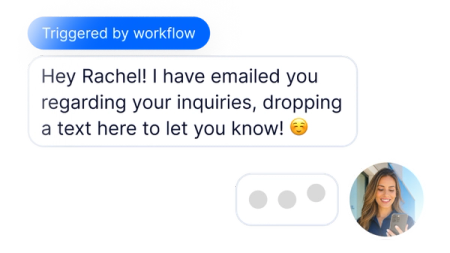
Workflow automation
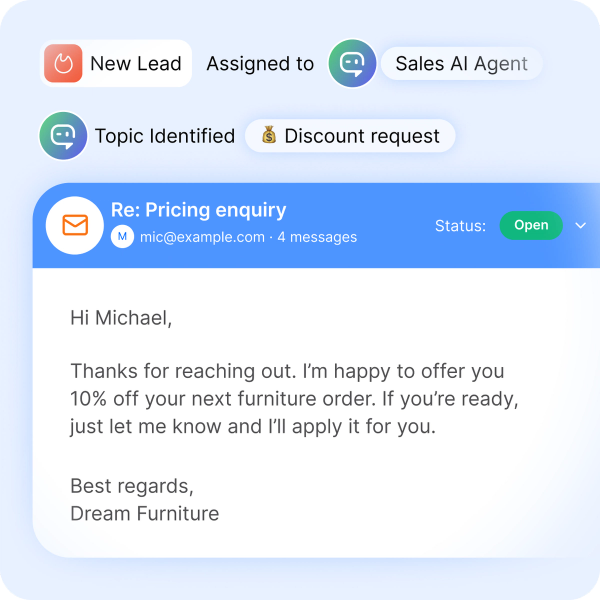
Auto-create tickets, route by topic, escalate by SLA, and fall back to text messages when emails go unreplied. Less manual triage, faster resolutions.
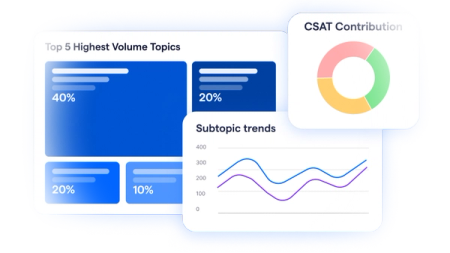
Email analytics
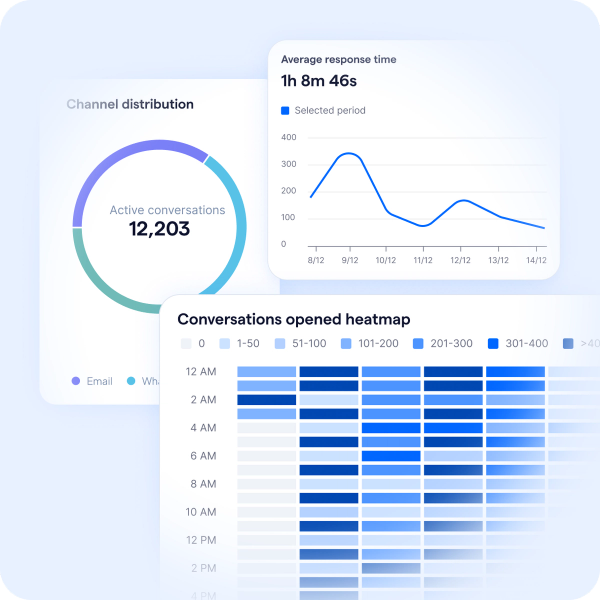
Response time, resolution rate, and volume heat map built in. Compare email against every other channel in one dashboard.
Comparison
Email was built for one person, SleekFlow is built for team collaboration.
Gmail and Outlook are great at 1:1 email. They were never designed for the way teams actually handle shared inboxes like support@ or sales@.
 Gmail Collaborative Inbox |  Outlook Collaborative Inbox |  SleekFlow | |
|---|---|---|---|
Communication channels |  | |            |
Accountability & Assignment | ❌ Manual assignment by clicking "Assign” | ❌ Conversation marking (e.g. categories, flags) used as a workaround | ✅ Auto-routing by topic ✅ Round-robin distribution ✅ Individual logins with role-based permissions ✅ A full audit trail of who handled what |
Internal notes | ❌ Requires forwarding, CC'ing, or Google Chat | ❌ Requires forwarding, CC'ing, or Teams | ✅ Direct inline comments below the email thread |
Team Analytics & Reporting | ❌ | ❌ | ✅ Response time ✅ Resolution rate ✅ Volume heat map ✅ Hot topics ✅ CSAT |
Automation | ⚠️ Auto-label, auto-archive, auto-forward by sender or keyword. | ⚠️ Automate flows to move messages, set categories, trigger basic approvals. | ✅ Visual workflow builder triggered by events like email sent and received |
Start your SleekFlow free trial
Sign up in minutes. No credit card, no contract commitment — bring every customer channel into one inbox and see how much faster your team moves.

Get a branded email address
Start sending and receiving email right away. Every SleekFlow account comes with a hosted email address built in — no domain setup, no IT tickets needed.

Connect to Outlook
Bring your existing business email into SleekFlow with a one-click connection. Threads, contacts, and history sync automatically.
Customer Highlights
SleekFlow customer success stories















Frequently Asked Questions
Can I connect my existing Microsoft 365 account?
Yes. Connect Microsoft 365 to SleekFlow via a one-click OAuth flow — no IT setup, no password sharing. Once connected, your team can send and receive emails directly inside the SleekFlow inbox, with the email address customers already know.
What happens to my historical emails when I connect?
SleekFlow automatically imports your most recent 10,000 emails, newest first, and continuously syncs new ones with no upper limit. A progress indicator shows you how the import is going, and two-way sync keeps actions like read/unread, archive, and delete consistent between SleekFlow and your original mailbox — with a delay of under one minute.
Can I still manage emails in Outlook after connecting?
Yes. SleekFlow syncs two ways — reply, archive, or mark as read in Outlook, and the change shows up in SleekFlow within a minute. Your team can work in whichever tool fits their workflow without anything falling out of sync.
Can multiple team members work on the same email thread without stepping on each other?
Yes. Every team member logs in with their own account, and conversations are assigned to specific agents — so there's no shared password and no risk of duplicate replies. Teammates can collaborate using internal notes and @mentions inside the thread, which stay private and never reach the customer.
Can I automate emails the same way I automate WhatsApp or SMS in SleekFlow?
Email triggers and actions are native to Flow Builder. Build automations that fire when an email is received or sent, send emails as part of a multi-step automation, and choose whether to reply in the current thread or start a new one — all alongside your existing WhatsApp, SMS, and chat automations.