WhatsApp for F&B: how restaurants, cafes, and caterers can automate reservations and bookings


TL; DR: Quick Summary
- A WhatsApp shared inbox replaces the owner's phone, the staff group chat, and the paper reservation book with one place every outlet can work from.
- An automated booking flow collects date, time, party size, outlet, and dietary notes, then hands large groups and special requests to staff.
- A confirmation sequence with a same-day reconfirmation is the main tool for reducing restaurant no-shows on WhatsApp.
- PDPC's guidelines say Singapore's Do Not Call rules apply to marketing messages sent to Singapore numbers on WhatsApp, so promotions need consent or a registry check.
- Post-visit feedback should route low ratings to a manager without limiting review requests to happy guests, because Google prohibits selective solicitation.
Your guests already message you to book a table, ask if you're halal, or check whether the festive menu is still open. The trouble is when those messages land on one phone during the dinner rush and nobody replies until the table has gone to someone else. This guide shows how WhatsApp for F&B works in practice: taking WhatsApp reservations, pre-orders, and catering enquiries, cutting no-shows, and staying within Singapore's rules on promotional messages.
What is WhatsApp for F&B?
WhatsApp for F&B refers to managing food and beverage customer communications through the WhatsApp Business API. It provides a centralised team inbox, automated workflows, and performance analytics tailored for restaurants, cafes, bakeries, caterers, central kitchens, and multi-outlet food businesses.
For most teams, it replaces three legacy systems:
The owner's phone, where bookings and complaints pile up after hours
The staff group chat, where requests get forwarded and lost
The paper reservation book, which only one person can update at a time
F&B teams give it five jobs:
Reservations: table bookings and group bookings
Orders and catering: takeaway, festive pre-orders, and event catering
No-show reminders: confirmations and reconfirmations before the visit
Promotions: menu launches, festive sets, and loyalty offers
Feedback: post-visit ratings and service recovery
WhatsApp is Singapore's most-used app, with four in five people using it every month, and access to the WhatsApp Business API comes through a Business Solution Provider such as SleekFlow.
How to take reservations and group bookings on WhatsApp
A WhatsApp booking flow built in Flow Builder asks guests a few questions and saves each answer to their contact record:
When staff step in
Large groups, private dining, and special requests go to a staff member, who sees every answer already on screen.
Deposits and double bookings
For large groups and peak dates such as Chinese New Year eve, send a deposit request as an in-chat payment link. To avoid booking one table twice, Flow Builder can pass the request to your reservation system by webhook or API request, so availability is checked in one place.
How to take pre-orders, catering, and takeaway orders
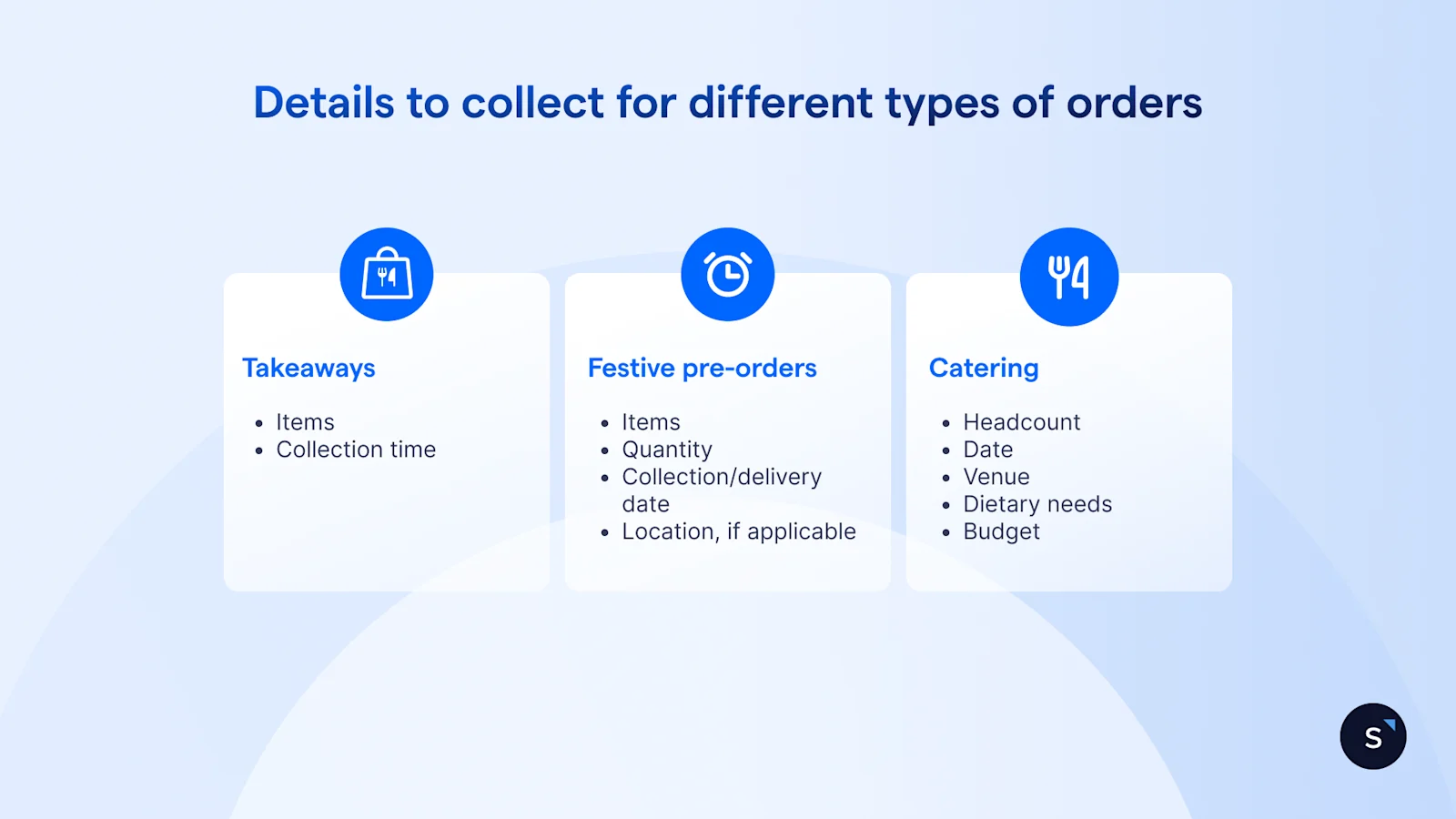
Each order type requiries different details from the customer:
Takeaway: items and collection time
Festive pre-orders: items, quantity, collection or delivery date, and the location,if applicable.
Catering: headcount, date, venue, dietary needs, and budget
Payment goes out as an in-chat link once the order is confirmed. For a festive example, The Providore Singapore takes CNY reservations and hamper enquiries through a WhatsApp menu that hands complex orders to a live agent.
If your menu includes alcohol, check Meta's rules first. WhatsApp's Business Messaging Policy restricts buying and selling alcohol through WhatsApp commerce features, though promotion is allowed in listed countries under conditions.
The WhatsApp regulations for restaurants section of our restaurant guide covers the menu restrictions.
How to keep up when every guest messages at peak hour
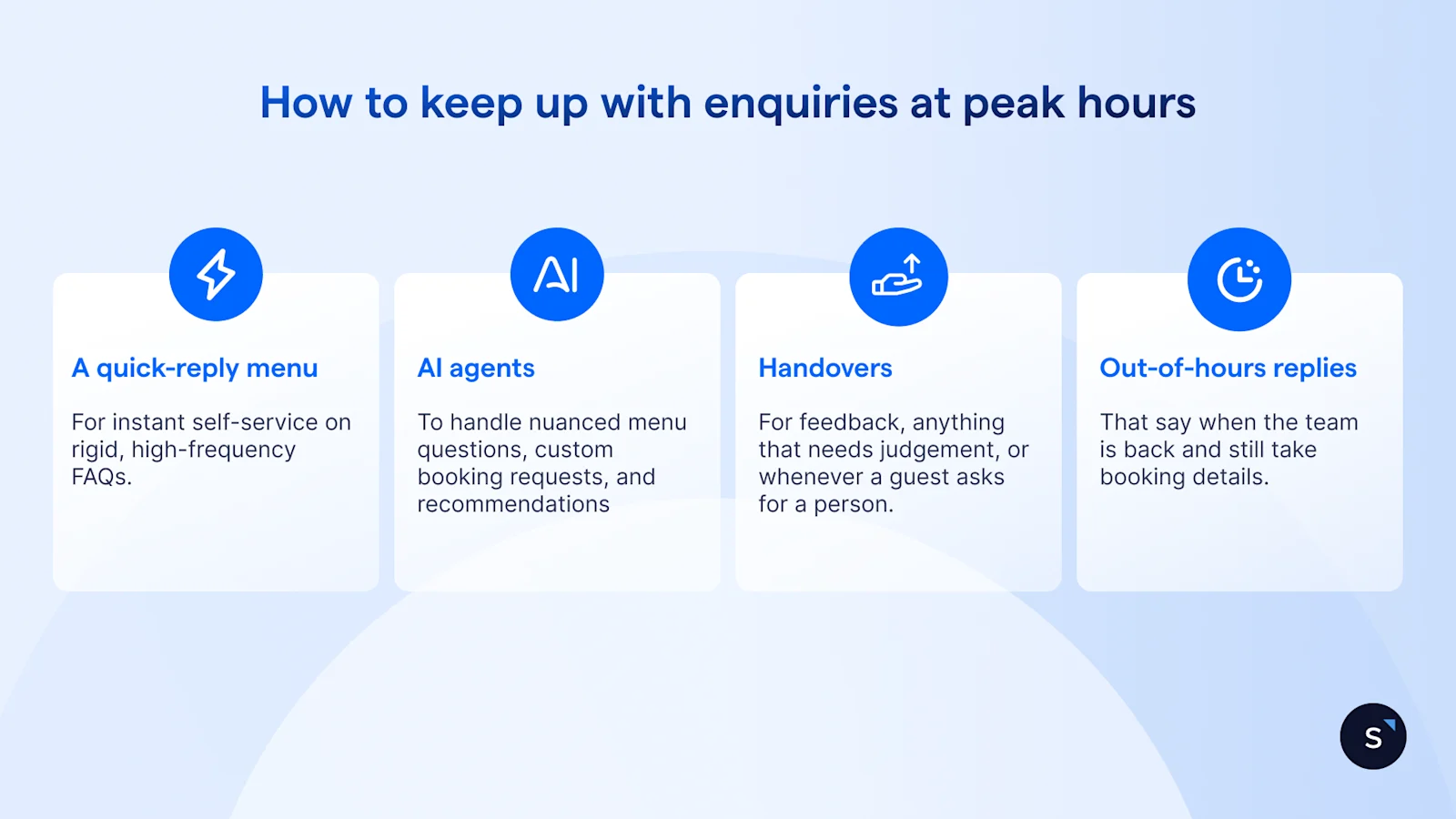
Enquiries spike around lunch and dinner, exactly when your team is serving. Four layers keep replies going out:
A quick-reply menu for instant self-service on rigid, high-frequency FAQs like operating hours, location, and halal status.
An AI agent as the conversational layer that handles nuanced menu questions, custom booking requests, and recommendations using your approved knowledge base.
Handover to staff for feedback, anything that needs judgement, or whenever a guest asks for a person.
Out-of-hours replies that say when the team is back and still take booking details.
Allergen and halal answers must come only from approved text. Load them as fixed answers and add a rule that the agent must not guess.
Indonesian restaurant group TAN Group set up a WhatsApp concierge that answers common questions around the clock, so guests can book even when the team is offline.
How do I run one WhatsApp number across several outlets?
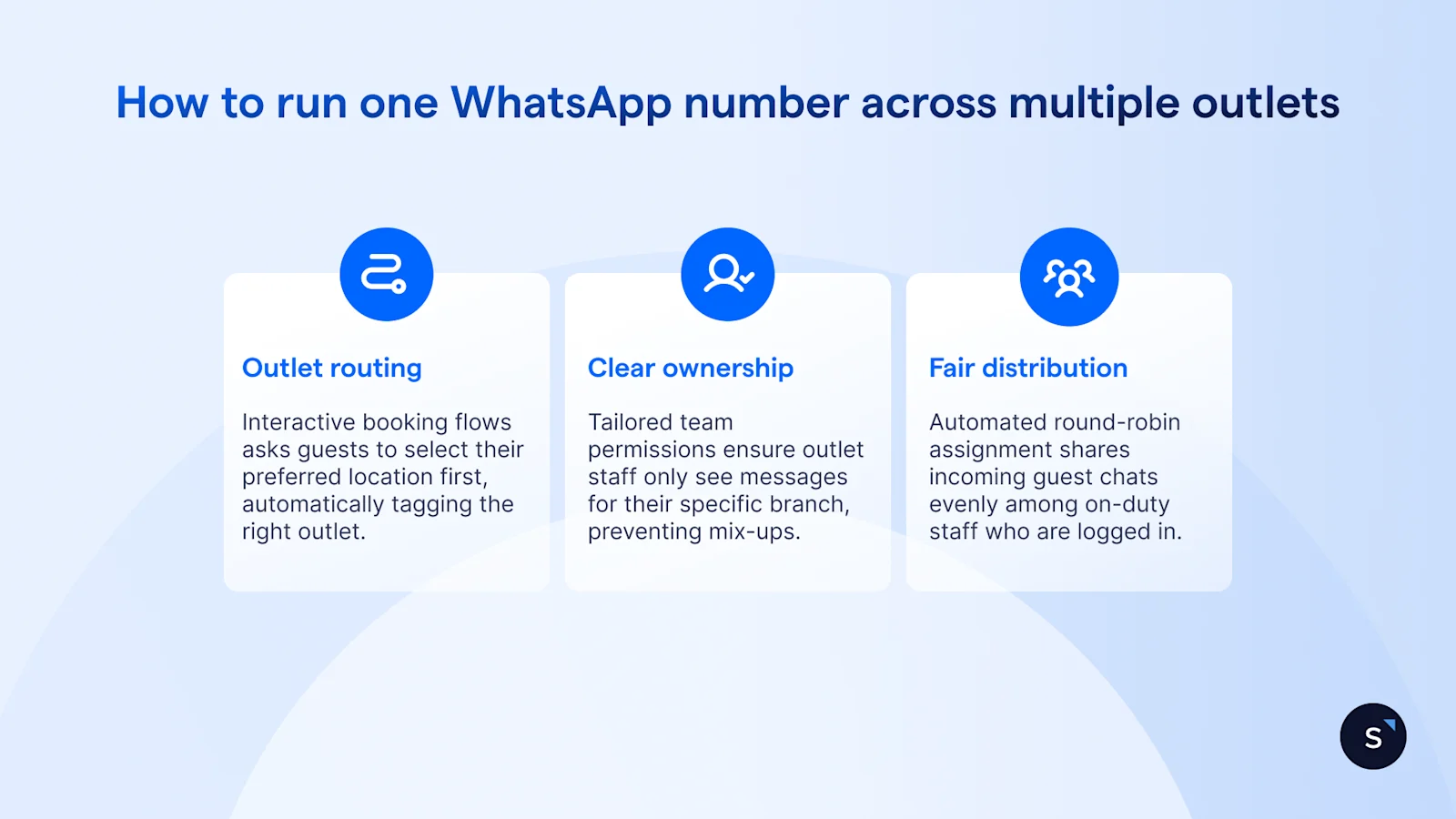
Guests see one number. Behind it, each outlet works from its own queue:
Outlet routing: The interactive booking flow asks guests to select their preferred location first, automatically tagging and directing the conversation to that branch's queue. Branch-specific chat links or QR codes on table talkers and menus can also bypass selection, dropping guests straight into the correct outlet's workflow with context pre-filled.
Clear ownership: Tailored team permissions ensure floor staff and outlet managers only see and handle incoming messages for their specific branch. This prevents mix-ups between outlets, protects guest privacy, and lets management keep complete oversight in a unified view.
Fair distribution: Automated round-robin assignment shares incoming guest chats evenly among on-duty staff who are logged in. If an assigned team member is busy or a message sits unanswered during peak hours, intelligent backup logic reassigns or escalates the conversation to an available manager so no enquiry falls through the cracks.
Hong Kong F&B group LUBUDS, with nearly 40 outlets, used WhatsApp QR codes and prefilled messages to capture walk-in guests as marketing opt-ins, with an automated flow that takes guests from choosing a restaurant to booking.
How to cut no-shows with a WhatsApp confirmation sequence
A restaurant no-show costs you the cover and the walk-in you turned away. Here is a sequence to show how you can reduce no-shows.
Outside the 24-hour customer service window, WhatsApp only lets you send Meta-approved message templates, so set up your reminder templates before launch.
What Singapore rules mean for WhatsApp promotions and loyalty offers
Marketing messages, like a new menu or a members' discount, fall under Singapore's Do Not Call (DNC) rules as well as Meta's.
PDPC's Advisory Guidelines on the DNC Provisions (revised 1 Feb 2021) state that the DNC provisions apply to data applications such as WhatsApp that use a Singapore telephone number. They cover:
Consent or a registry check: check the DNC Register unless you hold clear and unambiguous consent, evidenced in a form you can refer to later. A failure to opt out doesn't count.
Sender identification: identify your business and how to contact you, with details valid for at least 30 days.
Withdrawal of consent: the guidelines set 21 days to give effect to a withdrawal.
Existing customers: messages sent within an ongoing relationship, about the subject of that relationship, are excluded. PDPC lists retail membership as an example and says once-off transactions aren't enough. PDPC's DNC business guidance also exempts reminder messages about services an individual has bought.
Meta adds its own requirement: you can only message people who have given you their number and opted in to hear from you. SleekFlow broadcast campaigns send only to contacts marked as subscribers, so capture opt-in at booking.
How SleekFlow handles WhatsApp bookings and orders for F&B
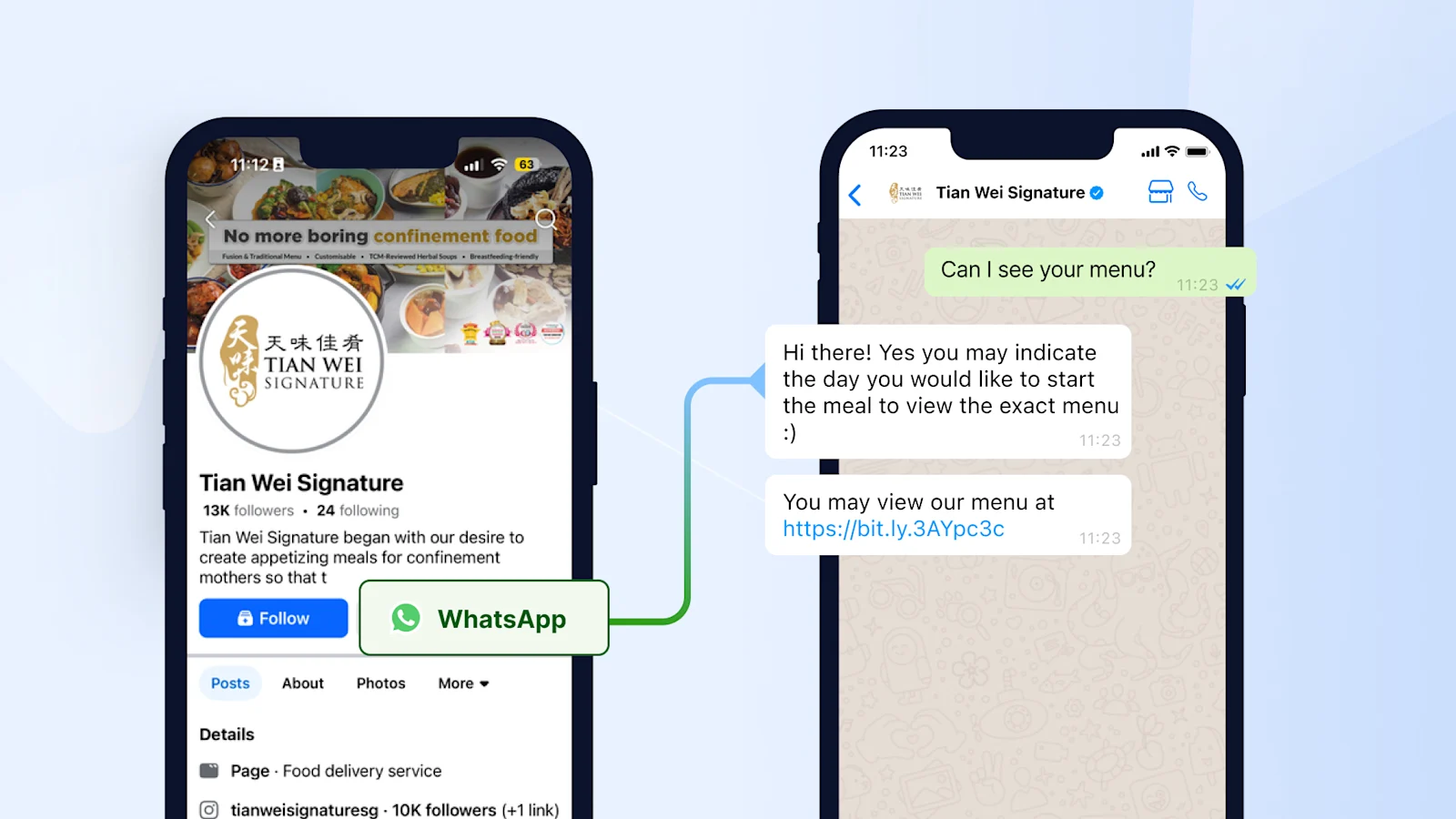
Tian Wei Signature, a Singapore confinement meal provider with over 100 varieties on its menu, brought its customer messages into one SleekFlow inbox. Automated replies answer keywords like "menu" and "booking" after office hours, and promotions go to targeted segments. Results:
2x increase in team efficiency
20% improvement in customer satisfaction
40% increase in response rate
Once your flows are live, track four numbers:
Enquiry-to-booking rate: enquiries that become bookings or orders
No-show rate: before and after the confirmation sequence
First response time: especially at lunch and dinner peaks
Repeat-order rate: guests who book or order again
SleekFlow Analytics shows conversation and team performance in one dashboard. Browse more F&B customer stories, or go back to our full guide to WhatsApp Business for restaurants.

Ready to take bookings on WhatsApp without adding staff?
Book your personalised demo with SleekFlow today and turn WhatsApp into your #1 revenue engine.


