E-commerce customer service: how to support online shoppers on every channel (2026)

TL;DR: Quick Summary
- E-commerce customer service is the help online shoppers get before, during, and after buying, mostly about orders, returns, sizing, and payment.
- Weak answers cost sales, and Baymard Institute found 13% of US shoppers who abandoned an order named an unsatisfactory returns policy.
- Messaging belongs at the center of store support, since 73.3% of consumers prefer it, per a Meta-commissioned Kantar study.
- Automate order updates and policy questions, and route refunds, complaints, and payment disputes to a person with the order history in view.
- Support is working when first response time, resolution time, and CSAT hold steady on sale days as well as quiet weeks.
It's the Monday after a sale weekend. Your inbox has 300 new messages, and half of them say some version of "where's my order?"
A few are on WhatsApp, some came through Instagram DMs, and one customer has emailed three times because nobody answered the first two.
None of those questions is hard. The problem is volume, scattered channels, and the same answer typed out over and over.
This guide breaks e-commerce customer service into the questions shoppers ask, the channels to staff, the reply times to aim for, and where automation should stop.
What is e-commerce customer service?
E-commerce customer service is the help an online store gives shoppers before, during, and after a purchase, across chat, messaging apps, social media, and email. It covers product and sizing questions, order tracking, returns and refunds, and payment problems. Because shoppers can't walk up to a counter, every unanswered question risks an abandoned cart or a lost repeat customer.
Baymard Institute's cart abandonment research shows what's at stake:
- The average documented cart abandonment rate is 70.22%, across 50 studies.
- 20% of US online shoppers who abandoned an order said delivery was too slow.
- 13% said the returns policy wasn't good enough.
Those figures leave out shoppers who were just browsing. A clear answer on delivery times and returns, given before checkout, can keep some of those shoppers.
What questions do online shoppers ask customer service?
Online shoppers ask the same 5 kinds of questions again and again: where their order is, how returns and refunds work, which size or variant fits, whether a payment went through, and details about a product before they buy. Planning support around these 5, rather than around channels, tells you what to automate and what needs a person.
Order status is the biggest share
"Where is my order?" is usually the highest-volume question in e-commerce support, and it's also the easiest to prevent. If your support platform reads order data from your store, you can send shipping and delivery updates before the shopper thinks to ask. Our Shopify AI agent guide walks through those delivery-update workflows step by step.
Returns and payment questions carry the most risk
Returns and payment questions often decide whether the shopper buys again. A shopper chasing a refund is already anxious, and a scripted reply that misses the point makes it worse. Answer the policy part instantly, then hand the case to a person who can see the order and approve the outcome.
Which channels should an online store cover?
Most online stores should cover four channels: WhatsApp or the messaging app their market prefers, live chat on the website, Instagram and Facebook DMs, and email. Shoppers expect to message a store the way they message friends, so messaging channels carry the fast questions and email carries anything that needs documents or a paper trail.
The demand for messaging is well documented. A Meta-commissioned Kantar study of 11,056 adults across 22 markets found:
- 73.3% of consumers prefer messaging when communicating with a business.
- 66.8% feel frustrated when messaging isn't offered.
Meta owns WhatsApp, so read those figures as a strong signal rather than a neutral benchmark.
For setting up the website side, see our guide to live chat for customer service.
Plan around WhatsApp's 24-hour window
WhatsApp limits what you can send and when, per Meta's developer documentation:
- When it opens. Each time a customer messages you, a 24-hour customer service window starts.
- Inside the window. You can reply without a template.
- After it closes. You can only send pre-approved template messages.
- What it costs. Since 1 October 2026, replies inside the window are billable service messages once a phone number has used its 1,000 free ones for the month.
Our WhatsApp pricing guide breaks down the current rates by market.
How fast should an online store reply to shoppers?
Aim to reply to messaging channels within minutes, not hours, and to email within one business day. Shoppers on chat and WhatsApp are often mid-purchase, so a slow reply costs the sale, while an email about an invoice can wait until morning. Set one target per channel and publish your hours so nobody waits in silence.
These are working targets to start from, not industry benchmarks. Adjust them to your volume and staffing:
Outside staffed hours, send an instant automated reply that answers order-status and policy questions. It should also tell the shopper when a person will pick up anything it can't solve.
Plan for sale peaks
Sale days bring the same questions in bigger waves. Before a campaign goes out:
- Update your automated answers with the sale's delivery cutoffs and return rules.
- Tell shoppers your reply hours.
- Track first response time on peak days separately from quiet ones.
If it slips, that's where to add staff hours or automate another question type.
When should you automate e-commerce support, and when should a person step in?
Automate the questions with one correct answer that lives in your data: order status, delivery times, return windows, size guides, and stock. Hand off anything that needs judgment, money, or empathy: refund approvals, payment disputes, damaged goods, and angry customers. The handover should carry the whole conversation and order history, so the shopper never repeats themselves.
Automate first | Hand to a person |
|---|---|
"Where's my order?" with live tracking | Late, lost, or damaged parcels |
Return window and how to start a return | Refund approvals and policy exceptions |
Size guides and fit notes | Shoppers between sizes on a high-value order |
Stock, specs, and product links | Custom orders, bulk orders, and wholesale |
Opening hours and shipping costs | Payment disputes and suspected double charges |
Out-of-hours acknowledgment | Complaints, and any shopper who asks for a person |
Three rules keep the handover smooth:
- Set clear triggers. Route to a person when the shopper asks for one, mentions a refund or dispute, or repeats the same question.
- Pass the context along. The teammate who picks up should see the chat so far, the order, and the purchase history in one view.
- Tell the shopper what happens next. "A teammate will reply within 15 minutes" beats silence after a bot steps aside.
AI agents go further than scripted chatbots. They work out what the shopper means, ask follow-up questions, and hand off when a case goes past what they can answer.
For e-commerce examples, see AI customer service by industry. For the difference between scripted bots and AI, our guide to e-commerce chatbots covers the basics.
Let shoppers find answers before they ask
Not every answer needs a conversation. Three pages cut repeat questions on every channel:
- A tracking link in every shipping update.
- A returns page that states the window, the steps, and when refunds arrive.
- A short FAQ page on delivery times, sizing, and payment methods.
Link these pages in your automated replies and saved replies, so your team and your bot give shoppers the same answer.
Which e-commerce customer service metrics should you track?
Track 6 metrics: first response time, resolution time, first contact resolution, customer satisfaction (CSAT), the share of conversations resolved without an agent, and repeat purchase rate. The first 5 show whether support is fast and effective. The last shows whether good service turns into revenue.
If you also run cart recovery messages, add cart recovery rate. It connects support conversations to sales directly.
How SleekFlow helps online stores support shoppers
SleekFlow gives your team and AI agents one place to work:
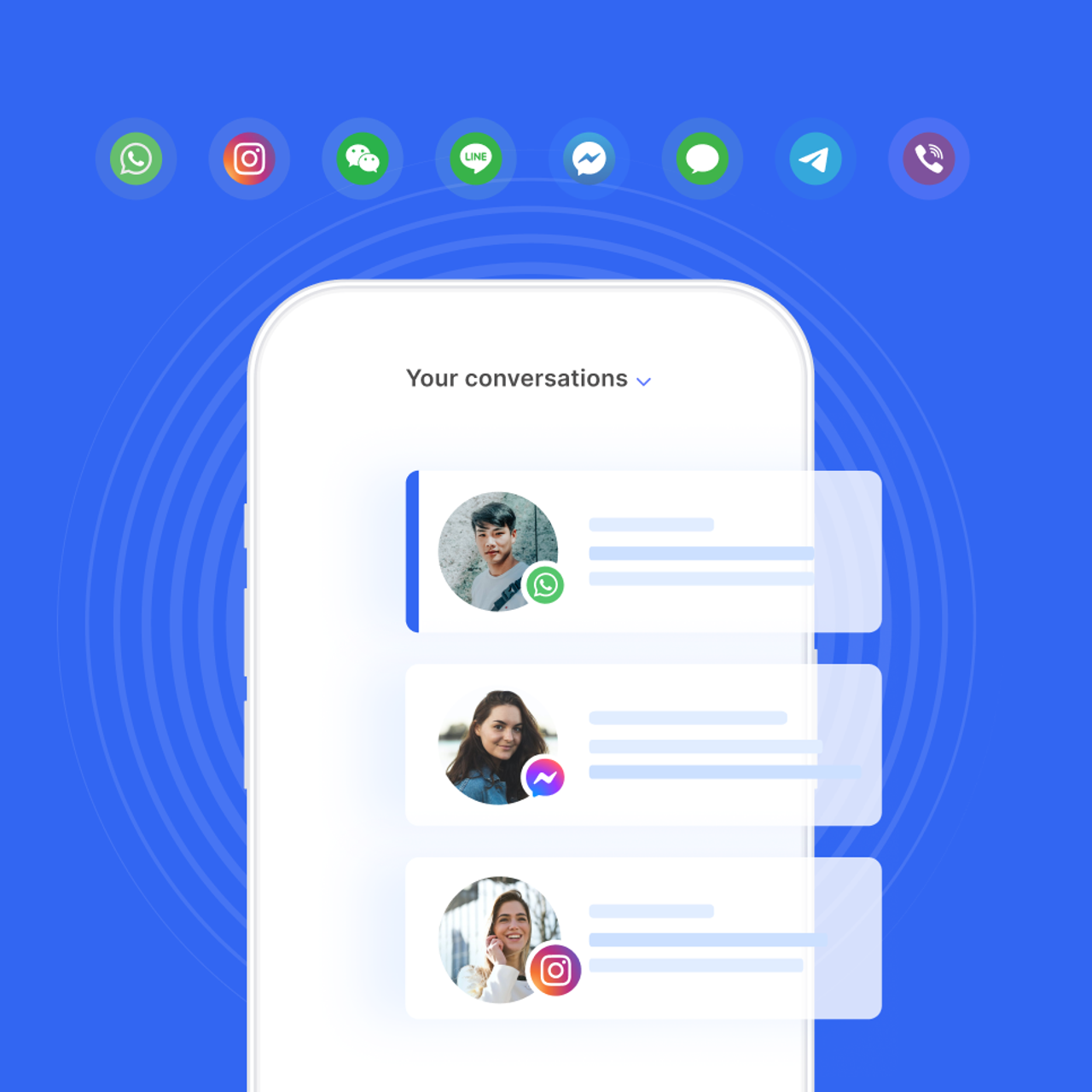
- One inbox. WhatsApp, Instagram, Facebook Messenger, website live chat, and email sit in one shared team inbox.
- Order context. With Shopify connected, each shopper's orders and purchase history sit next to the conversation, so your team can answer without switching tabs.
- Proactive updates. Order updates go out automatically when an order changes.
- AI agents with a handoff. SleekFlow AI agents answer product and policy questions around the clock, and hand off to your team when a case needs a person.
Two stores show how this works in practice:
Awfully Chocolate (Singapore) moved WhatsApp, Instagram, Messenger, and website chat into SleekFlow's shared inbox. It also automated replies to common questions such as opening hours and order inquiries.
- Doubled customer service response speed
- Receives more than 2,000 inquiries a month
Anigma Technologies (UAE), a gaming PC components store, connected Shopify to SleekFlow and re-engaged shoppers automatically.
- Recovered 70% of canceled Shopify orders
- Recovered 13% of abandoned carts
- Grew its customer base by 25% in two years
See how SleekFlow works for e-commerce teams.
Want to outcompete your peers with SleekFlow's help?
Book your personalised demo with SleekFlow today and unlock the potential of seamless communication
Frequently asked questions
What is the most common e-commerce customer service question?
"Where is my order?" is usually the most common question. You can cut its volume by sending shipping and delivery updates automatically when an order's status changes, so shoppers get the answer before they ask.
Is WhatsApp good for e-commerce customer service?
Yes, in markets where shoppers already use it daily. It suits order updates, returns, and quick questions. Outside the 24-hour customer service window, you can only send pre-approved template messages.
Should a small online store use AI for customer support?
A small store gets the most from AI on repetitive questions like order status, shipping, and returns. Start with one workflow, test the answers against your policies before it goes live, and keep a clear route to a person for refunds and complaints.
How many channels should an online store support?
Most online stores do well with four: one messaging app, website chat, Instagram and Facebook DMs, and email. A small team can start with the two or three its shoppers already use, and connect them to one shared inbox before adding more.
What is a good first response time for online stores?
On chat and messaging apps, aim for minutes during staffed hours. On email, aim for one business day. Set your own targets per channel and track them on peak days as well as quiet ones.


