Booking management platform: the 6 best tools for service businesses in 2026


TL; DR: Quick Summary
- Cal.com is our top pick, thanks to its open API, the widest integration options of the 6, and full two-way calendar sync, not just its free plan.
- The booking management software market is on track for US$635.6 million in 2026, growing 14.7% a year, as more service businesses drop phone-only scheduling.
- A WhatsApp-native booking flow lets a customer pick a slot without ever leaving the chat.
- SleekFlow connects directly to booking management platforms like Cal.com or Calendly, no third-party automation platform needed, then sends automatic reminders.
- 5 of the 6 tools reviewed here offer a genuine free plan, so budget alone shouldn't rule any out.
Author's note: this comparison reflects SleekFlow's assessment; details and pricing are accurate as of publication and may change, so verify with each provider. Full note below.
A customer messages your salon at 9 PM asking for a Saturday slot. You're asleep, so they wait, get bored, and message a competitor instead. That's the entire case for a booking management platform: it answers when you can't.
This guide compares the 6 tools worth shortlisting in 2026, then shows the part most comparisons skip: how to put the booking itself inside WhatsApp, so the customer never has to leave the conversation to reserve a slot.
What is a booking management platform?
A booking management platform is software that shows customers a business's real-time availability and lets them reserve a slot themselves, then handles the calendar sync, payment, and reminder work a receptionist used to do by hand. It replaces the phone-tag and double-booked calendar that still run large parts of Singapore's service sector.
Most platforms centre on a public booking page, a two-way calendar connection, and an automated reminder. What separates a serious booking management platform from a glorified calendar link is what happens around the booking: payment collection, staff-level availability, and integrations into the tools a business already runs on.
What to look for in a booking management platform
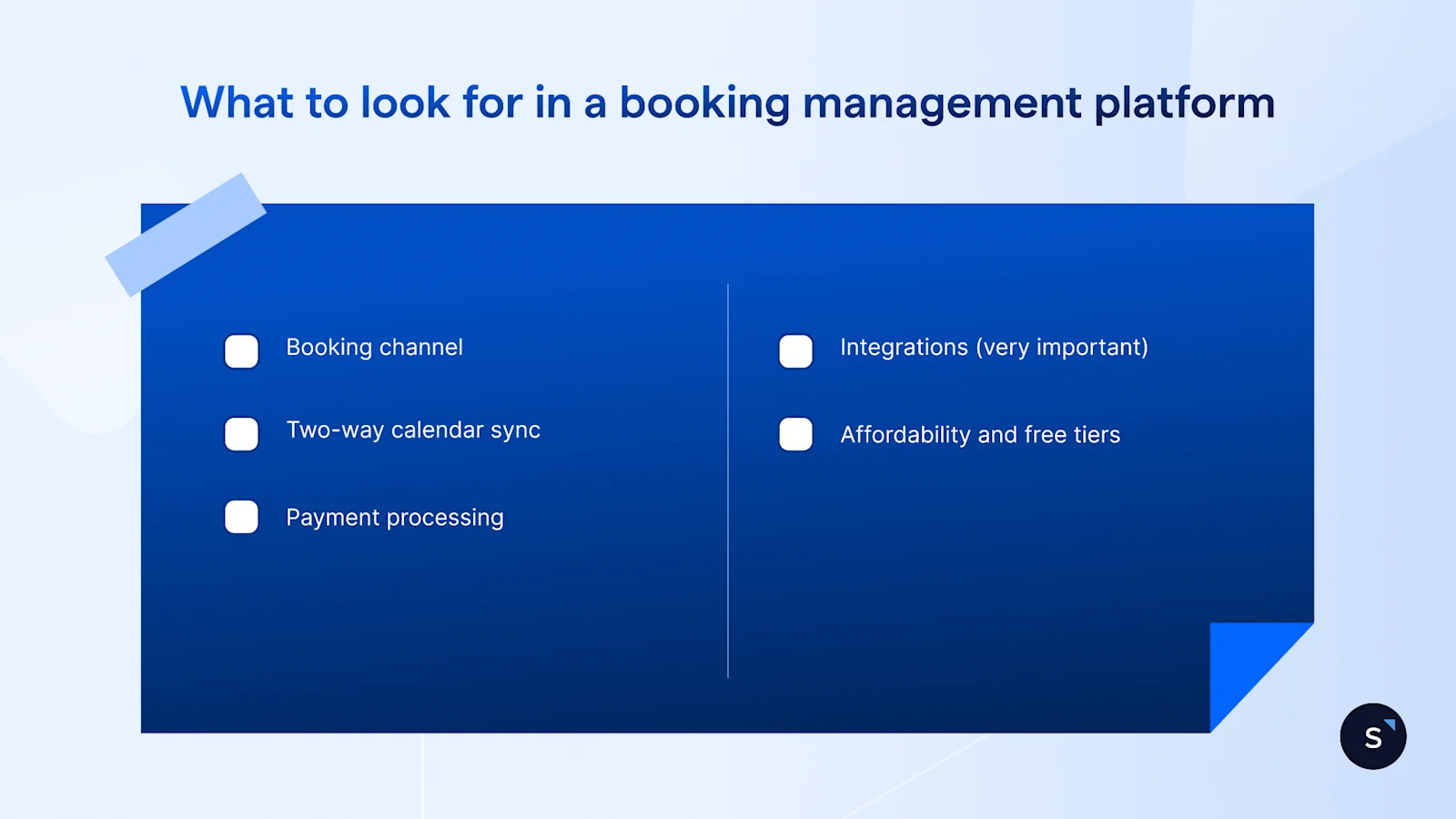
Any serious pick needs a booking channel that matches how customers actually reach you, two-way calendar sync, payment processing, solid integrations, and a genuine free tier rather than just a trial. The right choice depends on how a business takes bookings, not which tool has the longest feature list.
Booking channel. Where the customer actually books matters more than how the page looks. A public link suits a solo consultant; a business fielding most enquiries on WhatsApp needs a tool that can sit behind a chat flow.
Two-way calendar sync. One-way sync pushes bookings out but misses events added elsewhere, causing double-bookings. Two-way sync with Google Calendar, Outlook, or Apple Calendar keeps every calendar accurate.
Payment processing. Deposits and prepayment cut down on no-shows for services with real setup cost. Check which processors are supported and what they charge.
Integrations. A booking tool that can’t send and receive data through its own API or webhooks stays an island, and that single capability is what lets it plug into WhatsApp at all.
Affordability and free tiers. A genuine free plan tells you a lot about how a vendor prices the low end of the market, which matters for a business testing its first booking system.
The 6 best booking management platforms at a glance
Cal.com is the strongest all-round pick for 2026: it combines full two-way calendar sync, an open API, and the widest integration options of the 6, on top of a genuinely usable free plan. Calendly, Acuity Scheduling, Square Appointments, SimplyBook.me, and Setmore each earn their place for a specific kind of business.
Pricing shown is public list pricing per each provider's own pricing page, current as of August 2026 and subject to change; confirm the latest with the provider before buying.
Cal.com stands out for its open API, 100 or more integrations, and full two-way sync across Google, Outlook, Apple, and Zoho, the flexibility that makes it possible to build a custom WhatsApp booking flow around it at all. Every user gets unlimited event types and Stripe or PayPal payments on the free plan, with round-robin routing and booking analytics added on the Teams plan for US$12 per user a month.
Calendly is the familiar choice for teams that live in Google Workspace or Outlook. The free plan caps out at one event type and one calendar, so most service businesses move to Standard for unlimited event types and payment processing.
Acuity Scheduling is built for studios selling more than a single appointment type: its Standard tier bakes in packages, memberships, and gift certificates. It skips a permanent free plan in favour of a 7-day trial before paid plans begin.
Square Appointments pairs naturally with a business already running its till on Square. Solo operators pay only card-processing fees, while the Plus plan adds multi-staff booking and no-show fees.
SimplyBook.me supports over 35 payment gateways and adds accounting integrations on its Premium tier, useful for a business serving customers across several countries. Its free plan covers up to 50 bookings a month.
Setmore suits solo and small teams on a tight budget, with the free plan covering four users and 200 monthly appointments. Two-way calendar sync only unlocks on the Pro plan, worth checking before committing to the free tier long-term.
How to use a booking management platform through WhatsApp
Every tool in that table sends the customer to a booking page. That's one extra step: leave the chat, open a browser tab, find a slot, book, come back. A WhatsApp-native flow removes the step entirely, because the booking happens inside the same conversation the customer already started.
That extra step matters more in Singapore than in most markets. WhatsApp was Singapore's most-used and favourite platform as of the Digital 2024 Singapore report, which is exactly why a booking flow that never leaves the chat has more to win here than a generic booking page does.
Cal.com and Calendly aren't rivals to the 6 tools above. Here, they're the scheduling engine sitting underneath WhatsApp, doing the calendar work while the customer never leaves the chat.
How the WhatsApp and booking management platform connection actually works
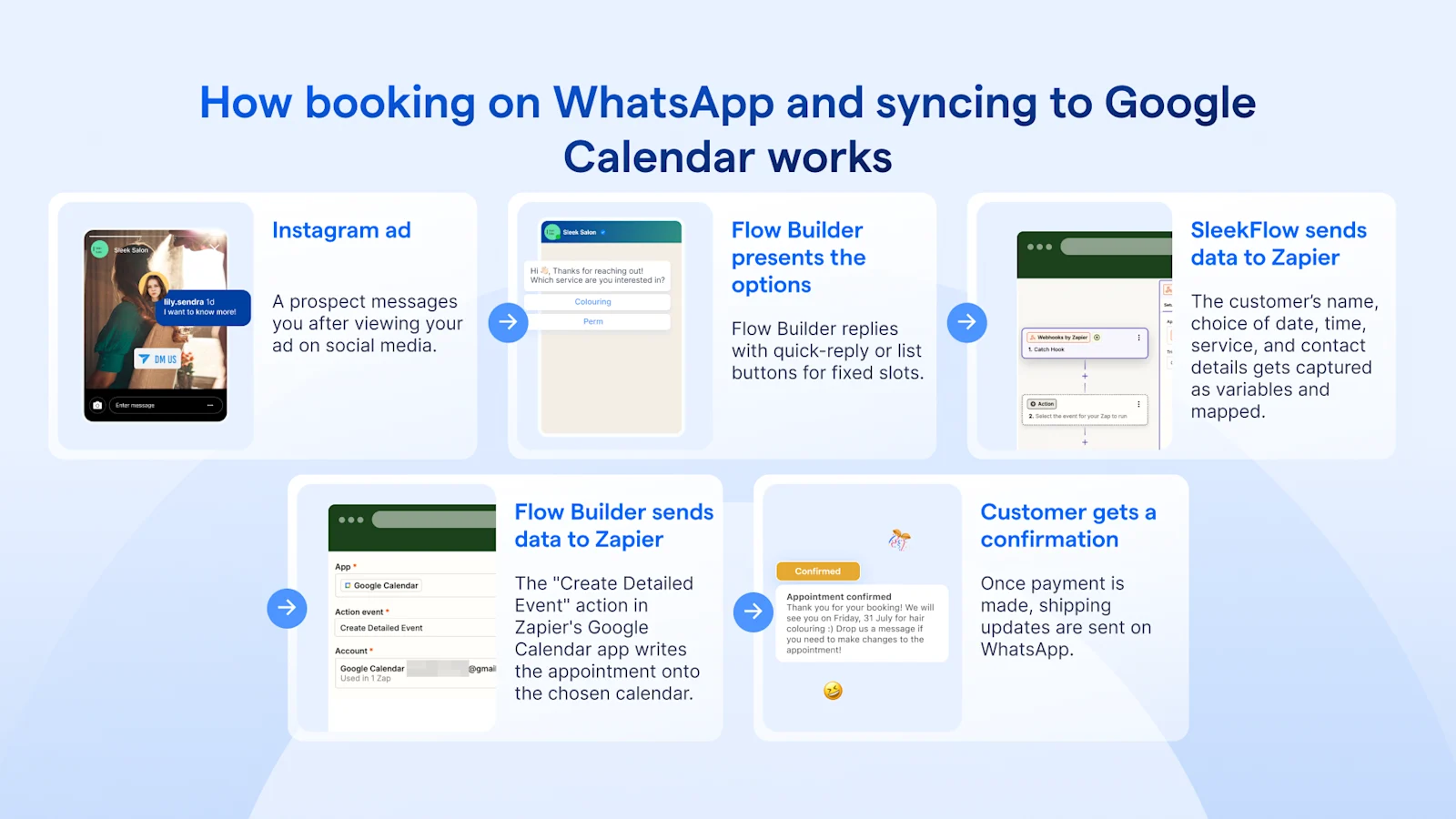
Underneath that exchange are 3 automated flows working together, not one big script. First, a Send appointment link flow messages the customer a booking link the moment they ask for an appointment. Second, a Handle form submissions flow picks up the booking, reschedule, or cancellation the customer just made and logs it inside SleekFlow, so the shop's team can see it without opening the booking platform separately. Third, a Send reminder flow fires automatically before the appointment, over WhatsApp rather than email, to cut down on no-shows.
SleekFlow connects to Cal.com, and the integration runs both ways inside Flow Builder: a Send HTTP action node pushes data out to Cal.com, and a Webhook action node listens for data Cal.com sends back.
Booking management platform: the verdict for service businesses
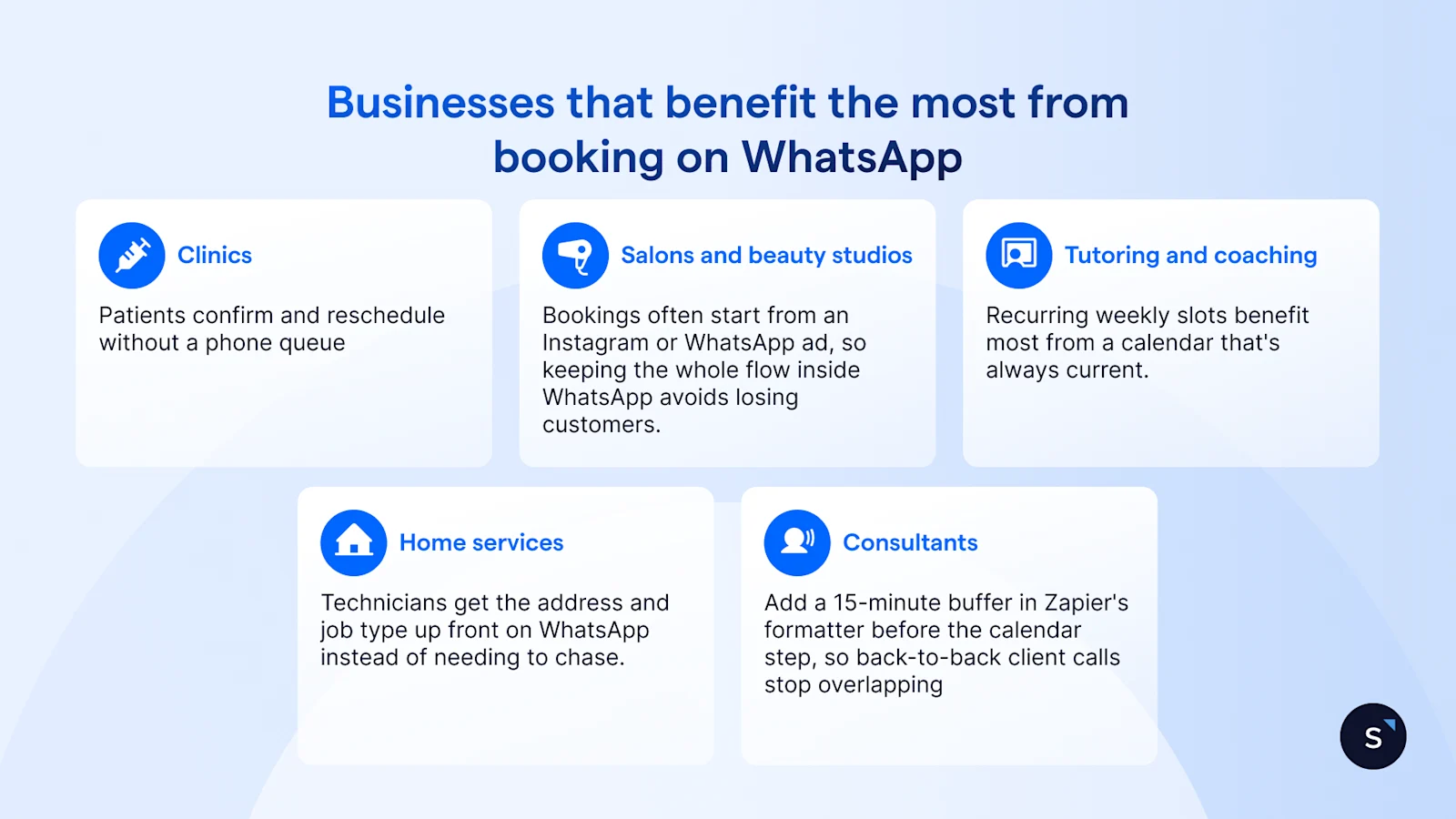
Cal.com is the pick for most service businesses: the broadest integrations, an open API, and full two-way calendar sync make it the most flexible engine to build a WhatsApp booking flow around, on top of a free plan that removes any cost barrier to start. Calendly, Acuity, Square Appointments, SimplyBook.me, and Setmore each fit a narrower case, from Square-POS shops to multi-location, multi-language operations.
How SleekFlow helps service businesses turn enquiries into bookings
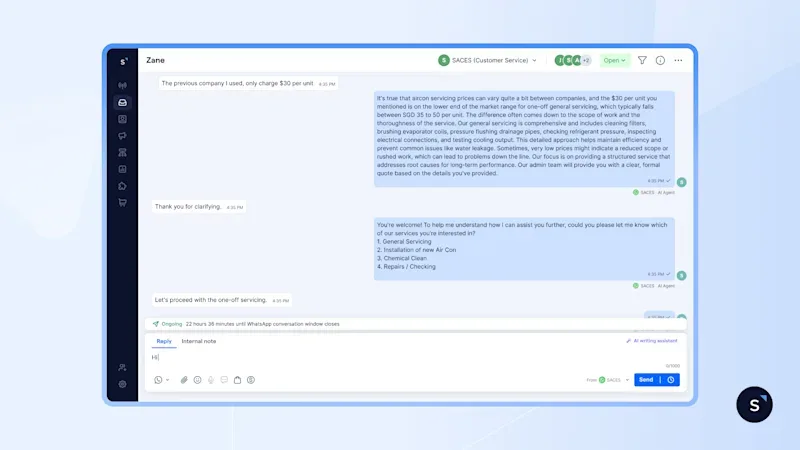
SleekFlow unifies WhatsApp, Instagram, and other messaging channels into one inbox, and Flow Builder is where flows like the barbershop example get built without a developer.
SACES, a 30-year-old air-conditioning and electrical services company in Singapore, had customer enquiries scattered across WhatsApp, Facebook, and Instagram, and slow manual replies were pushing prospects toward competitors.
By using AgentFlow to deploy AI Agents trained on FAQs and company information, they qualify leads and route complex questions to staff, encouraging them to make a booking.
Results: With 60% of enquiries now handled by AI Agents, SACES saw a 75% conversion rate on qualified leads, a 90% cut in response time from multiple days to within 24 hours, and a 15% lift in conversions from roadshows. Read the full case study →
Whichever engine you choose, the booking itself doesn't have to live on a separate page. See how Flow Builder turns a booking link into a same-chat WhatsApp flow.

The smarter way to book
Book your personalised demo with SleekFlow today and reduce no-shows, missed appointments and scheduling conflicts
Frequently Asked Questions
What is a booking management platform?
What's the difference between a booking management platform and a meeting scheduler?
Can customers book appointments through WhatsApp?
Are there free booking management platforms?
How do booking platforms reduce no-shows?
Which is best for a small service business?
Recommended for you


