The best 5 WhatsApp API providers for businesses in 2026


TL; DR: Quick Summary
- The 5 options compared here are 360dialog, Wati, SleekFlow, DoubleTick, and Twilio, each built for a different kind of team.
- Direct API access (360dialog, Twilio) suits developers; a full platform (Wati, SleekFlow, DoubleTick) suits teams without engineering time to spare
- Pricing structures differ more than sticker prices: some charge a flat platform fee, others add a markup per message.
- Every provider here must be an approved WhatsApp Business Solution Provider, worth confirming before signing anything.
- SleekFlow's advantage shows up when a team needs WhatsApp plus Instagram, Messenger, or a CRM connection in one inbox, not for a WhatsApp-only setup.
Why choosing the right WhatsApp API provider matters in 2026
Every WhatsApp Business API connection runs through Meta's own infrastructure, so no provider can offer faster message delivery or better uptime than another. What actually varies is onboarding speed, how much automation and CRM integration comes built in, how transparent the pricing is, and how much support is available once something breaks.
Pricing model surprises.
Some providers post a flat monthly fee and add a markup on every message; others charge per message with no separate platform fee. The sticker price alone doesn't tell you the real monthly bill.
Channel limits.
A provider built only for WhatsApp works fine until a team also needs Instagram or Messenger in the same inbox, at which point a second tool usually gets added.
Support depth.
Free trials and self-serve signup are common across the category; what varies is whether a human is available once a template gets rejected or a number gets flagged.
Automation and CRM depth.
Chatbot builders exist across most of these tools, but native, two-way CRM sync, rather than a one-way export, is less common.
WhatsApp API providers in 2026
1. SleekFlow
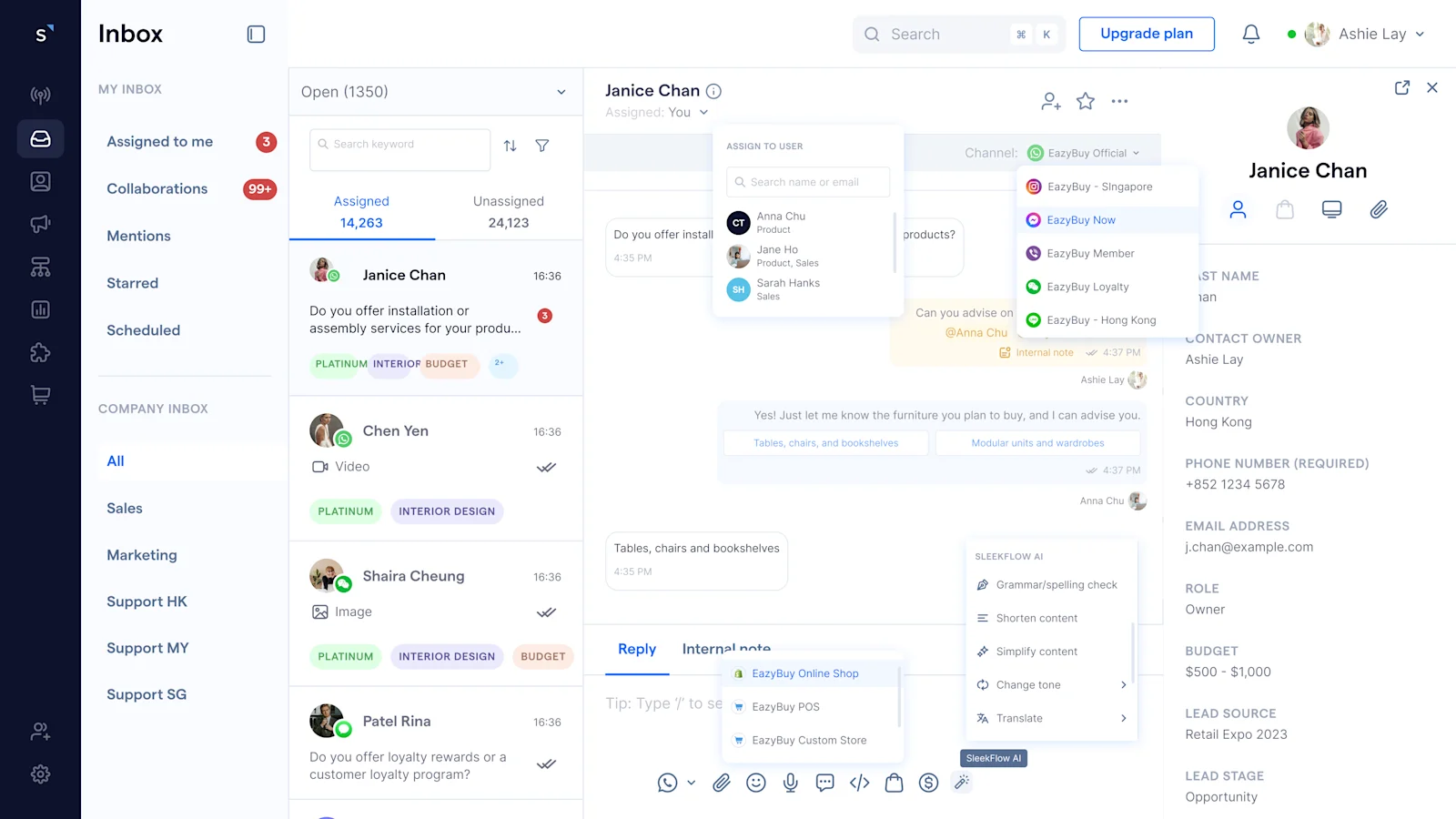
SleekFlow is a WhatsApp Business Solution Provider and messaging platform that connects WhatsApp Business API with Instagram, Facebook Messenger, SMS, and live chat in one shared inbox, with CRM data and automation built in rather than bolted on. It's built for teams selling and supporting customers across more than one channel.
Key features:
Shared inbox across WhatsApp, Instagram, Messenger, SMS, and live chat
AI agents that can qualify leads, answer questions from a knowledge base, and hand off to a human with full context
Native integrations with Shopify, HubSpot, and Salesforce
WhatsApp Coexistence, so a team can keep its existing WhatsApp Business App number while adding API-level automation
Pricing: a 7-day free trial of the Pro Plan is available, with paid plans priced by monthly active contacts rather than by agent seat and AI Credits that used when AI responding to the clients.
Awfully Chocolate, a Singapore dessert brand, connected its Shopify store to SleekFlow's WhatsApp Business API setup to bring enquiries from WhatsApp, Instagram, Messenger, and website chat into one inbox. Response speed doubled, and the team handled festive-season enquiry spikes without adding headcount.
Honest take: SleekFlow's advantage is real when WhatsApp is one of several channels a team manages, since the CRM and automation layer applies across all of them, not just WhatsApp. A team that only ever plans to use WhatsApp alone may find some of that breadth unnecessary.
Best for: teams that need WhatsApp working alongside other channels and existing systems, not as a standalone tool.
Why Choose SleekFlow:
SleekFlow offers competitive rates while maintaining pricing flexibility.
SleekFlow leverages Meta's Cloud API, enabling fast message broadcasting at up to 500 messages per second when requested
With SleekFlow, you can trust that your WhatsApp Business accounts remain connected without the risk of failed message deliveries.
You can get started with SleekFlow’s WhatsApp Business API in just 3 minutes and have immediate access to the latest WhatsApp features.
2. 360dialog
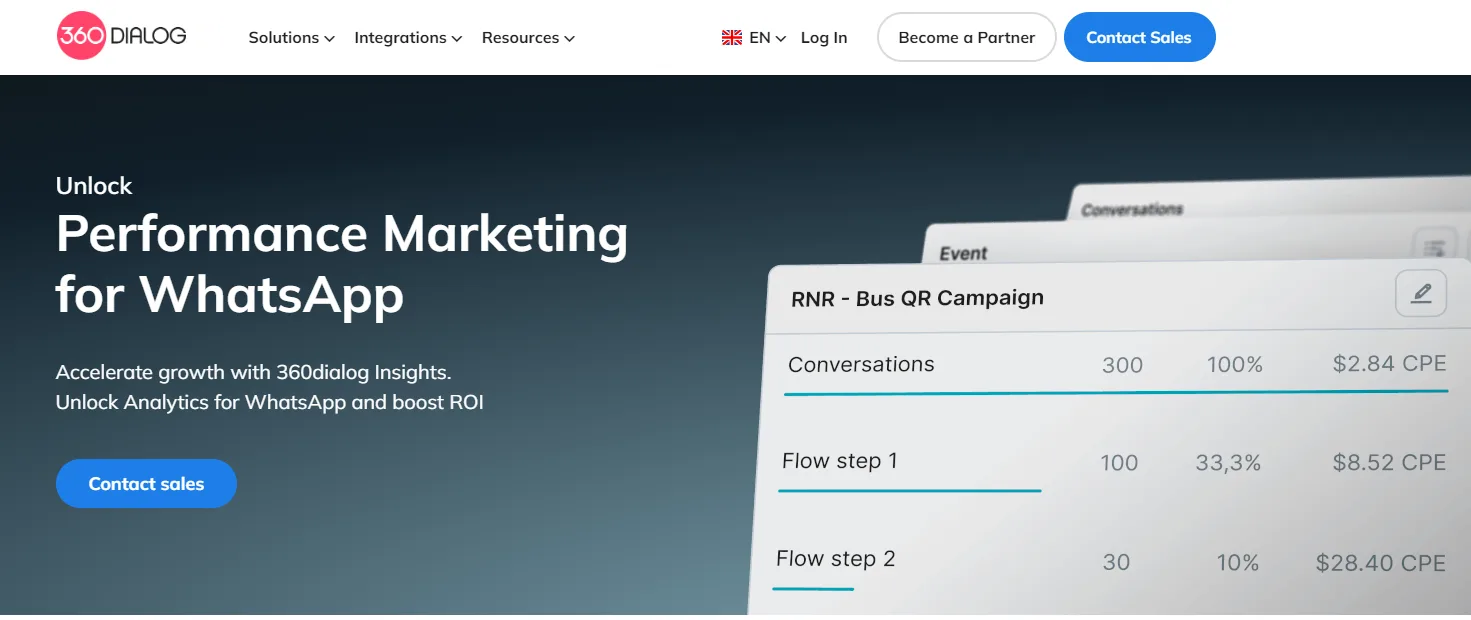
Image Credit: 360dialog Homepage
360dialog is a WhatsApp Business Solution Provider built for teams that want direct access to the WhatsApp Business API with minimal extra tooling on top. It suits developers who plan to build their own automation and interface rather than use a pre-built inbox.
Key features:
Direct Cloud API access with developer-facing documentation
Largely self-serve onboarding
Marketing automation and analytics add-ons available
Pricing: plans start at $59 (€49) per month for direct API access, based on 360dialog's own pricing page, before Meta's message-based fees.
Honest take: 360dialog gives a team full control over the interface, which is the right trade for a team with engineering time to build one. Without a developer on hand, it needs pairing with a separate inbox or CRM tool to get the shared-inbox experience other providers include out of the box.
Best for: engineering teams building their own WhatsApp experience on a stable, low-cost API connection.
3. Twilio
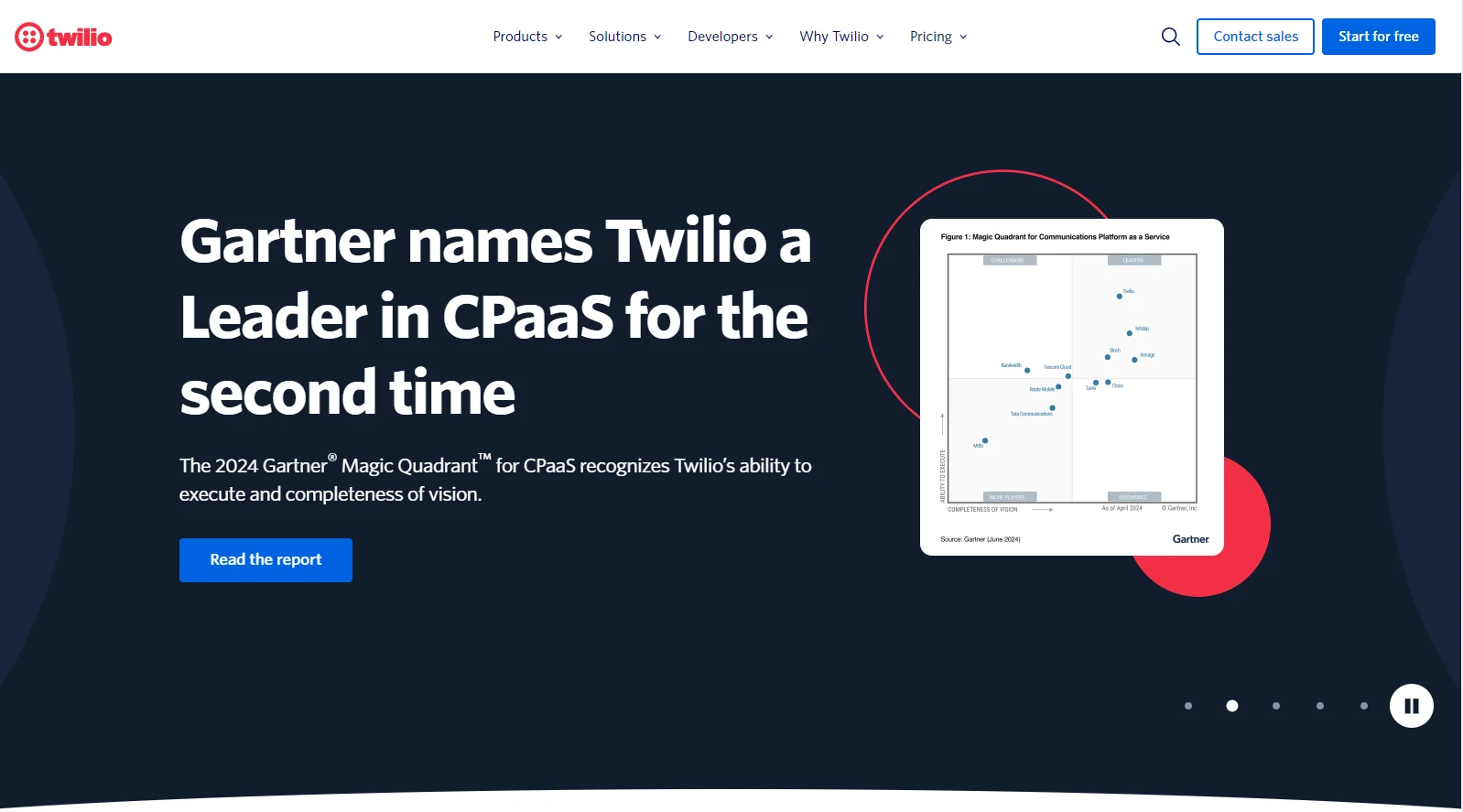
Image Credit: Twilio Homepage
Twilio is a communications platform that offers WhatsApp Business API access alongside SMS, voice, and email through the same set of developer APIs. It's built for engineering teams that want to construct a custom messaging experience rather than adopt a pre-built inbox.
Key features:
Unified API across WhatsApp, SMS, voice, and other channels
Extensive SDKs, documentation, and sample code
Usage-based scaling with no seat limits
Pricing: Twilio charges per phone number, per message sent and received, per monthly active user, and Meta's own per-conversation fee on top, rather than a flat platform fee.
Honest take: Twilio's flexibility is real. A team can build almost anything on top of it. That flexibility assumes engineering resources to build and maintain the integration, which is a real ongoing cost even when the per-message price looks low.
Best for: engineering-led teams building a custom communications stack across more than just WhatsApp.
4. DoubleTick
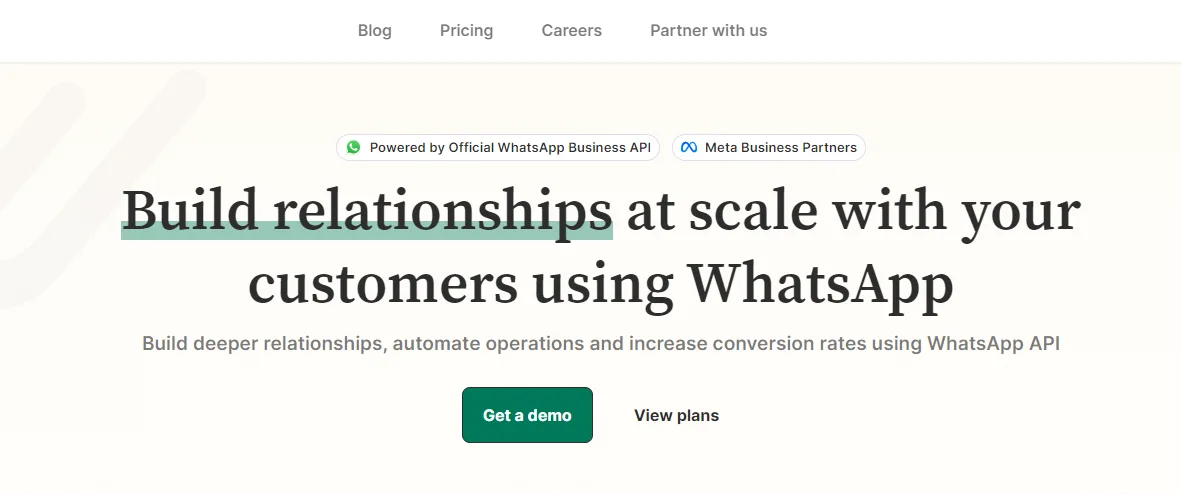
Image Credit: DoubleTick Homepage
DoubleTick is a WhatsApp Business API platform built for sales-led teams, with bulk broadcast tools and a lightweight CRM layered directly into WhatsApp. It's most established among small and mid-sized businesses in India running high-volume outbound sales on a single number.
Key features:
Bulk broadcast messaging with a shared team inbox
Lightweight CRM and lead tracking inside WhatsApp
Google Sheets, Shopify, and Zapier integrations
Pricing: the Starter plan runs approximately $141.58 per month on annual billing, based on public listings current as of 2026; confirm against DoubleTick's own rate card before publishing, since this wasn't pulled from their first-party page directly.
Honest take: DoubleTick's sales-focused tools are a genuine fit for a team doing outbound WhatsApp broadcasts at volume. It's WhatsApp only, with no other channels, and billing runs annual rather than month to month.
Best for: sales teams running WhatsApp broadcast campaigns who want CRM basics without a separate tool.
5. Wati
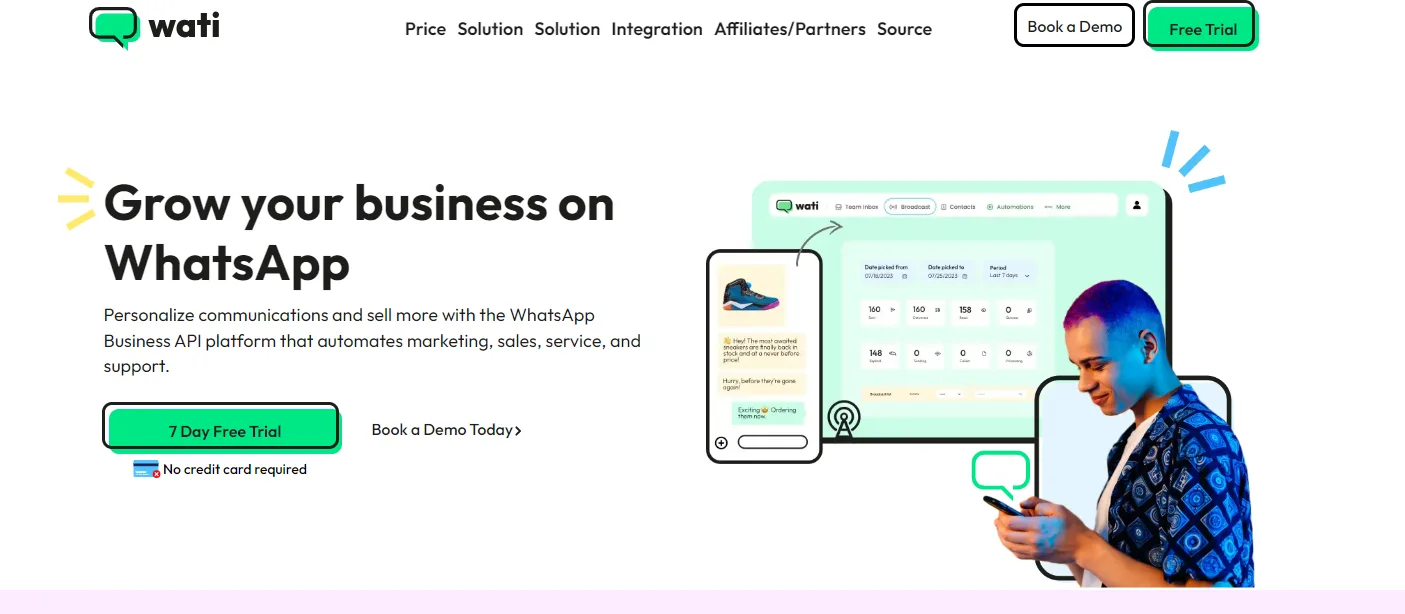
Image Credit: Wati Homepage
Wati is a WhatsApp Business API platform built around no-code chatbot flows, aimed at small and mid-sized teams that want to automate WhatsApp conversations without hiring a developer. It runs entirely on WhatsApp itself, with no other channels built into the platform.
Key features:
No-code flow builder for chatbots and broadcast campaigns
Shared team inbox with role-based access
Integrations with Shopify, Google Sheets, and Zapier
Pricing: the Growth plan starts at $59 per month on annual billing, per Wati's own pricing page, plus Meta's per-message fees on top.
Honest take: Wati's flow builder is genuinely easy for a non-technical team to pick up, and the WhatsApp-specific feature set is deep. The trade-off is that Wati is WhatsApp only, so a team that also needs Instagram or Messenger will need a second tool alongside it.
Best for: small teams running WhatsApp-only sales or support who want chatbots without writing code.
What are the key features to look for in a WhatsApp Business API provider?
Choosing a WhatsApp Business API provider becomes more straightforward when you know the most important features. Once you know what to prioritize, you'll find the ideal provider that fits your business vision.
1. Official WhatsApp Business Solution Provider (BSP)
Choose a provider that WhatsApp officially recognizes. This helps you avoid scammers and ensures you won't violate WhatsApp policies, which could lead to severe issues.
2. Easy onboarding process
An efficient onboarding process is crucial. It saves you time and allows you to experience new WhatsApp features before others in your industry.
3. Scalability for customer interaction
The provider should help you scale your customer interactions effectively as the number of inquiries on WhatsApp increases, enabling you to increase customer engagement on a larger scale.
4. Compliance with WhatsApp’s policies
Ensure the provider knows WhatsApp’s policies inside and out and aligns with data protection standards like GDPR to safeguard your customers' sensitive data.
5. Integration with various messaging channels and tools
Look for features that allow integration with CRM software like Salesforce or HubSpot, calendars, payment gateways, and task management tools to enhance efficiency and accuracy in customer service. CRM software can increase sales by 29%.
What are the benefits of using WhatsApp Business API providers?
WhatsApp Business API uses a conversation-based pricing model, with rates varying based on your country and whether the conversation is user-initiated or business-initiated. Pricing is influenced by factors such as message volume and regional pricing
Read our WhatsApp API Pricing article for up-to-date pricing details to explore the latest rates and factors that may impact costs.
To estimate your messaging expenses you can use SleekFlow’s WhatsApp pricing calculator to estimate your messaging costs.
How do I set up WhatsApp Business API for my business?
Now that you know the best options for selecting the WhatsApp API provider for your business and are wondering how to get started, applying and setting up WhatsApp Business API for your business differs from each provider. Hence, there is no one single way to do it, but generally, they all include:
Choose a WhatsApp Business Solution Provider (BSP): Select an official BSP to help guide you through the setup process.
Verify your Facebook business account: Ensure your Facebook Business Manager account is verified by submitting your business details to complete the Facebook Business Verification process.
Register a phone number: Provide a new phone number that hasn’t been used with WhatsApp before.
Submit template messages: Your BSP will help submit templates and business account details for WhatsApp's approval.
Set up the API: Your BSP will assist in finalizing the API setup, integrate the features, and enable communication and customer engagement automation.
Get more information on setting up the official WhatsApp Business API with our guide.
Meta recommends using an official WhatsApp Business Solution Provider (BSP) to make the most of WhatsApp Business API.
Score Big with WhatsApp Business API through SleekFlow
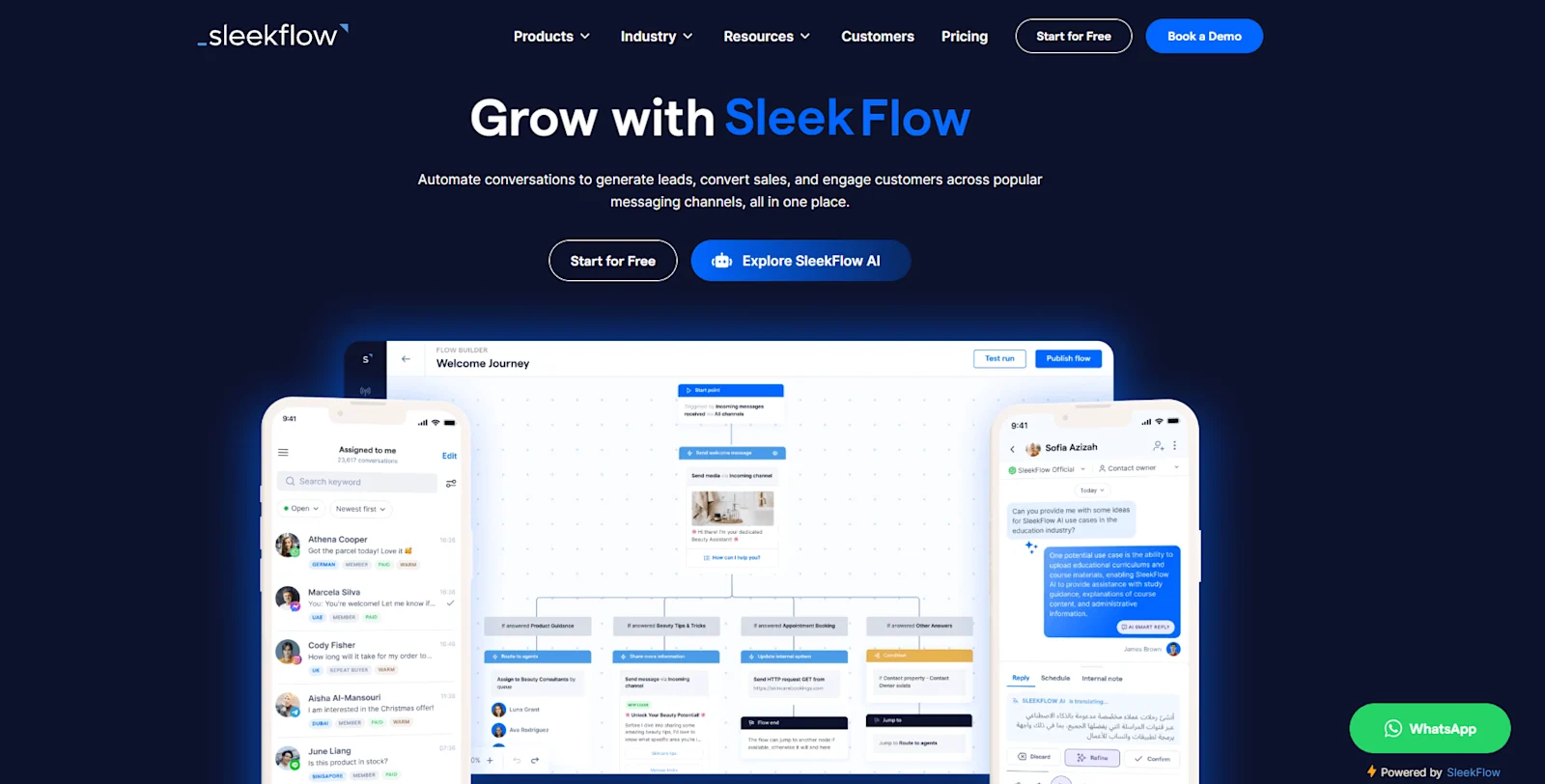
None of the 5 providers here is wrong. They're built for different jobs. A developer wanting raw API access has a real case for 360dialog or Twilio. A WhatsApp-only sales or support team has a real case for Wati or DoubleTick.
Where SleekFlow fits is a team that's outgrown treating WhatsApp as a standalone tool: one that needs it connected to Instagram, Messenger, or a CRM, with a human team and AI agents working the same inbox.
See current plans on SleekFlow's pricing page, or run the numbers on message costs before committing to any provider on this list.
Connect to WhatsApp Business API now!
Connect to WhatsApp Business API and unlock powerful tools to engage your audience.


