How to set up WhatsApp Business on Meta Business Suite?


TL;DR: Quick Summary
- Meta Business Suite + WhatsApp Business lets businesses manage messages from WhatsApp, Messenger, and Instagram in one centralized inbox, improving efficiency and response times.
- WhatsApp Business App vs API: The free app suits small businesses, while the WhatsApp Business API supports large-scale messaging, automation, and integrations.
- Setup options: Businesses can connect a new number or migrate an existing WhatsApp number when configuring WhatsApp in Meta Business Suite.
- To drive more chats, use WhatsApp links, chat widgets, and click-to-WhatsApp ads across your website and social channels.
- Upgrading to API unlocks more: broadcasts, blue tick verification, CRM and e-commerce integrations, catalogs, and automated workflows.
- Results prove the value: brands using SleekFlow saw stronger engagement, faster replies, higher conversions, and major sales growth.
Setting up WhatsApp Business with Meta Business Suite is a crucial step for your business communications. Combining these two tools allows you to efficiently handle your business messages from Messenger, Instagram, and WhatsApp in a single spot, saving you time.
While the process is a bit time-consuming and involves several detailed steps, it’s a worthwhile investment for improving how you connect with your customers since WhatsApp has approximately 3 billion monthly active WhatsApp users worldwide.
Let's get into the setup process to help elevate your business communications.
Understanding WhatsApp Business
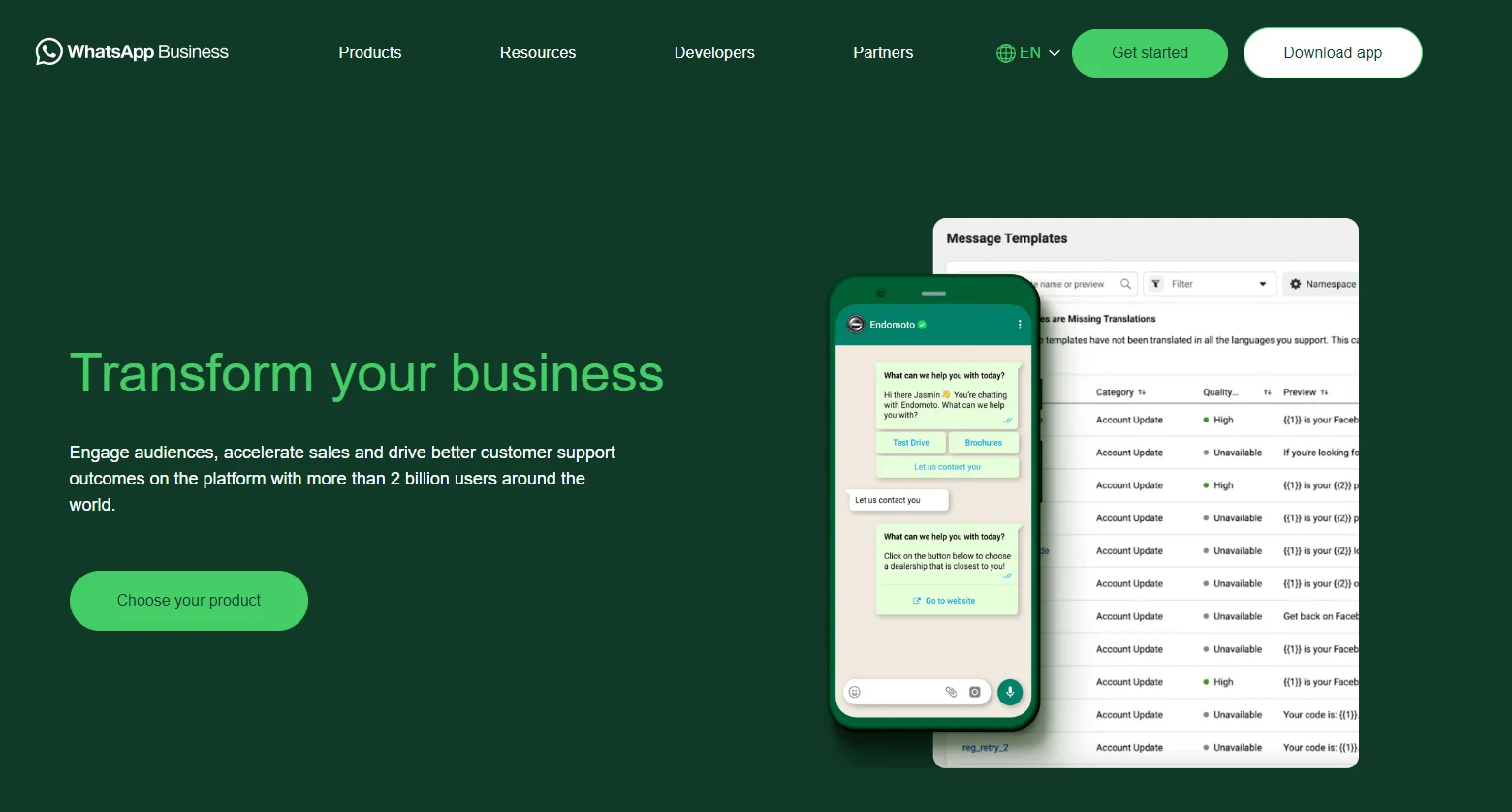
When you hear WhatsApp Business, you often encounter two specific terms: the WhatsApp Business App and WhatsApp Business API.
WhatsApp Business and WhatsApp Business API are two sides of the same coin, but they have distinct features, capabilities, and use cases.
WhatsApp Business App is a free app that is suitable for small to medium businesses, and the WhatsApp Business API is ideal for larger organizations that need to manage communication at scale.
Curious about WhatsApp Business API solutions? SleekFlow, an official Meta partner, is always here to help.

Get started today with SleekFlow’s WhatsApp Business API
Book a free demo to see how you can turn conversations to revenue with WhatsApp AI Agent.
How to set up a WhatsApp Business account inbox on Meta Business Suite?
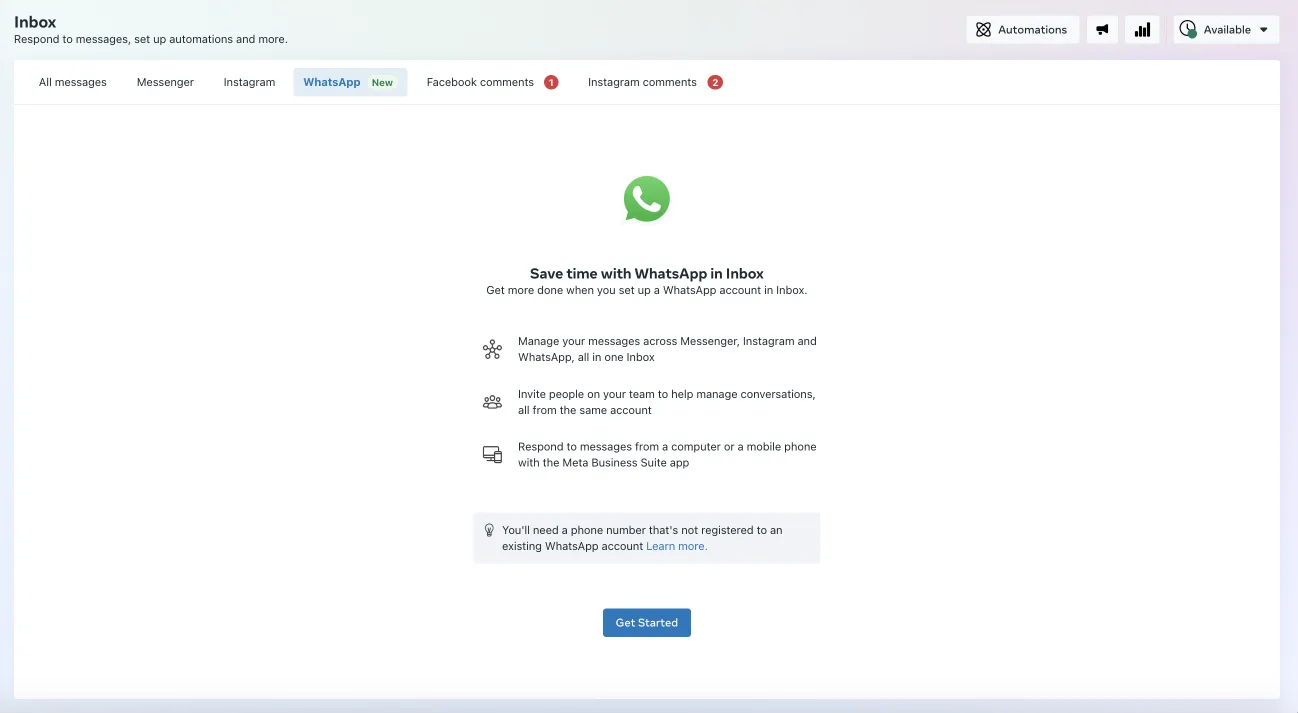
Setting up a WhatsApp Business account on the Meta Business Suite allows you to manage all your business communications in one place, including messages from WhatsApp, Facebook Messenger, and Instagram Direct.
Before you set up a WhatsApp account on the Meta Business Suite, you need to choose to use either your existing number or a new number.
1. Set up a WhatsApp Business in Meta Business Suite’s Inbox using a new WhatsApp number
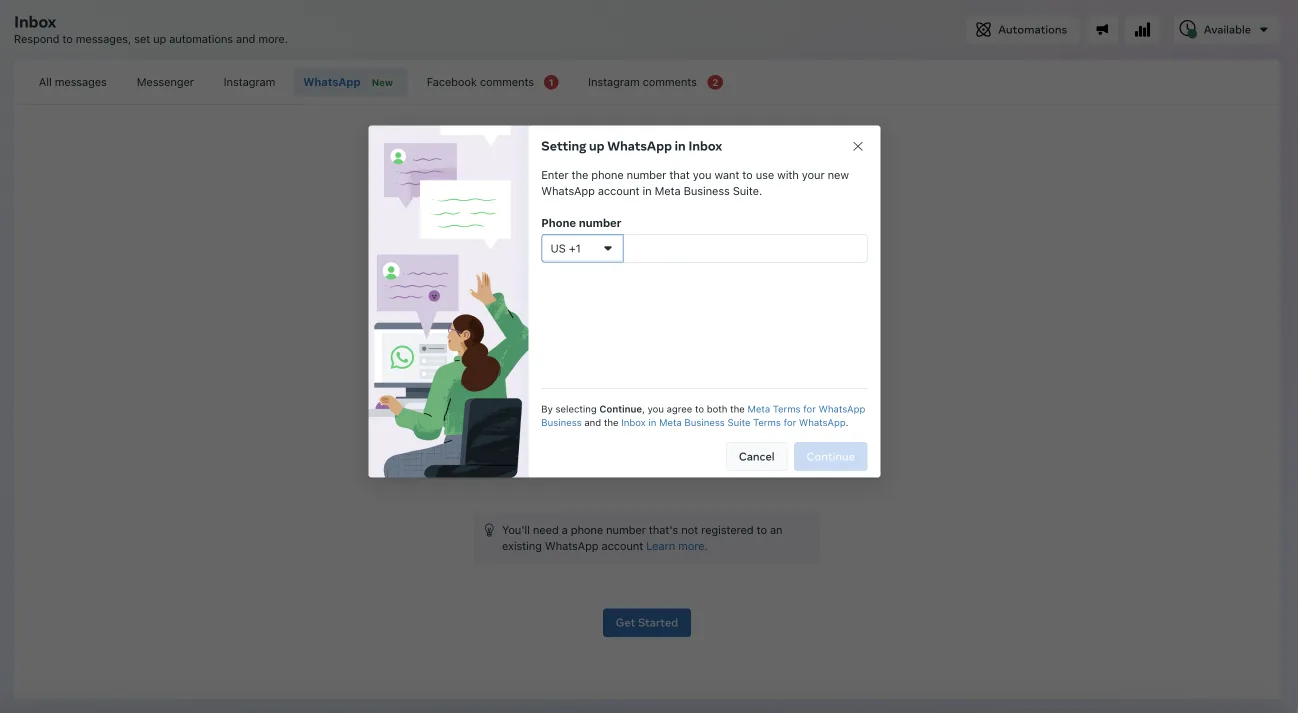
Here are the steps:
On a computer:
Open Meta Business Suite and navigate to Inbox.
Click on the WhatsApp tab.
Click "Get started."
Follow the instructions to create your new WhatsApp Business account and profile.
To send messages, enter a contact’s WhatsApp phone number.
On a mobile device:
Open the Meta Business Suite app and proceed to Inbox.
Use the filter to choose "WhatsApp" from the list.
Tap "Get started."
Complete the setup for your new WhatsApp Business account and profile.
To message someone, input the contact's WhatsApp phone number.
2. Use your existing WhatsApp number to set up a new account
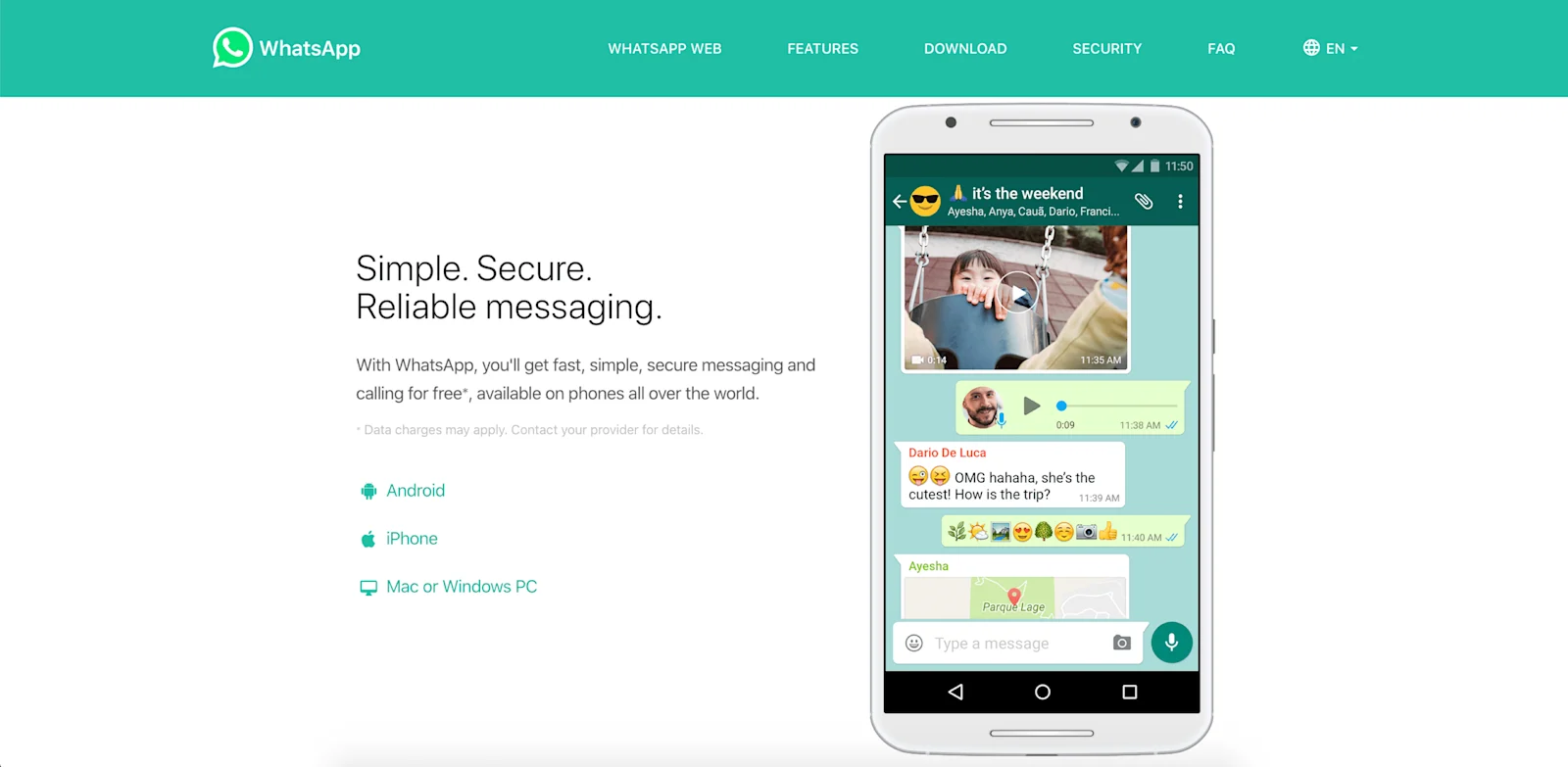
If you want to set up a WhatsApp Business account on Meta Business Suite using your existing phone number, first verify whether your current number is registered as a personal or a business number. If it's a personal number, you will need to change your WhatsApp to a business account.
Here's how to convert your personal WhatsApp Messenger account to a WhatsApp Business account:
Backup your WhatsApp: Go to Settings > Chats > Chat Backup > Back Up to save your conversation history.
Download WhatsApp Business App: Install the WhatsApp Business app from either the Apple App Store or Google Play Store.
Agree to terms and sign up: To start the registration process, agree to the terms of service and input your business number, not your personal number, as it's easily detectable.
Transfer and grant access: Wait for the transfer process to complete, then choose to restore or continue. Grant permission to upload data from your account to the business account.
Set up a WhatsApp Business account: Choose a profile photo and enter your business category and name.
If you already have an existing WhatsApp Business account, then follow the steps below:
Export chat history: Before deleting your existing WhatsApp account, export your chat history to your email. Instructions vary by device (Android, iPhone)
Save contacts: WhatsApp doesn’t support direct contact export, so you might want to manually save your contacts in a spreadsheet or explore other methods. However, Meta does not officially recommend these.
Delete your existing account: Remove your current WhatsApp account. The process differs depending on whether you use Android, iPhone, or KaiOS.
Create a new account in the inbox: Once your existing account is deleted, use the same phone number to create a new WhatsApp Business account in Inbox.
Common errors and fixes when connecting WhatsApp to Meta Business Suite
As with any technology, there can be some common errors that you may encounter when connecting WhatsApp to Meta Business Suite. Here are a few potential errors and their fixes:
Maximizing efficiency for your WhatsApp in Meta Business Suite
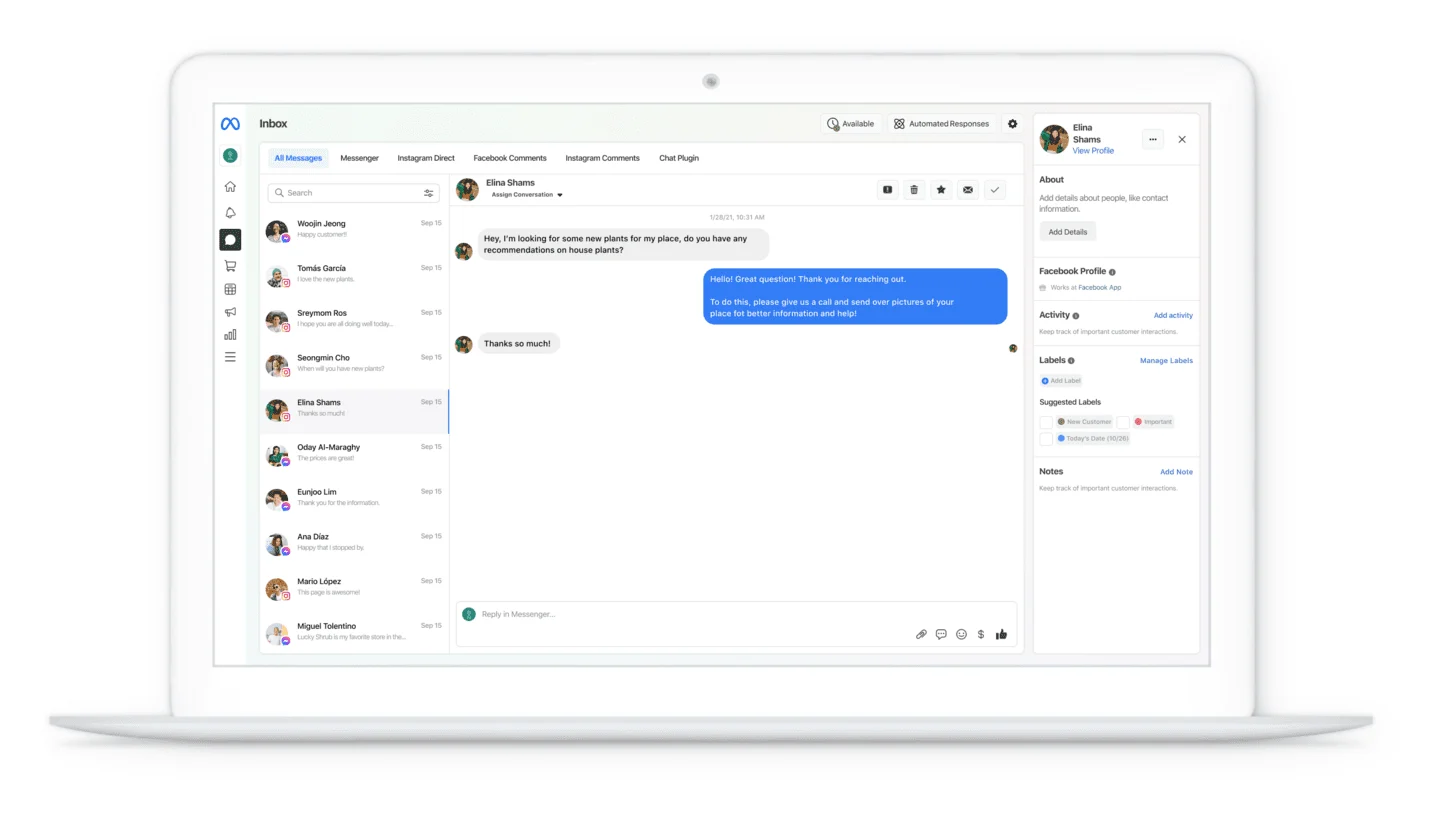
It’s not enough to just set up a WhatsApp in Meta Business Suite without engaging with your customers. Here’s how to let your customers start a conversation with you on WhatsApp:
Embed a WhatsApp link (wa.me) into your social media profile, posts, stories, website banner, email signature, etc., to enable individuals to start a conversation on WhatsApp without having to save the contact number beforehand.
Integrate WhatsApp chat widget on your website to create an immediate and convenient way for visitors to connect with you and collect their WhatsApp contact information seamlessly for future retargeting campaigns.
Utilize click-to-WhatsApp ads to generate leads on social media platforms such as Facebook and Instagram and further engage with high-quality leads on WhatsApp, maximizing marketing ROI.
Further reading: How to generate leads on WhatsApp with Flow Builder
Level up your marketing game: upgrade to WhatsApp Business API for more advanced features
Many businesses now opt for the WhatsApp Business API over the basic app due to its enhanced features, such as:
Verified business account: With the WhatsApp Business API and the blue tick verification applied, you can display your official business name on WhatsApp, enhancing credibility.
Automated workflow with Flow Builder: You can use the WhatsApp Business API for automated messaging tasks such as order updates and delivery reminders.
Unified inbox with multiple logins to manage chats together: Support chats from multiple messaging channels onto a single platform and enjoy multiple logins for collaborative chat management.
Send personalized broadcasts: Launch targeted campaigns to up to 100,000 customers daily, even if they haven't saved your phone number, for drip marketing campaigns and lead nurturing.
In-chat catalog and payment link: WhatsApp Business API lets businesses showcase products in WhatsApp Catalogs with details like names, prices, and payment links, directly on WhatsApp. It simplifies the buying process, encouraging impulse purchases and positive customer referrals.
Integration with CRM and e-commerce systems: WhatsApp Business API provides comprehensive integration with CRM and e-commerce platforms, enabling smooth communication and data management.
Meta Business Suite Inbox vs. WhatsApp Business API
While Meta Business Suite Inbox allows businesses to manage their communication with customers through various messaging apps in one central location, WhatsApp Business API goes beyond just managing messages. It offers a more robust and customizable solution for businesses to communicate with customers on the platform they prefer.
Here's a breakdown of the key differences:
2Stallions, a 360° digital marketing agency, manages campaigns for clients across Asia and the US. As message volume grew, the team needed a better way to handle large numbers of customer inquiries while keeping conversations personal.
Email marketing was becoming less effective, particularly with younger audiences, resulting in low engagement. The agency also lacked a unified platform to manage conversations, making it difficult to scale and respond to thousands of inquiries efficiently.
2Stallions adopted SleekFlow to implement a WhatsApp-first conversational marketing strategy. They used SleekFlow's features to gain WhatsApp blue tick verification for clients, send segmented broadcasts, and manage inquiries through a unified team inbox.
This new approach dramatically boosted customer engagement and operational efficiency:
Achieved an 80% open rate on WhatsApp campaigns
Saw a 29% response rate on WhatsApp campaigns
Doubled operational efficiency
Successfully managed over 2,000 new customer inquiries in a single month
SleekFlow is a user-friendly WhatsApp marketing and messaging platform designed to streamline customer communication.

Olwen van Dijk
Head of Content and Social at 2Stallions
Why choose SleekFlow for your WhatsApp Business solutions?
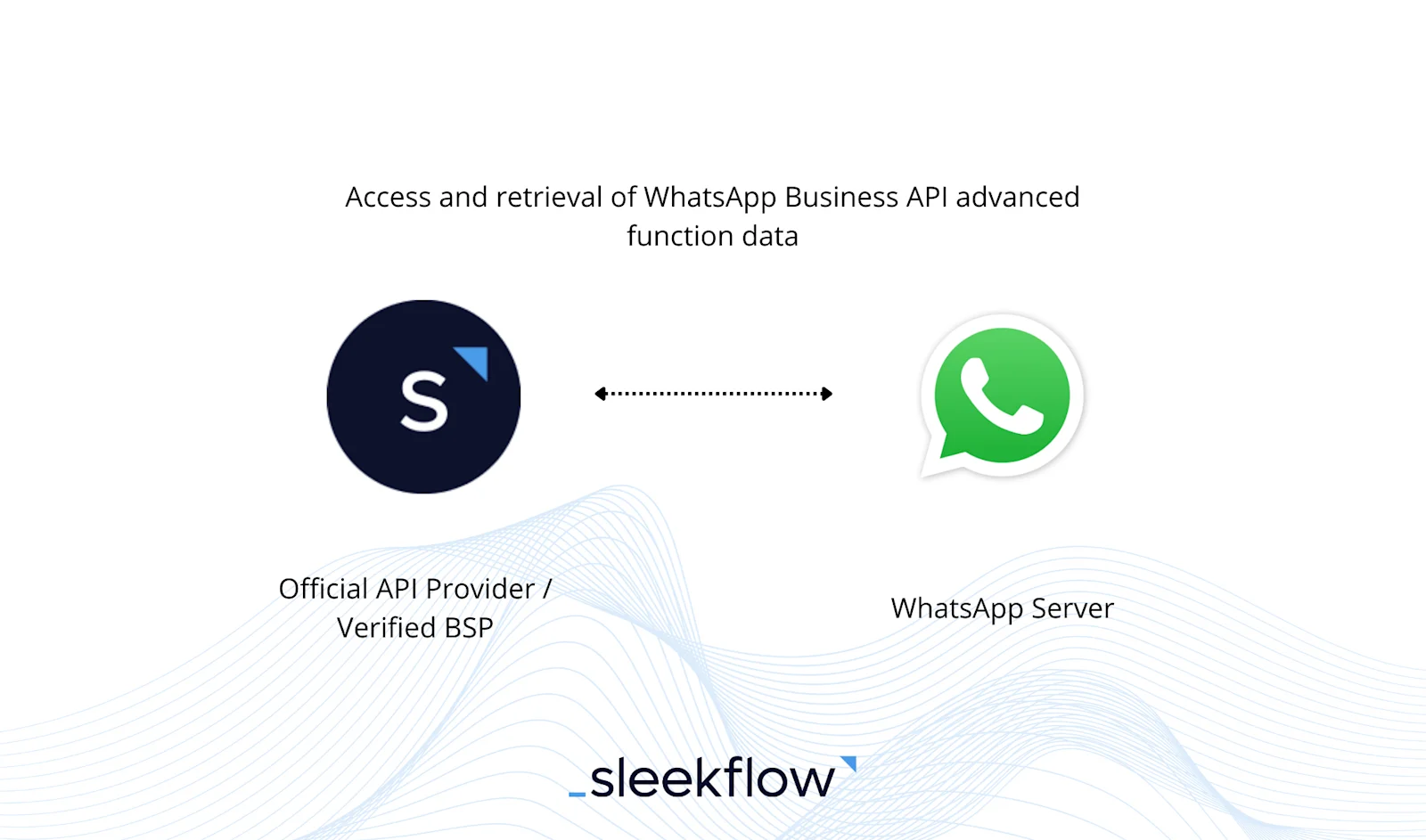
SleekFlow’s platform facilitates the seamless use of WhatsApp Business API. With consistent improvement of features based on customer feedback, SleekFlow continues to expand the use of WhatsApp Business API for enhancing your business’s productivity and expanding your customer base.
Here's why you should choose SleekFlow as your Business Solution Provider (BSP):
SleekFlow helps businesses easily set up their API account.
With a mobile app, your agents can simultaneously reply to the customers’ WhatsApp messages on the go.
You can effortlessly create and manage pre-approved message templates with SleekFlow.
Build and deploy teams of specialized AI agents to qualify leads, recommend products, schedule meetings, or update your CRM.
Have comprehensive analytics tools for monitoring performance and enhancing data-driven decisions.
SleekFlow integrates smoothly with CRM platforms.
SleekFlow is an ISO 27001-certified platform that ensures secure and compliant data handling.
Learn how to sign up for a WhatsApp Business API through a WhatsApp Business Solution Provider (BSP) to access more advanced WhatsApp features.
AL EMAD Car Rentals used SleekFlow to improve omnichannel customer support
AL EMAD Car Rentals operates in the competitive UAE market, relying on various social media platforms and personal WhatsApp numbers to communicate with customers. This decentralized approach created significant challenges in managing customer interactions effectively.
This fragmented communication led to a "speed-to-lead" crisis, causing delayed responses, missed bookings, and lost leads. Agents were overwhelmed with manual tasks, and management had no visibility into performance, making it impossible to enforce service standards.
AL EMAD adopted SleekFlow to centralize all communications into a single omnichannel dashboard, consolidating WhatsApp, Facebook, and Instagram. They implemented AI automation to handle routine FAQs and filter spam, allowing agents to focus on high-intent customers.
The results speak for themselves:
30% growth in sales, with 70% of total sales now coming from WhatsApp.
17x faster response times.
22% increase in conversions in just three months.
100,000 new contacts captured in six months.
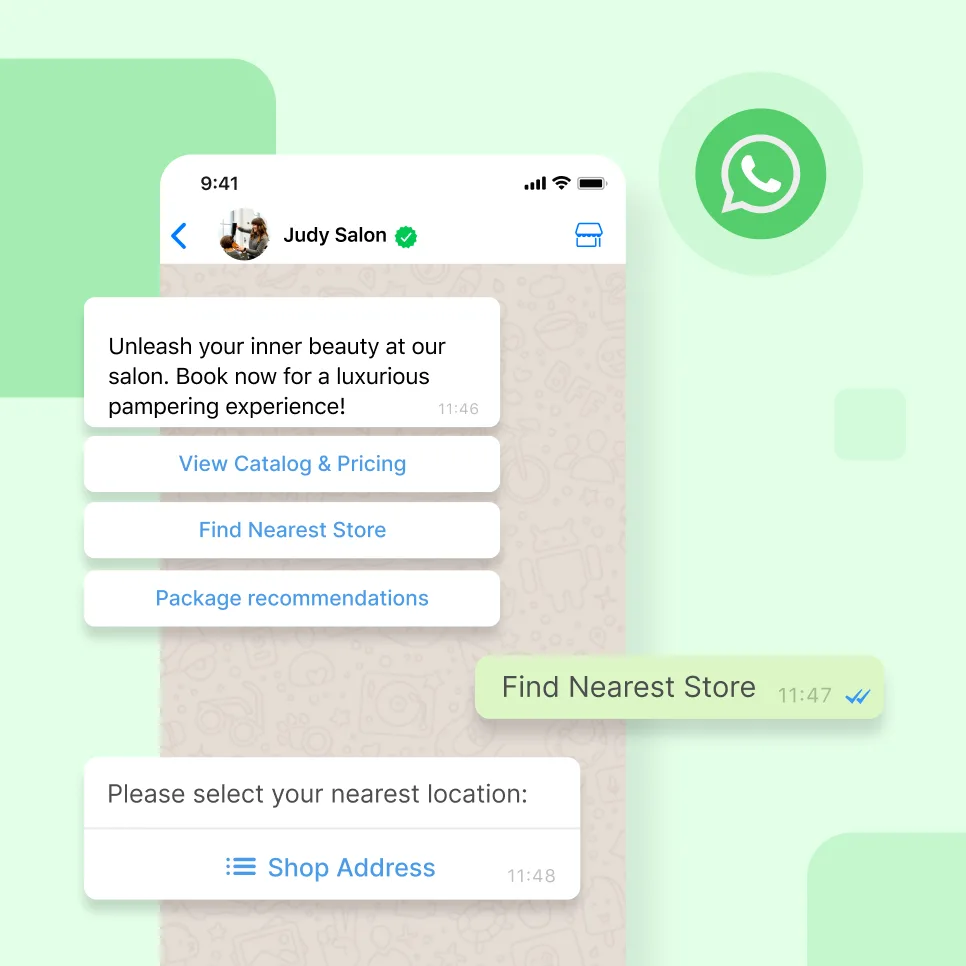
Go beyond basic messaging— engage and convert with WhatsApp
Book your personalised demo with SleekFlow today and let us show you the full marketing potential of WhatsApp


